FF Keys
Using Caller IO
:
4. Do one of the following:
If . . .
Then...
lou want to assign a dial code that
Enter one of the dial codes listed in
rrill initiate a particular feature.
the Appendix, “Dial Code List.”
iok: Not all dial codes can be
stored in FF keys. See the Appen-
.*
.-
dix for more information.
;
rbu want one-key access to a spe-
Enter the extension number
:ific extension number, plus the
ibility to pick up the extension’s
:alls and know when the extension
s busy.
Vote: If you assign an extension
[lumber lo an FF key, the FF key
will light red when the extension is
busy.
In addition, you can pick up
a call that is held or ringing at the
extension by simply pressirig the
FF key when it is flashing.
You want to assign up lo six digits
a. Press MUG.
that you frequently dial.
‘Iltese digits consist of numbers
b. Enter up to six digits.
other
than speed dial numbers, out-
side lines, or feature codes. Exam-
ples include account codes or a
voice mail password.
Tllis type of key is known as an
“Any Key.”
5. Press ZIOLD.
Notes:
l
To use an FF key’s function, press he key.
.
To change an FF key’s setup, use the procedures described
- ,
above.
-
Using Caller ID
When Ihe Caller ID (CID) feature is activated, your display
telephone can display CID infotmaGon as incoming cab ring
al your extensiun. You have access lo previous call irlformalicm
via the Caller ID Call Log feature.
Caller ID Display
The Caller ID display shows tile Caller 1D number and/or
name, depending on Ihe Caller ID format used.
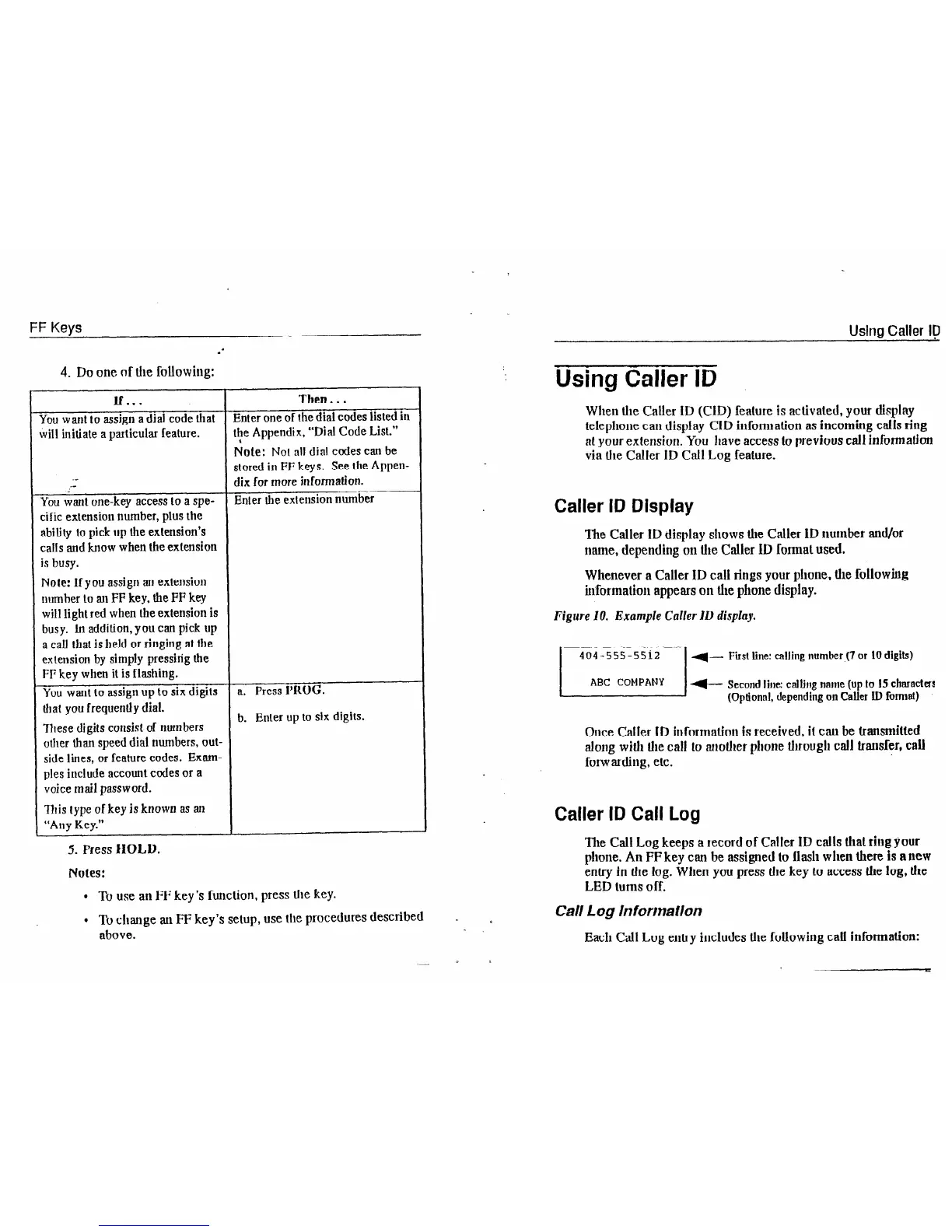
Whenever a Caller ID call rings your phone, the following
hformation appears on the phone display.
Figure 10. Example Calfer IL, display.
First Line:
calling number (7 or 10 digits)
M- Second line: calling nmne (up lo 15 char8ctKs
(Optional,
depending on Caller I.D format)
Once CaIIer ID information is received,
it
can be transmitted
along with llie call Lo ariolher phone U~rougli call transfer, call
forwarding, etc.
Caller ID Call Log
The Call Log keeps a record of Caller ID calls Ihal ring your
phone. An FF key can be assigned to flash when there is a new
entry in the fog.
Wllert you
press the key LO access the log, die
LED turns off.
Call Log lnfortnaflon
Each
Call Log entry includes Ihe following call information:













 To Next Page