Usina Caller ID
FF Kevs
l
Callirlg number
l
Calling name (if provided)
l
Time and date
l
How the call was answer$d
l
How the call
was
routed.
.-
.-
Call Log Format
The most recent entries are stored first in the Call Log. When
you view the log by pressing the Call Log key, you can scroll
forward or backward through the entire contents of the log
using the * and #keys. The fog format varies between the
Small-Display Phones and the Large Display Phone.
Call Log Format for Small-Display Phones
To view the call log, press the Call Log key. To view the next
call in the log, press the #key. to view the previous call in the
log, press the * key.
In addition to viewing the calling number information by
pressing the Call Log Key, you can view the detailed
information on each entry by pressirrg the CONF key.
Example:
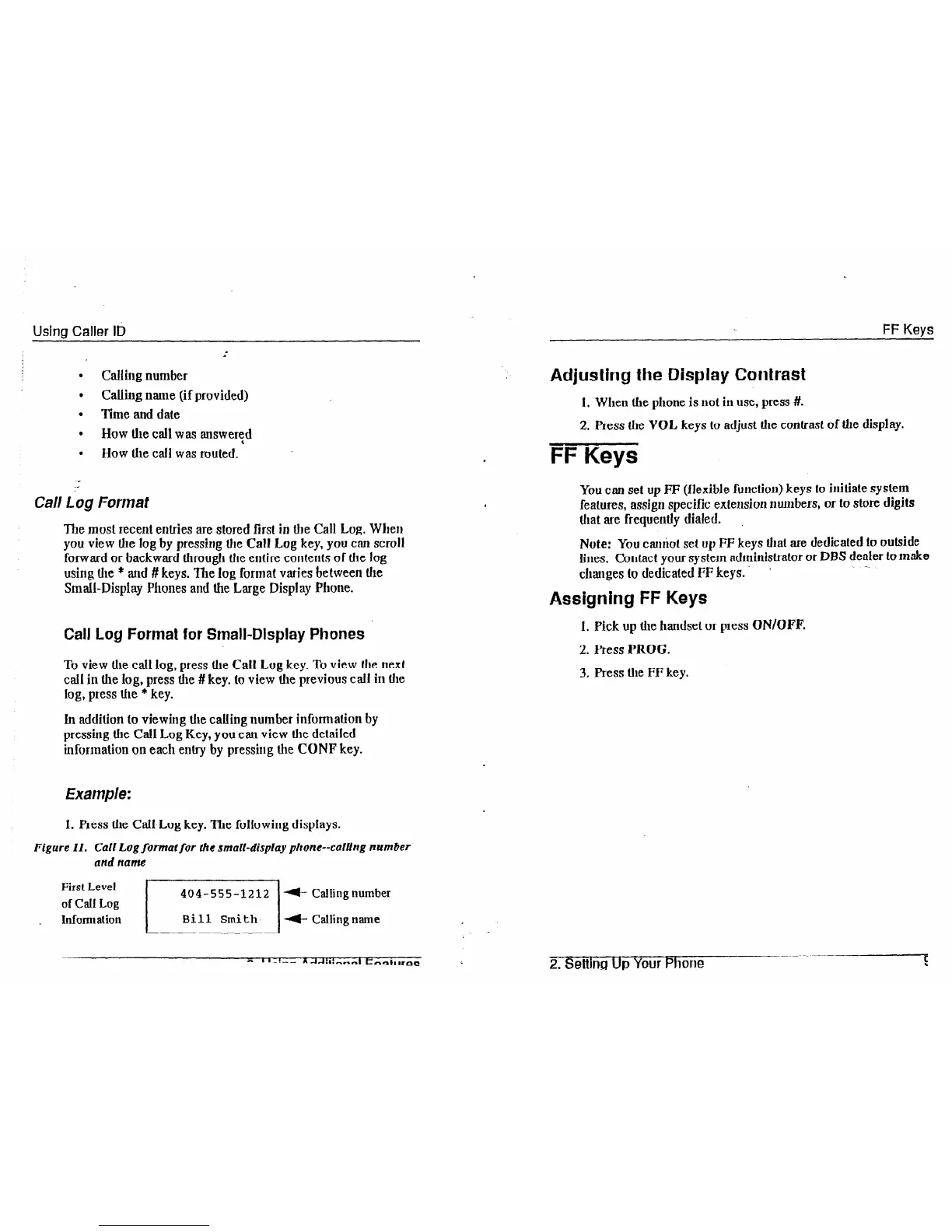
1. Press the Call Log key. The following displays.
Figure Il. Call Log format for the small-display phone--calling number
and name
First Level
of Call Log
404-555-1212
(- Callingnumber
. Inform at ion
/ Bill
Smith /t
Callingname ~. _
Adjusting the Display Contrast
1. When the phone is not in use, press #.
2. Press the VOL keys to adjust the contrast of the display.
FF Keys
You can set up FF (flexible function) keys to initiate syslem
features, assign specific extension numbers, or to store digits
that are frequently dialed.
Note: You
cahot
set up
FF
keys that are dedicated lo outside
lines. Contact your system administrator or DBS dealer to make
changes to dedicated FF keys.
~ -.
a
Assigning FF Keys
1. Pick up the handset or press ON/OFF.
2. Press PROG.
3. Press the FF key.
2.
Setting Up Your Phone
s













 To Next Page