EasyManua.ls Logo

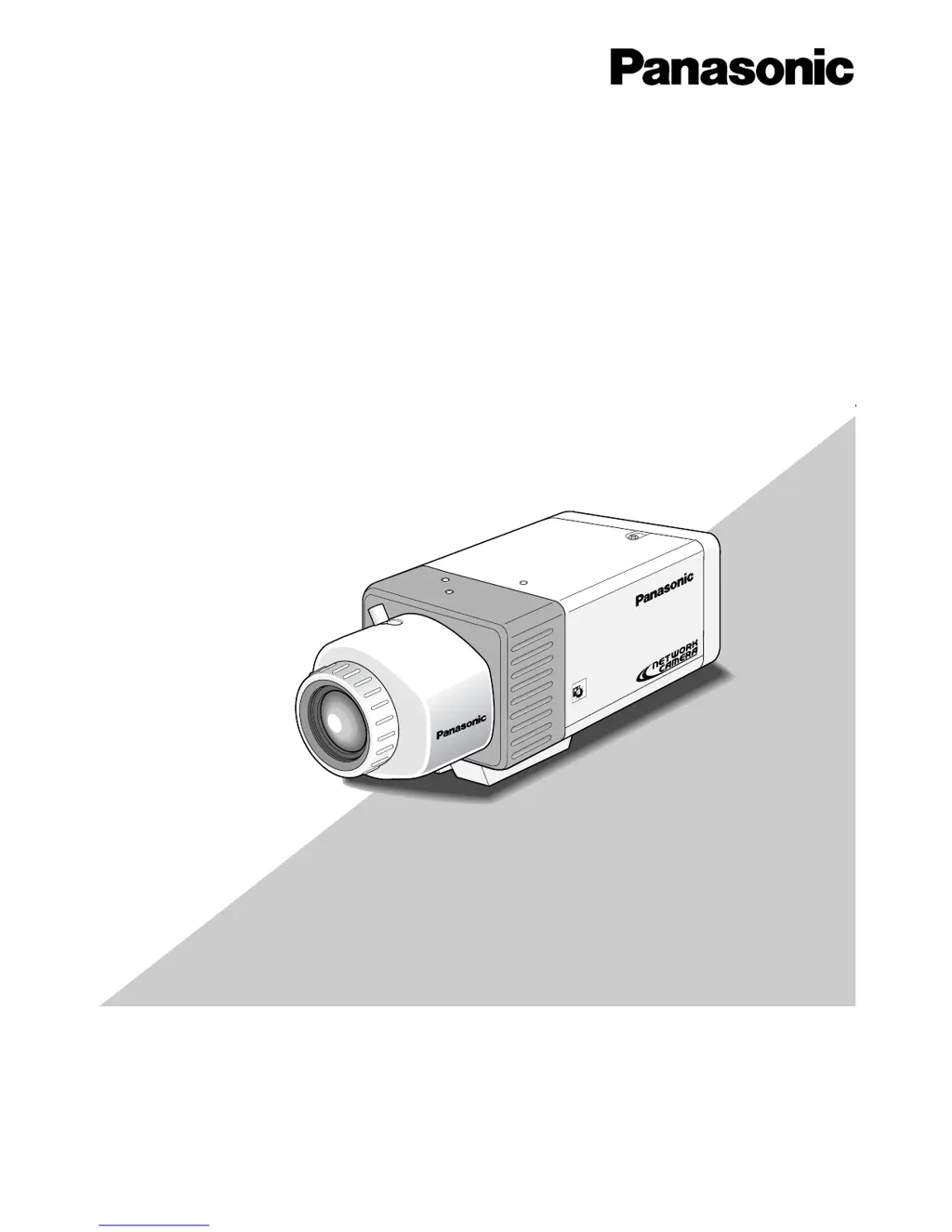
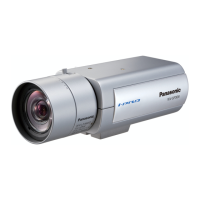
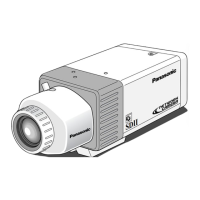
Panasonic WV-NP472 - User Manual

Panasonic WV-NP472
47 pages
Print Icon
To Next Page IconTo Next Page
Loading...
(Lens : option)
SDII
day/night
Before attempting to connect or operate this product,
please read these instructions carefully and save this manual for future use.
Model No. WV-NP472
Color CCTV Camera
Operating Instructions
(Lens: Option)

Table of Contents

Other manuals for Panasonic WV-NP472

Questions and Answers

  • S
    Stephen HoffmanAug 8, 2025
    Why can't I access my Panasonic WV-NP472 Security Camera from the browser?
    • M
      Michael RodriguezAug 9, 2025
      If you're unable to access the Panasonic Security Camera through a browser, ensure the network cables are properly connected and that the status indicator lamp of the network connection terminal is lit. If it's not lit, the network connection may not be established, or other devices might not be in operation. Verify that a valid IP address is set for the camera and that you are connecting to the correct IP address. To check the connection, open the command prompt on your PC and enter ‘ping’ followed by the camera's IP address. If the camera replies, the connection is correct; otherwise, set the correct IP address for your PC or the camera.
  • J
    Jeffery FergusonAug 25, 2025
    What to do if no picture is displayed on Panasonic WV-NP472 Security Camera?
    • S
      Stephanie HurstAug 25, 2025
      If no picture is displayed on your Panasonic Security Camera, check the following: * Ensure the AC adapter is firmly plugged into the outlet. * Verify that the POWER IN terminals on the camera are properly connected to the AC adapter. * Make sure the lens cap is removed. * Confirm that the video cable or network cable is connected correctly.

Panasonic WV-NP472 Specifications

General IconGeneral
TypeNetwork Camera
Effective Pixels1280 (H) x 960 (V)
Minimum Illumination0.5 lx (Color), 0.1 lx (B/W)
Digital Zoom12x
Focal Length4.1 mm to 41 mm
Audio CompressionG.726
Ethernet10Base-T/100Base-TX
Dimensions128 mm x 90 mm x 100 mm
WeightApprox. 1.1 kg
Lens MountCS mount
Signal-to-Noise Ratio50 dB
Operating Temperature-10°C to +50°C
Video CompressionJPEG, MPEG-4
ProtocolsHTTP, FTP, SMTP, DHCP, DNS, NTP
Power SourcePoE (IEEE 802.3af)
LensVarifocal
Network ProtocolsIPv4, IPv6
Power SupplyPoE (IEEE 802.3af), DC 12V
Video Output1 Vp-p, 75 Ω
Sensor Type1/3 inch CCD

Related product manuals