EasyManua.ls Logo

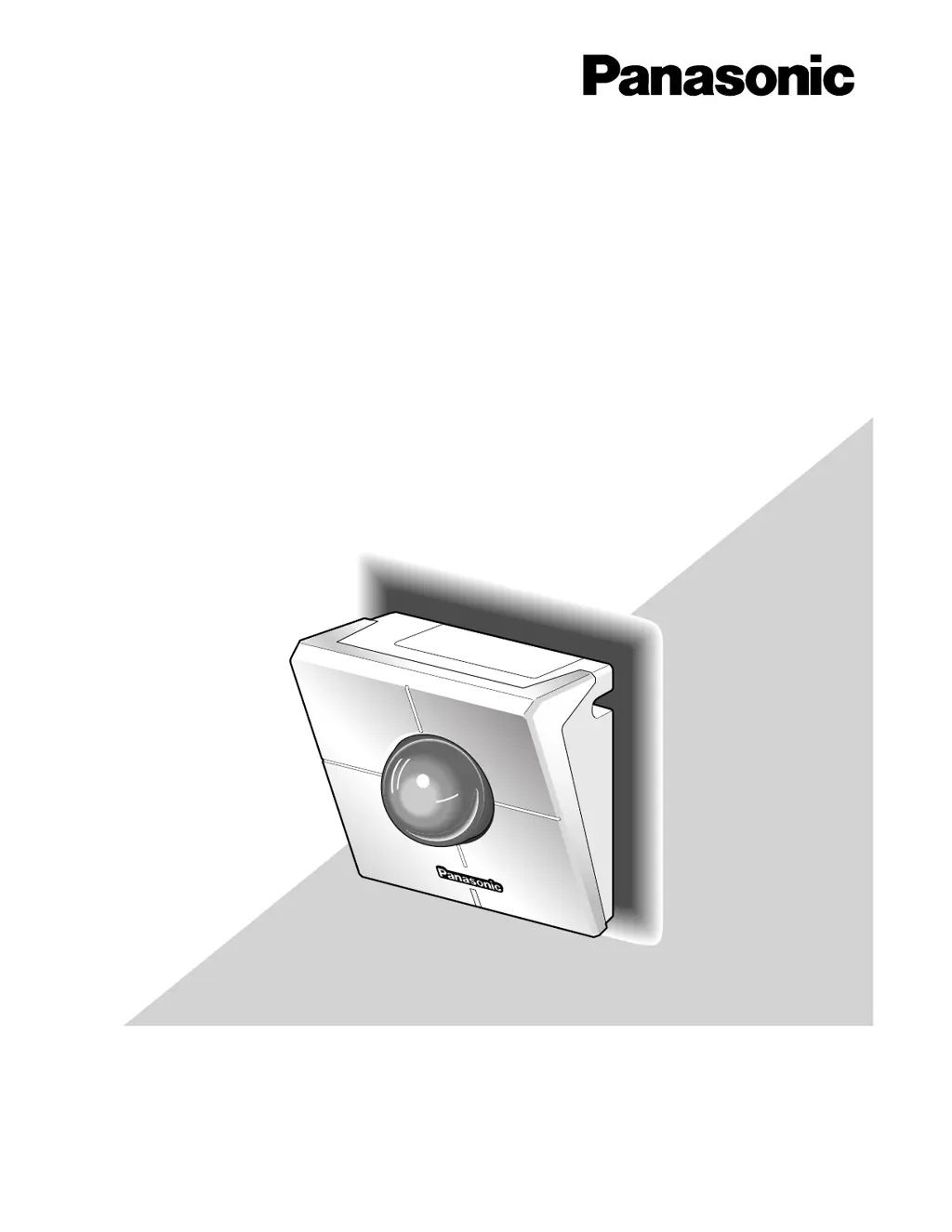
Panasonic WV-NM100 - User Manual

Panasonic WV-NM100
76 pages
Print Icon
To Next Page IconTo Next Page
Loading...
Before attempting to connect or operate this product,
please read these instructions carefully and save this manual for future use.
Model No. WV-NM100
Network Camera
Operating Instructions

Table of Contents

Other manuals for Panasonic WV-NM100

Questions and Answers

  • L
    Lindsey MorrisAug 11, 2025
    How to troubleshoot power issues with a Panasonic Security Camera?
    • K
      krystalrobertsAug 11, 2025
      There might be several reasons why power is not being supplied to your Panasonic Security Camera. Here are a few things to check: * Ensure the provided AC adapter is connected to the DC power input connector on the rear of the camera and firmly plugged in. * Verify the AC adapter is firmly plugged into the outlet. * Confirm the category 5 cable is connected to the Ethernet connector inside the cord cover. * Check if the link LED next to the Ethernet connector is lit. If not, ensure the cable connection is correct and firm, as the connection to the LAN or network may not be properly established.
  • B
    brendajohnsonAug 18, 2025
    What to do if the power cord insulation is damaged on my Panasonic WV-NM100?
    • T
      Teresa GregoryAug 18, 2025
      If the power cord or plug of your Panasonic Security Camera is damaged, immediately unplug the AC adapter and seek assistance from qualified service personnel.
  • R
    robertbrowningAug 26, 2025
    Why can't I access my Panasonic WV-NM100 Security Camera from the browser?
    • M
      Michael GarciaAug 27, 2025
      If you cannot access your Panasonic Security Camera from the browser, first ensure that a valid IP address is set for the camera. If the IP address is valid, open the command prompt on your PC and enter: > ping (enter here the IP address set for the NM100). If the NM100 replies, the camera is functioning normally. If not, turn off the power, then either change the IP address using the "Panasonic IP Setup" software or initialize the camera by pressing the setting reset switch at the rear to return the IP address to the default "192.168.0.10".
  • F
    Faith BentonSep 3, 2025
    What to do if the picture is not refreshed on my Panasonic WV-NM100?
    • A
      Andrew DavisSep 3, 2025
      If the picture on your Panasonic Security Camera is not refreshing, it could be due to your browser version. It is recommended to use Netscape Communicator 4.73, 4.78, or Internet Explorer 5.5, 5.5SP2, 6.0. Additionally, network traffic or high access concentration may cause display issues. Try clicking the reload button on your browser to refresh the camera picture.

Panasonic WV-NM100 Specifications

General IconGeneral
BrandPanasonic
ModelWV-NM100
CategorySecurity Camera
LanguageEnglish

Related product manuals