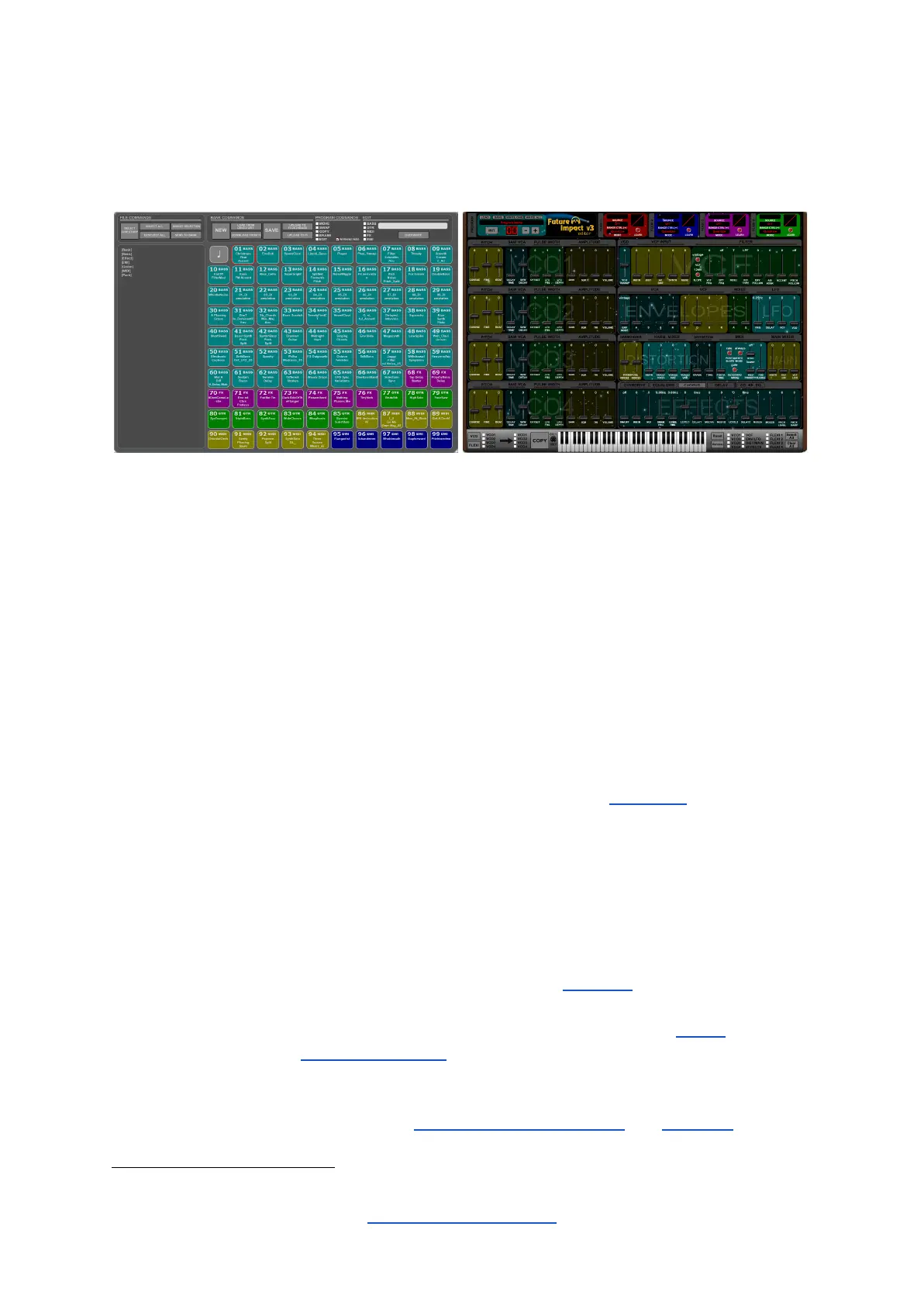
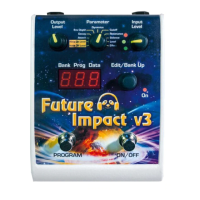
The Future Impact v3 Editor Suite
The FI v3 Editor Suite is the place where all the magic happens. It can best be thought of as
the control room of the pedal. If you want to move beyond the 99 onboard sounds and fully
immerse yourself in the fascinating world of subtractive synthesis then this is where to do
that.
The FI v3 Editor Suite is actually divided into two main functional views:
● Manager: (Shown above left.) Use this to browse and audition existing programs on
your computer or online and to transfer programs between your computer and the FI;
● Editor: (Shown above right.) Use this to edit existing programs to your taste or
create your own sounds from scratch.
You can freely switch between the two views using the tabs in the Menu Bar situated along
the top of the window. (The Editor Suite always opens at the most-recently-used view.)
Both views allow you to load and save program files, albeit in slightly different ways. The
differing ways are explained in the dedicated sections for each view.
If you simply want to audition new sounds created by others and load them onto your pedal,
or change the order of your pedal’s sounds, first connect your FI to your computer as shown
on the following page, then go straight to the section on the Manager further below that.
If you want to edit sounds or create your own then you will need to use the Editor . Study
2
the various blocks of the Editor Parameters section. There is a lot of information there so
you may need to keep referring back to it until you have a firm grasp. The sections are laid
out clearly, logically and with examples where necessary, so this should hopefully help you to
digest the information more easily. (The Building Your First Sound and Tutorials sections
will further help with this.)
2
The Editor is not a VST; it produces no sound by itself. You must connect the FI to hear any sound.


 To Next Page