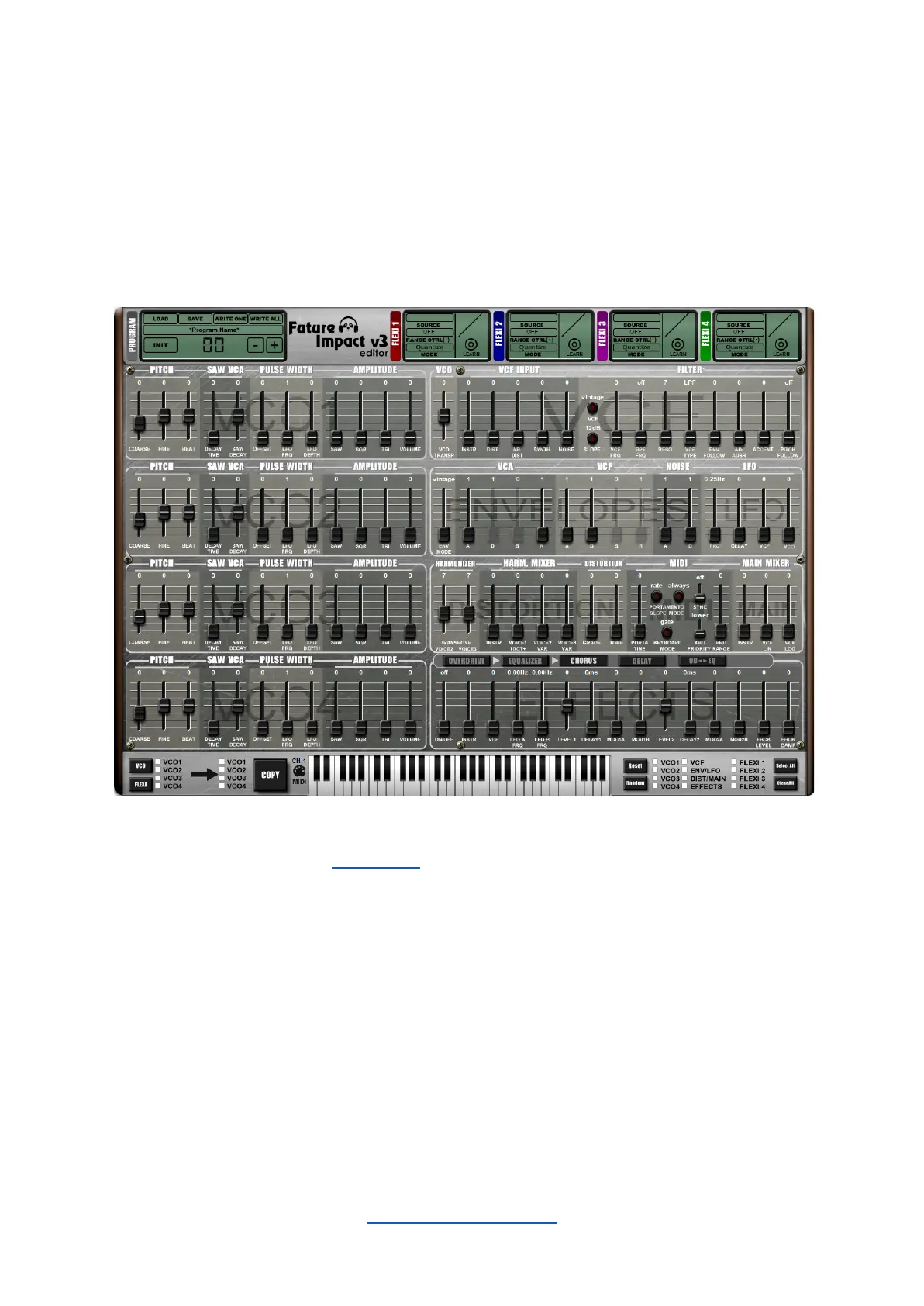
Click on the VCO button to show the VCO checkboxes; click on the FLEXI button to show
the FLEXI checkboxes. Select a single source from the left side and the destination(s) from
the right side, then press COPY.
Alternative Editor Skin
Instead of the classic Future Impact Editor skin, you can use this photorealistic LCD skin.
You can select this using the View Menu.
Note: Switching between the classic and LCD skins requires the Editor Suite to be restarted.
Save any edits you have made before switching otherwise they will be lost.


 To Next Page