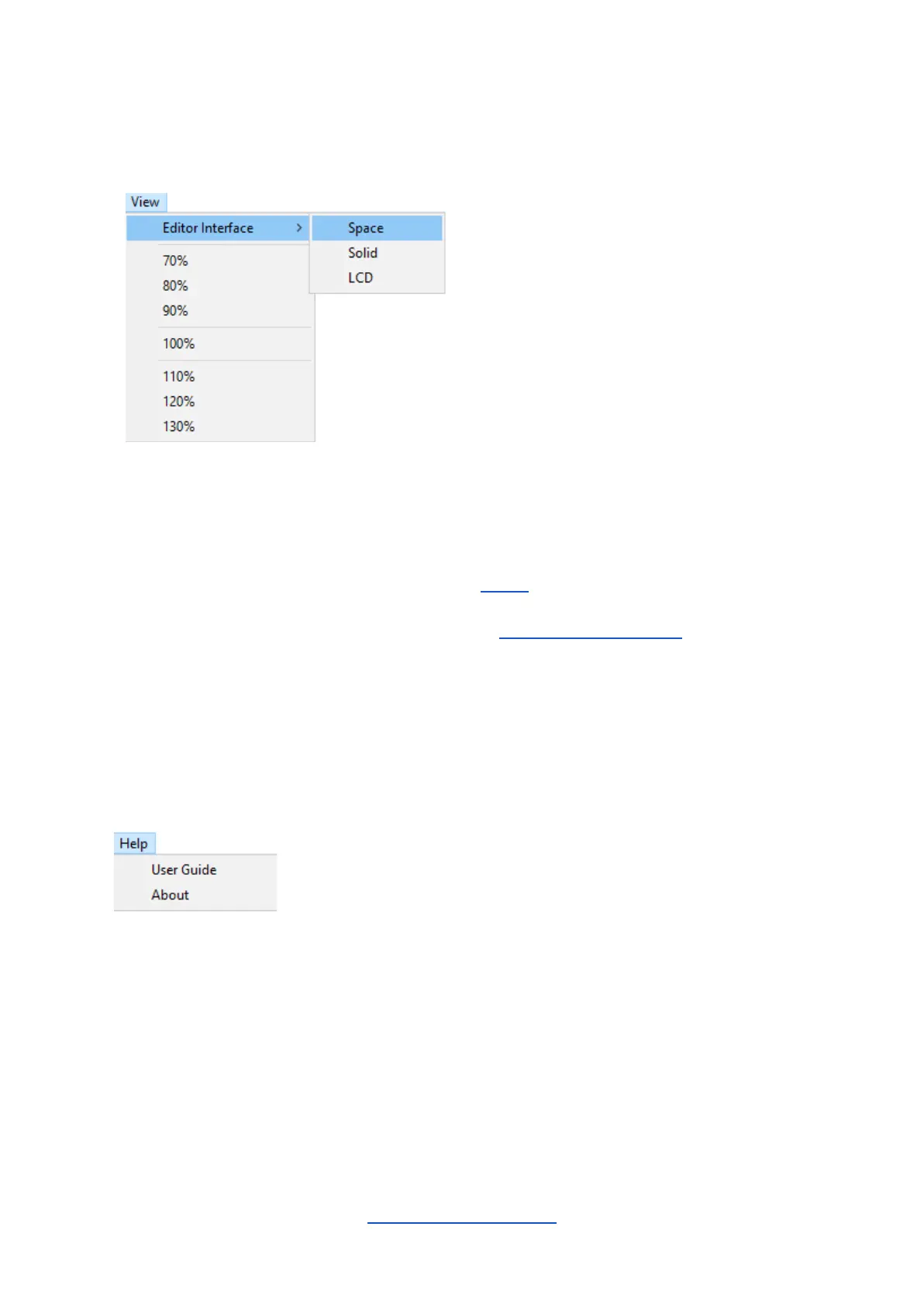
The View Menu
The size of the Editor Suite window can be chosen here. (The window can also be resized
by left-clicking and dragging the lower-right corner.)
The Editor Interface sub-menu offers three options:
● Space is the classic skin (depicted in the Editor section);
● Solid is the classic skin but without the space-themed background;
● LCD is a photorealistic skin (depicted in the Alternative Editor Skin section).
Note: Switching between the classic and LCD skins requires the Editor Suite to be restarted.
Save any edits you have made before switching otherwise they will be lost.
The Help Menu
An embedded version of this User Guide can be accessed here; it will launch in a web
browser.
About will display the version number of the Editor Suite and other information about the FI
and its creators.



 To Next Page