20
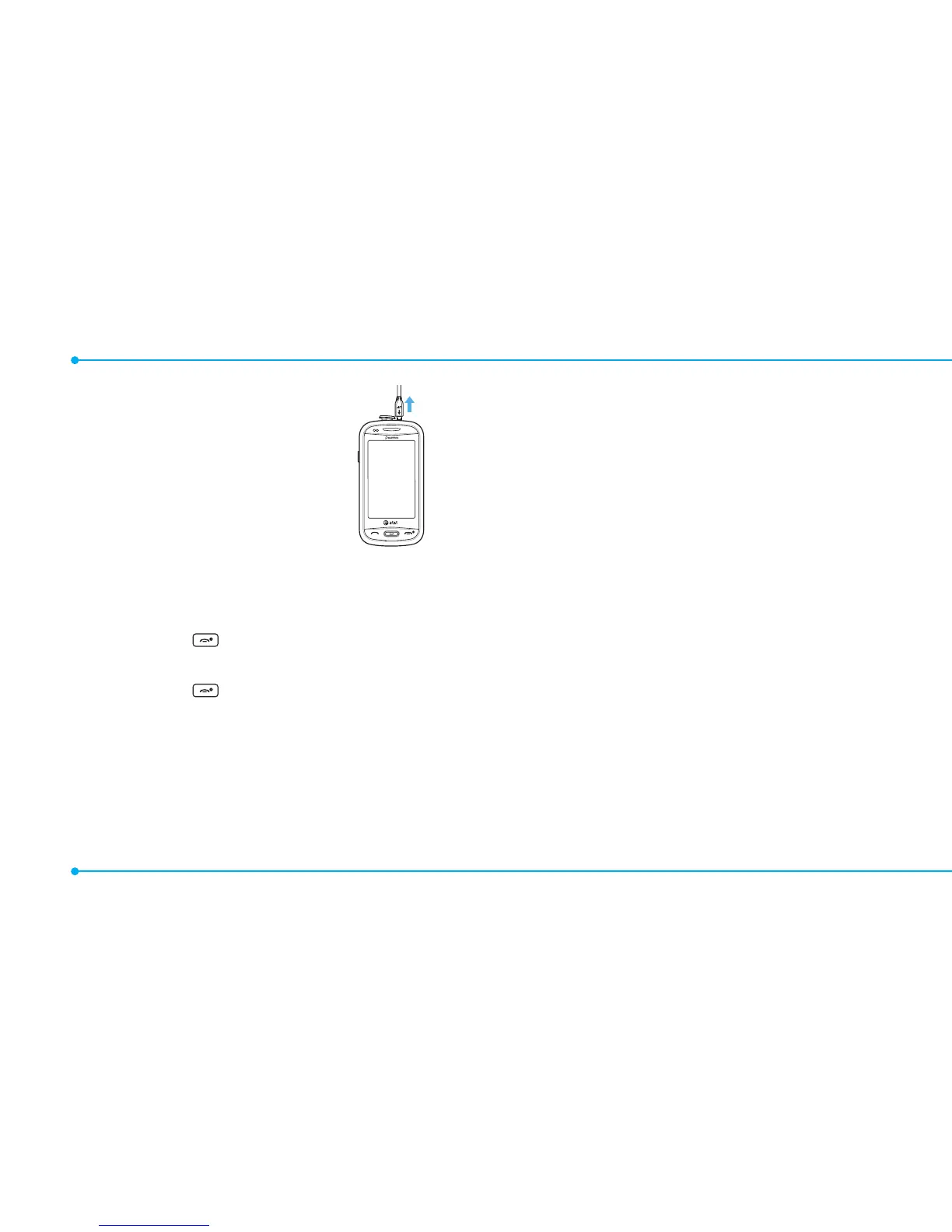
2. Disconnect the charger from the
device when charging the battery is
complete.
Turning the phone on/off
To turn on
1. Press and hold .
To turn off
1. Press and hold .
Screen unlock
Unlocking the screen
1. Press any hard keys to turn on the display.
2. Tap and hold
:
to unlock the screen.
Language
Setting up
1. Tap Menu
;
> Settings > Phone > Language.
2. Select Screen Text or Predictive.
3. Select the language > Save.



 To Next Page