02
03
04
05
06
07
08
01
65
Creating and editing a new event
1. Tap Menu
;
> Tools > Calendar.
2. Tap to select a day > Create.
3. Select Schedule, Task, or Note.
4. Input the events > Save.
note: You can create events for dates from 01/01/2000 to 12/31/2099
Notepad and voice memo
Using notepad
1. Tap Menu
;
> Tools > Notepad.
2. Tap Create New.
3. Enter the memo > Save.
Recording a voice memo
1. Tap Menu
;
> Tools > Voice Memo.
2. Tap New Record.
3. Tap
2
.
4. Tap to stop recording. It will automatically save in My
Voice.
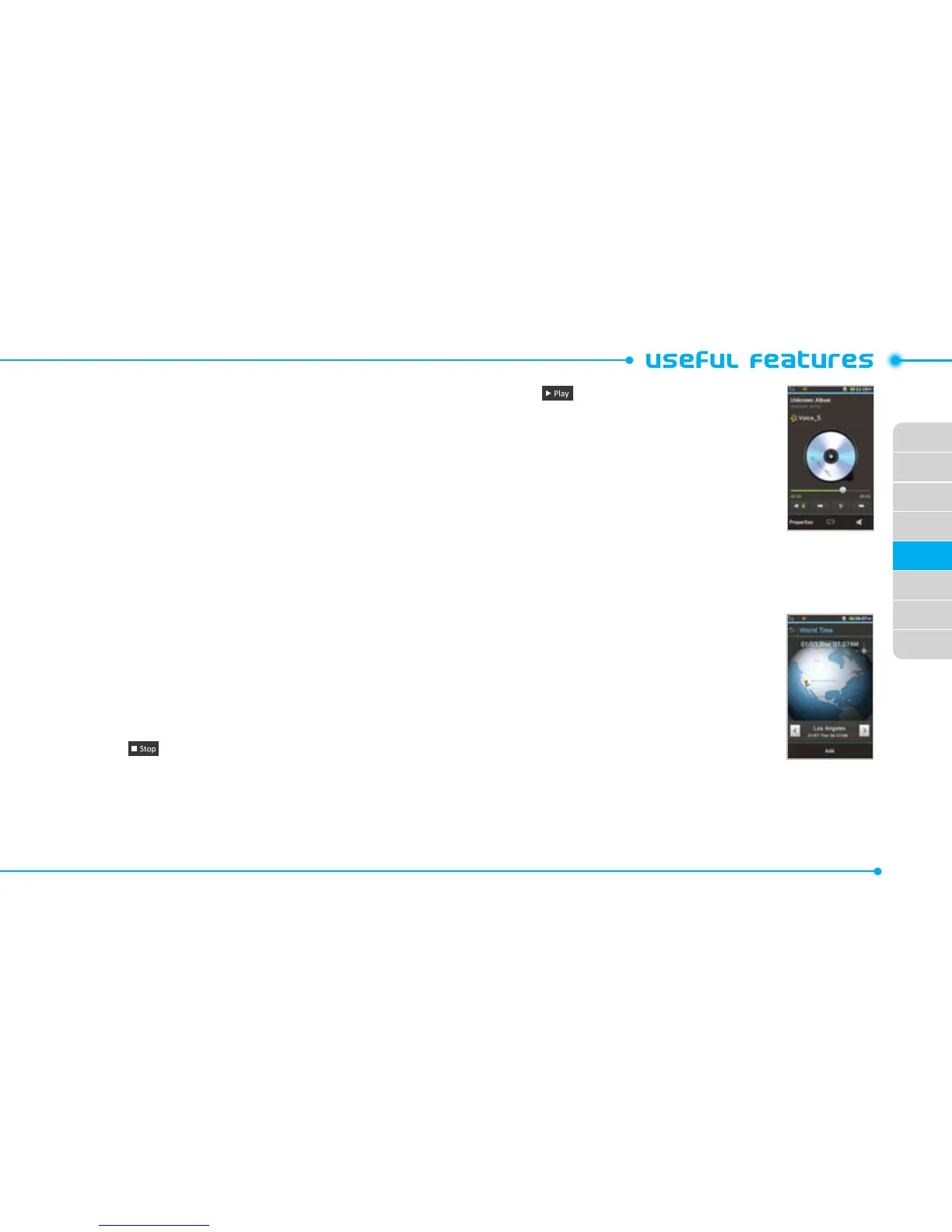
5. Tap to listen.
note: To access My Voice, tap Menu
;
> My
Stuff > Audio > My Voice.
World time
Using world time
1. Tap Menu
;
> Tools> World
Time.
2. To add a new city, tap Add New
City and flick left or right to select
a new city. Tap Add.
3. Tap Set as Dual if you want to set
dual time in idle mode.
note: If you want to set dual time in idle mode, tap Menu
;
> Settings
> Display > Home Screen > Clock Type > Digital Clock > Digital Clock 5.



 To Next Page