64
Alarm
Setting an alarm
1. Tap Menu
;
> Tools > Alarm Clock.
2. Tap Create.
3. Set the desired options.
4. Tap Save.
note: To set the alarm to ring even though the phone is turned off,
activate the Power Alarm by dragging the bar to on.
Viewing saved alarms
1. Tap Menu
;
> Tools > Alarm Clock.
2. Scroll and tap an alarm to view the detail.
Editing existing alarms
1. Tap Menu
;
> Tools > Alarm Clock.
2. Scroll and tap to select an alarm.
3. Edit the alarm details.
4. Tap Save.
Setting a simple alarm
1. Tap Menu
;
> Tools > Alarm Clock.
2. Tap Simple Alarm.
3. Scroll and set the time.
4. Tap Save.
Calendar
Calendar helps you manage your schedule. You can set a
reminder on any given date with this function.
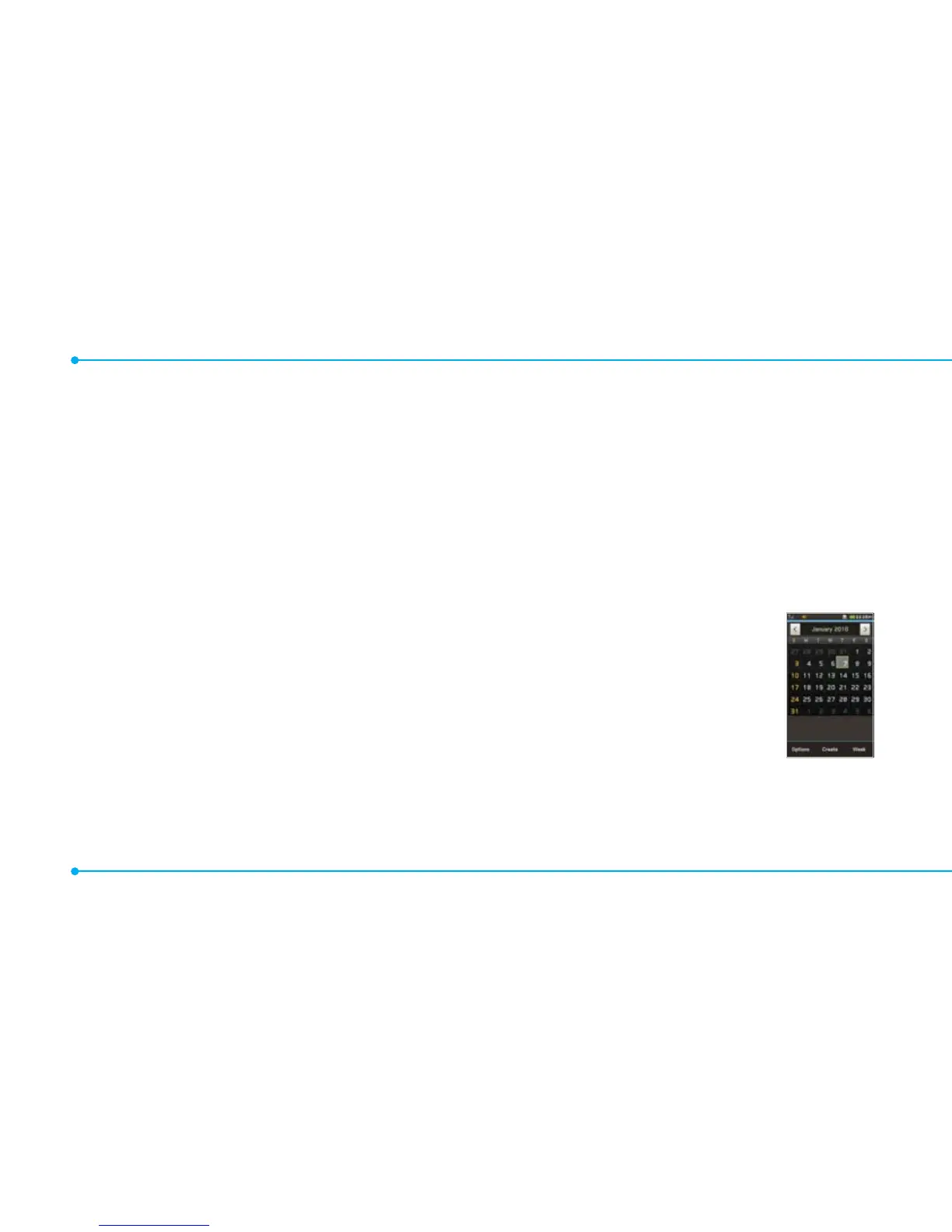
Viewing the calendar
1. Tap Menu
;
> Tools > Calendar.
note: Monthly view is displayed as default.



 To Next Page