22
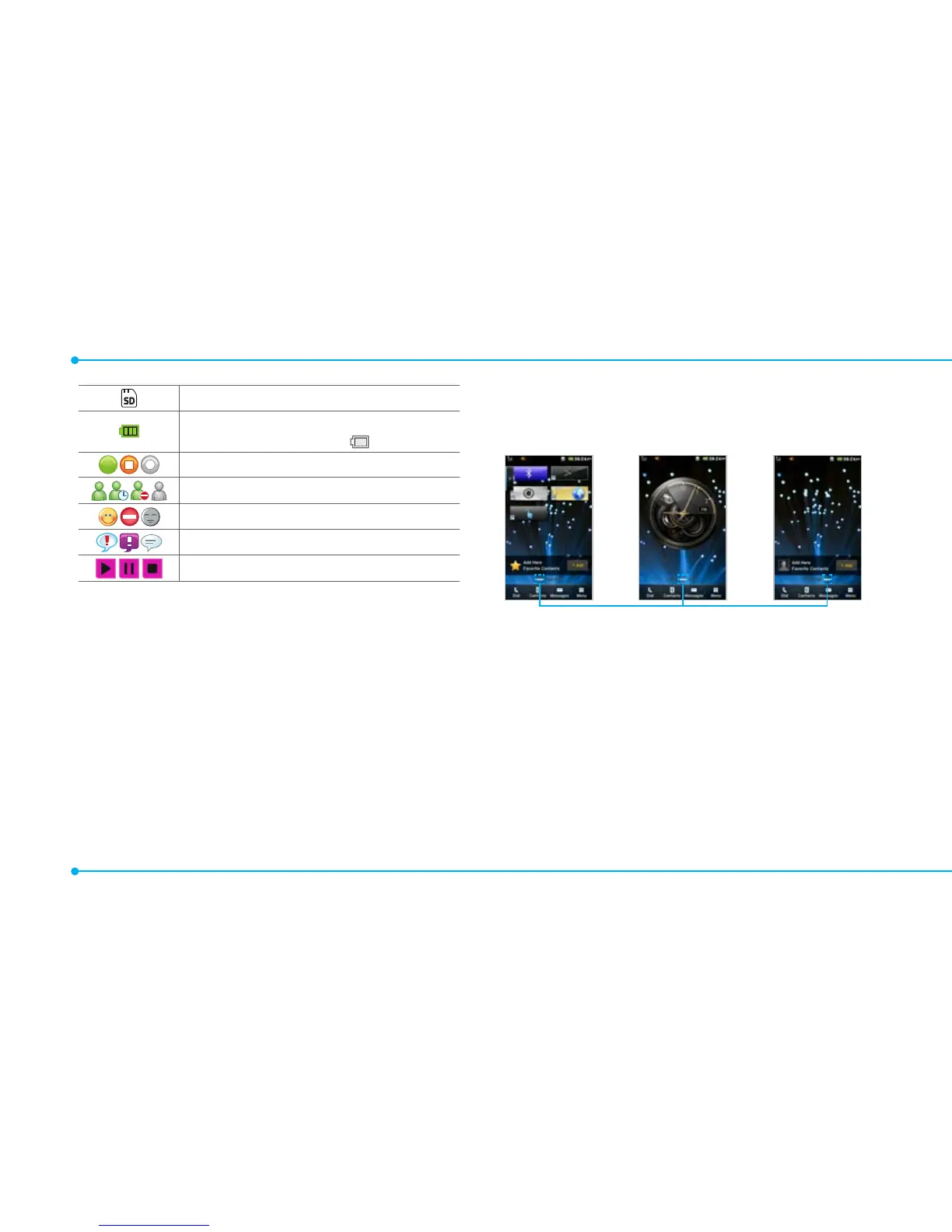
microSD card is inserted
Battery strength
When the battery charge is low,
is displayed
Available, Away, Invisible Status of AIM
Online, Away, Busy, Offline Status of MSN
Available, Busy, Invisible Status of YAHOO
You have received new instant messages
Play, Pause, Stop Status of BGM Playback
N
Network dependent
Screen navigation
The home screen is your starting point for using the applications
on your phone.
You can customize the home screen to display application icons,
shortcuts, folders, and widgets according to your preference.
About your home screens
• Main Screen: The phone’s main home screen.
• Contents Screen: Provide operators and users contents menu
that you want to register. Max 24 icons can be added.
• Contacts Screen: Widget content is stored on the screen as
items. Max 20 icons can be added.
<Contents Screen : Left>
<Main Screen : Center>
<Contacts Screen : Right>
Position indicators
note: You can access 3 different types of home screens by flicking one
way. However, the position indicators are always displayed for the
corresponding home screen (i.e. Left – Contents, Center – Main, Right –
Contacts).



 To Next Page