02
03
04
05
06
07
08
01
23
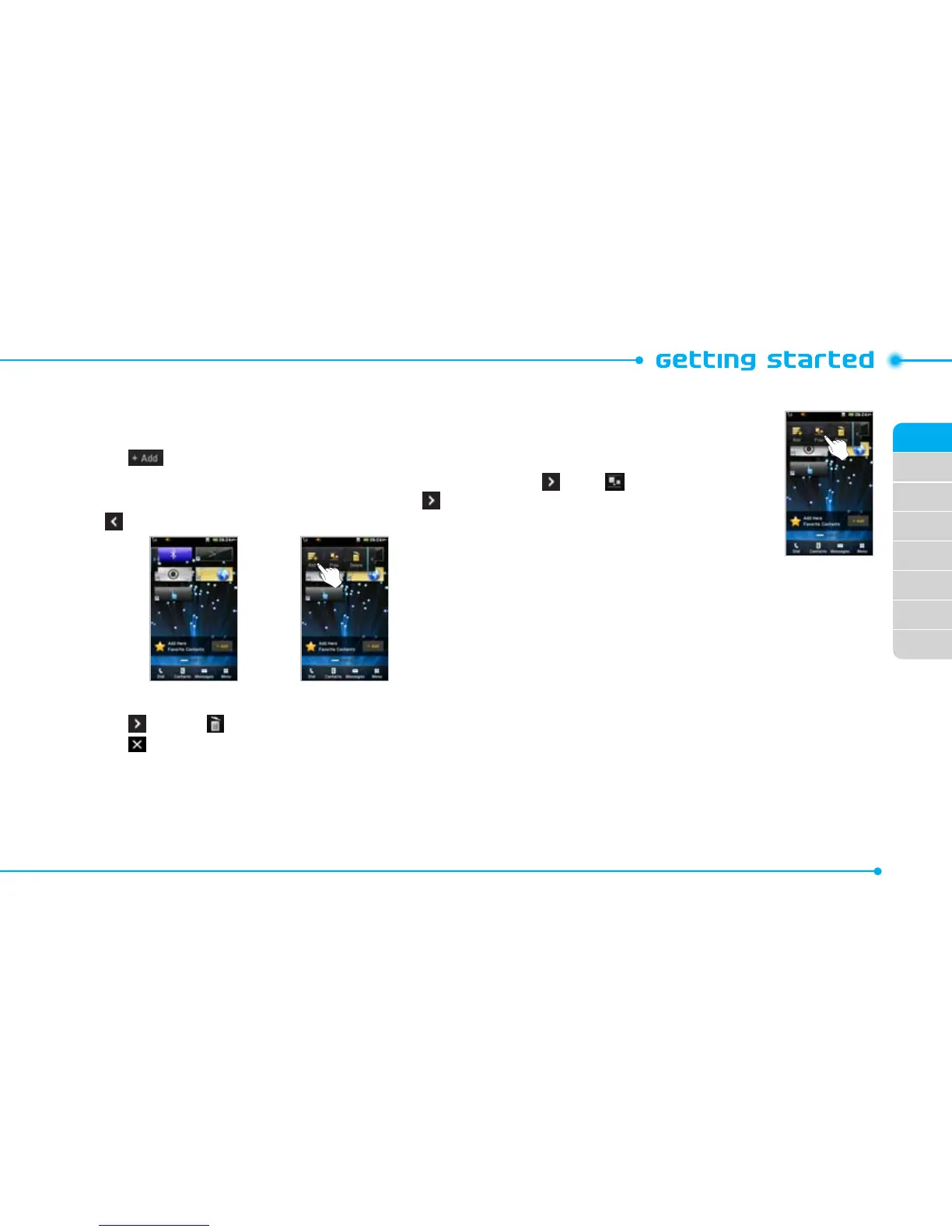
Adding a home screen item
Contents and Contacts screens allow you to assign items to the
screen.
1. Tap .
2. Tap a desired menu.
3. Once you have added one or more items to the screen, or
is displayed to customize the home screen.
Deleting a home screen item
1. Tap > Delete .
2. Tap of the item to delete.
note: This action is only applied to the home screen.
Repositioning a home screen item
Once the items are assigned to the home
screen, you can reposition the items for your
convenience.
1. Tap > Free .
2. Tap and hold an item until the selected
item is dimmed out.
3. Drag to the desired position.
4. Position the item, then release it.



 To Next Page