02
03
04
05
06
07
08
01
59
Media player
You can play video clips with the media player.
note: Do not use this feature illegally. Sound and video can be protected
by copyright. It is illegal to copy such sound / video tracks for the purpose
of selling or distribution. Pantech does not in any way support the
unauthorized use of content on your phone media player.
Playing an audio file
1. Tap Menu
;
> Tools > Media Player.
2. Tap Audio.
3. Tap the folder and file.
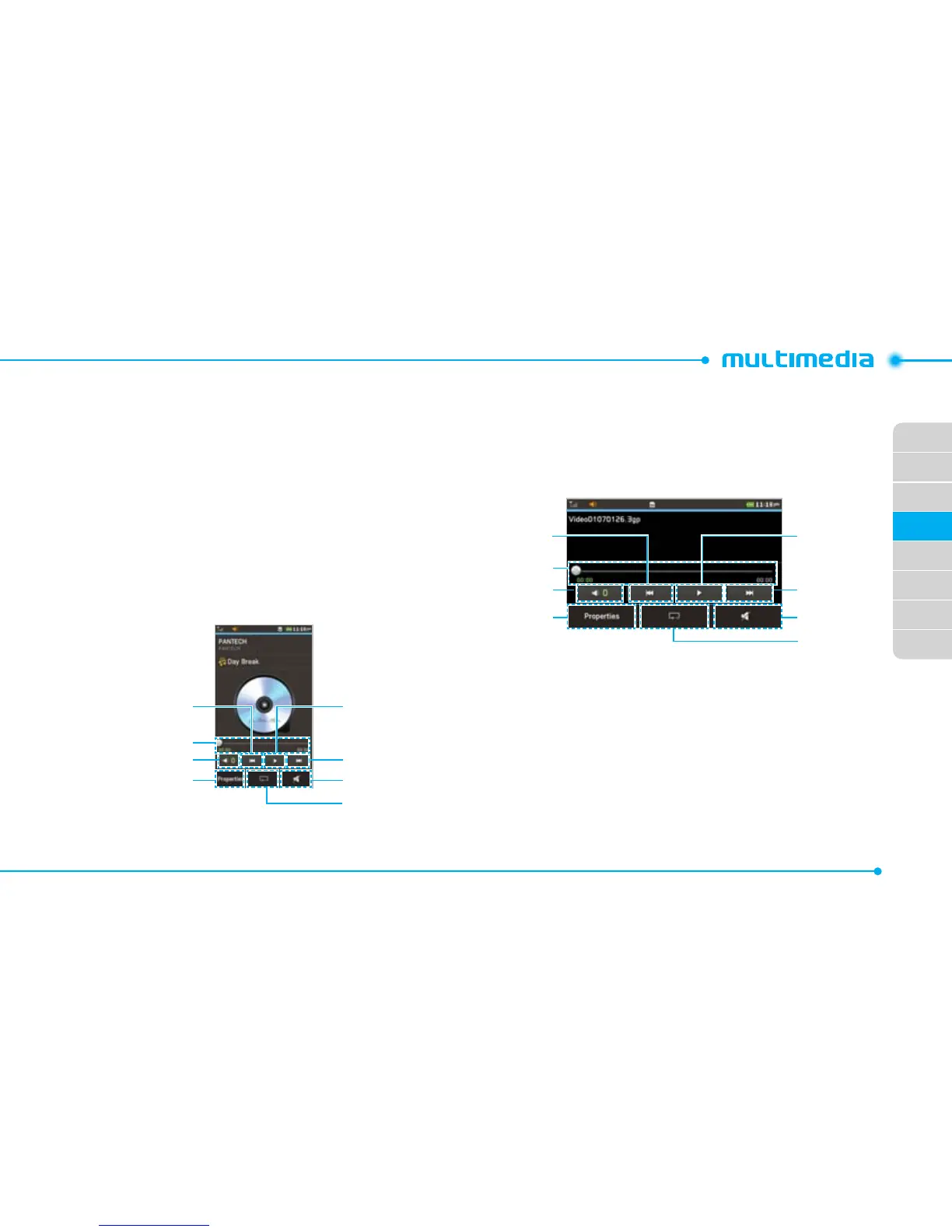
<Audio player>
Repeat
Properties Mute
Volume
Fast forward/
Next track
Play/Pause
Play bar
Rewind/
Previous track
Playing a video clip
1. Tap Menu
;
> Tools > Media Player.
2. Tap Video.
3. Scroll and tap to select a file.
<Video player>
Properties Mute
Repeat
Volume
Play bar
Rewind
Fast Forward
Play/Pause



 To Next Page