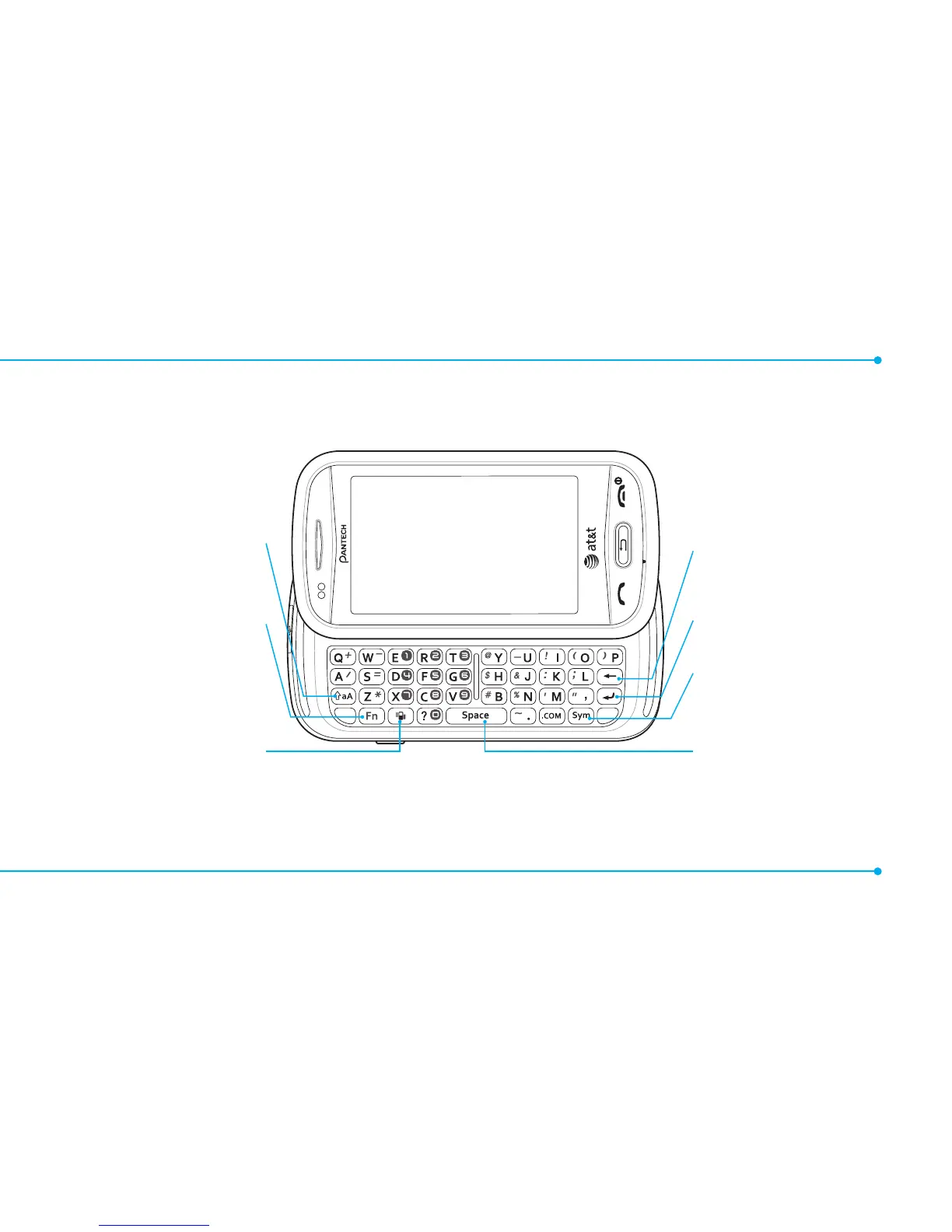
note: To use the QWERTY keypad hold the phone horizontally and slide the screen up.
5
QWERTY mode view
CAPS key
To type a single uppercase
letter, press this key then enter
a letter
Function key
Press with corresponding key
to enter a number or symbol.
Vibrate key
Delete key
Press to delete a
character/symbol
Enter key
Press to move to the next row
Symbol key
Press to enter a symbol
Space key
Press to enter a space



 To Next Page