24
Getting Started
Memory card
You can use a microSD card as a memory card. It gives you more space to save pictures,
videos, music and more.
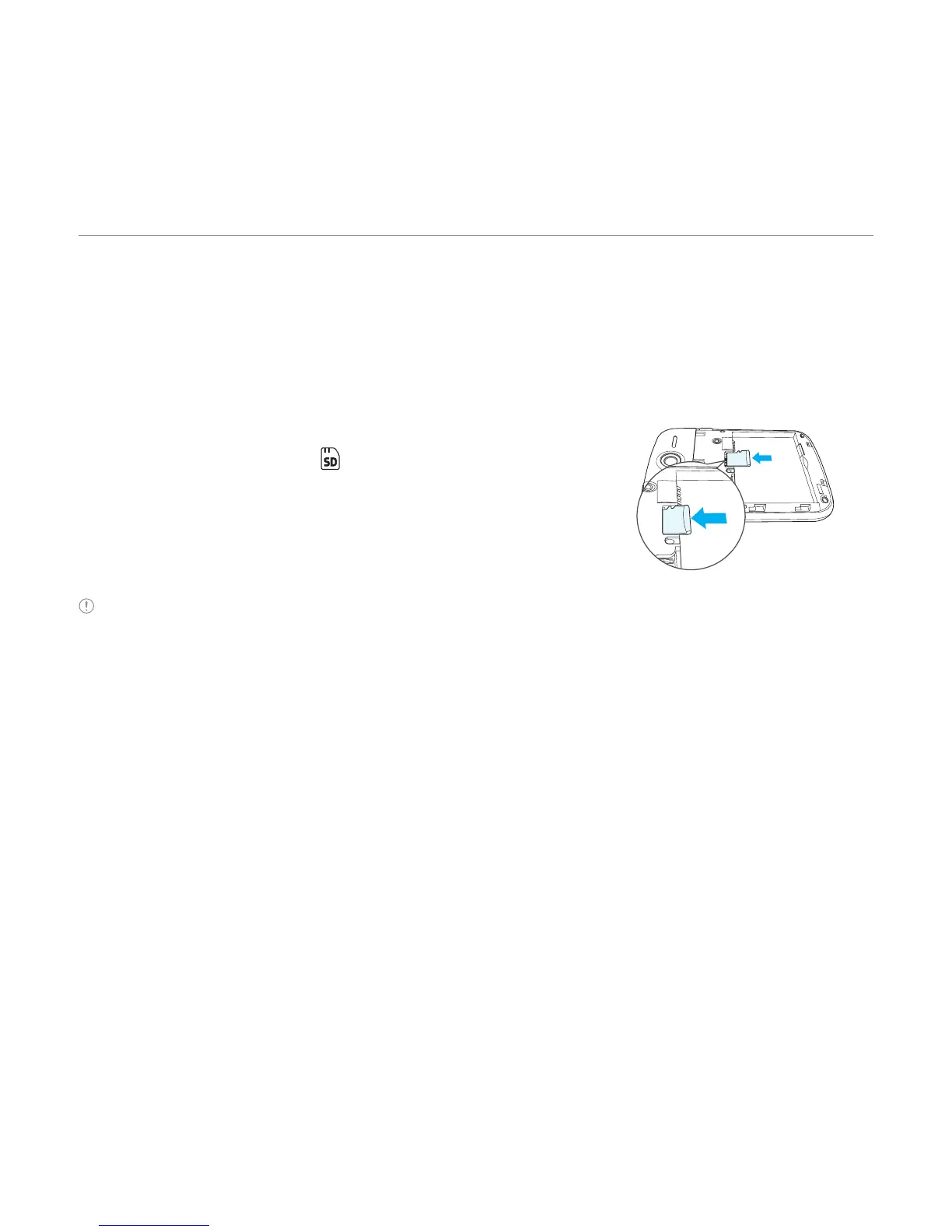
Inserting and removing a memory card
1. Open the battery cover.
2. Insert the memory card. will be displayed on the
screen when a memory card is inserted.
3
. To remove the memory card, slide the memory card out
in the opposite direction of the arrow.
Note Supported up to 32 GB.
Turning the phone on/off
To turn on
1. Press and hold the PWR/Lock key.
To turn off
1. Press and hold the PWR/Lock key.



 To Next Page