28
Getting Started
Screen navigation
The home screen is your starting point for using applications on your phone.
You can customize the home screen to display photos and the shortcuts for favorite
contacts, contents, and web addresses.
About your home screens
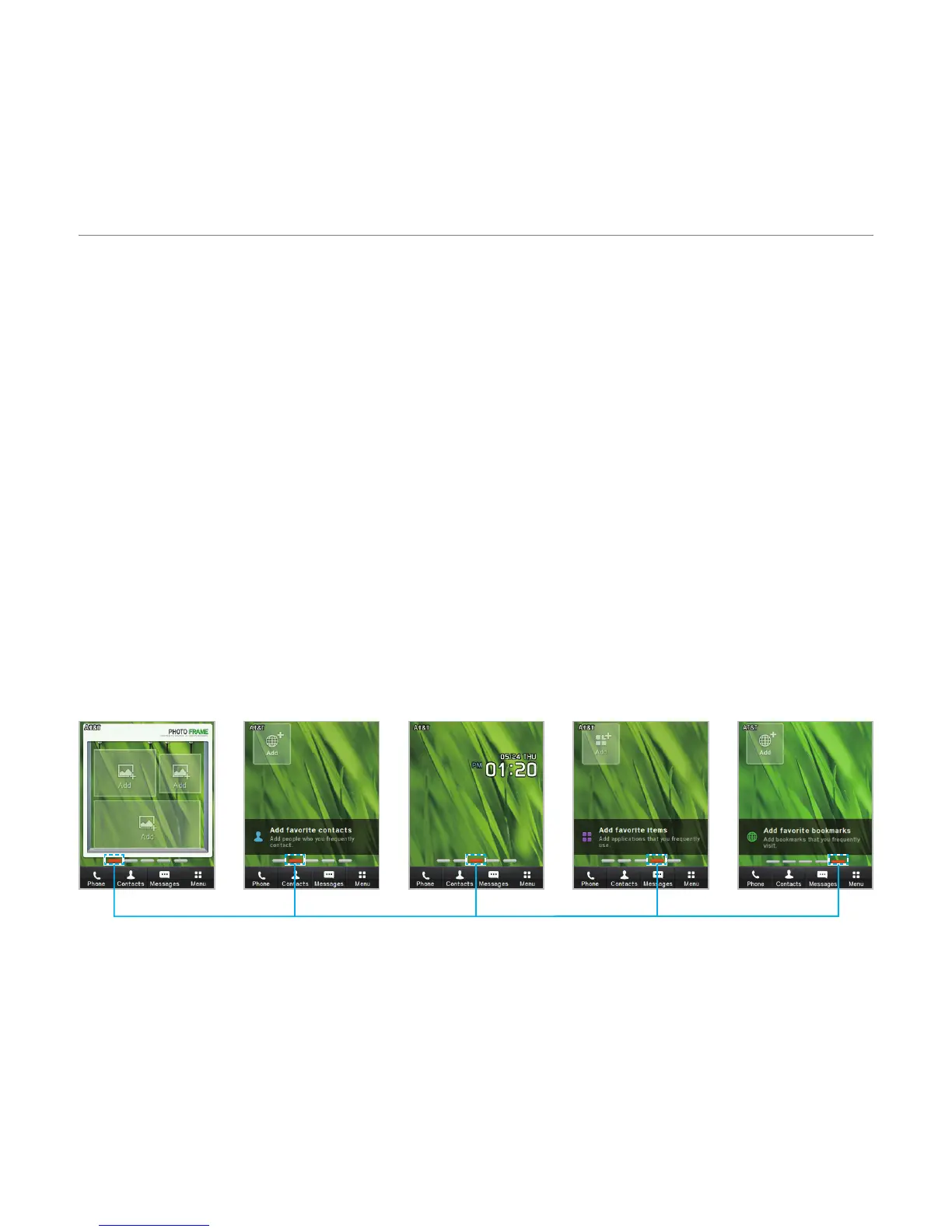
x Photo Frame Screen: A customizable screen for favorite photos. Max 3 can be added.
x Contacts Screen: A customizable screen for favorite contacts. Max 9 icons can be
added.
x Main Screen: The phone’s main home screen.
x Favorite Screen: A customizable screen for favorite contents shortcuts. Max 9 icons can
be added.
x Web Screen: A customizable screen for web address shortcuts. Max 9 icons can be
added.
<Favorite
Screen>
<Web Screen>
<Photo Frame
Screen>
<Contacts
Screen>
<Main Screen>
Position indicators



 To Next Page