25
Getting Started
Screen lock/unlock
Locking the screen
1. Press the PWR/Lock key when the touchscreen slider is closed.
Note In touch lock screen, when the PWR/Lock key is short pressed, screen should be blacked out.
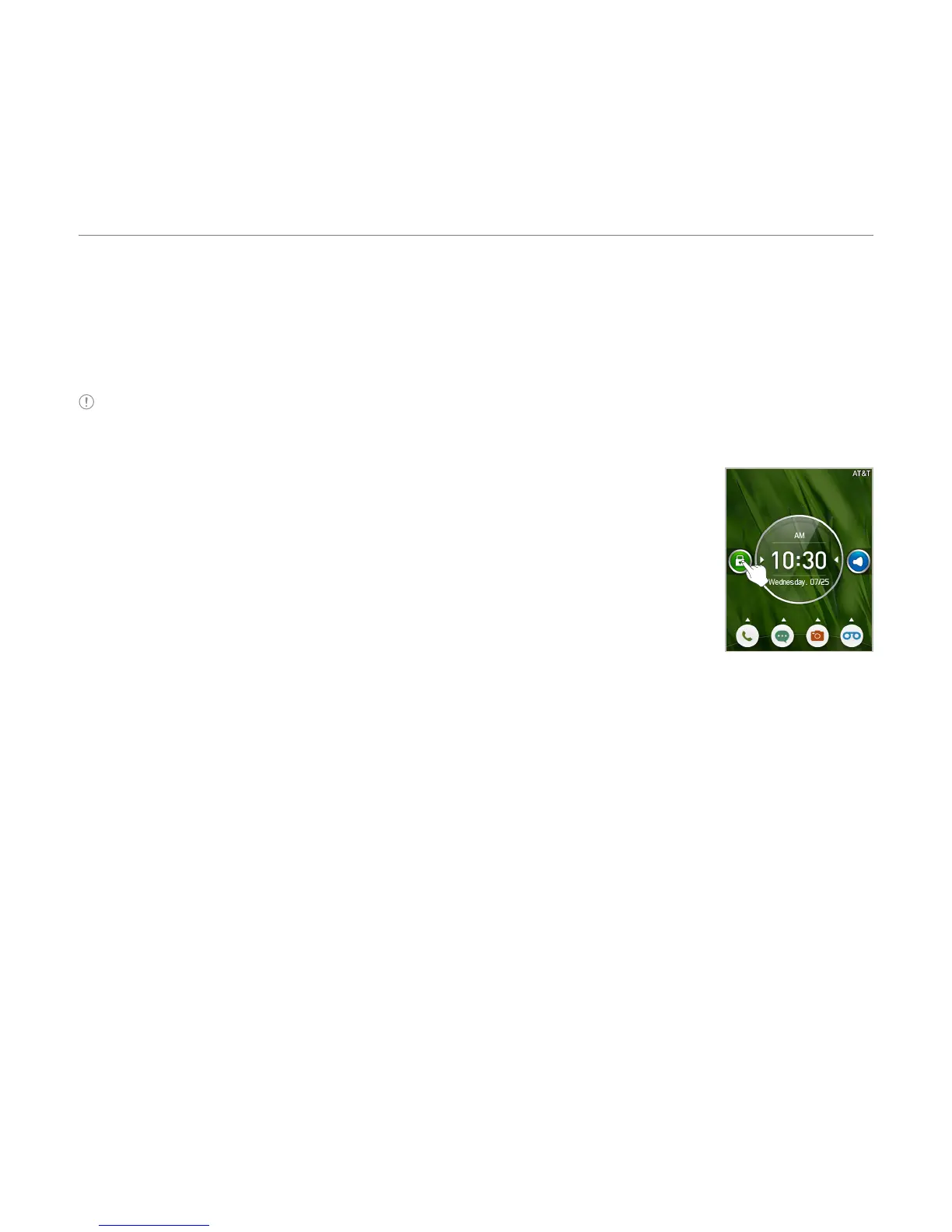
Unlocking the screen
Press the PWR/Lock key, then drag the lock icon to the right. You can
also unlock the screen by opening the touchscreen slider.
Language
Setting the phone language
1. Tap Menu > Settings > Phone > Language.
2
. Select Screen Text or Predictive.
3
. Select a language > Save.



 To Next Page