73
Multimedia
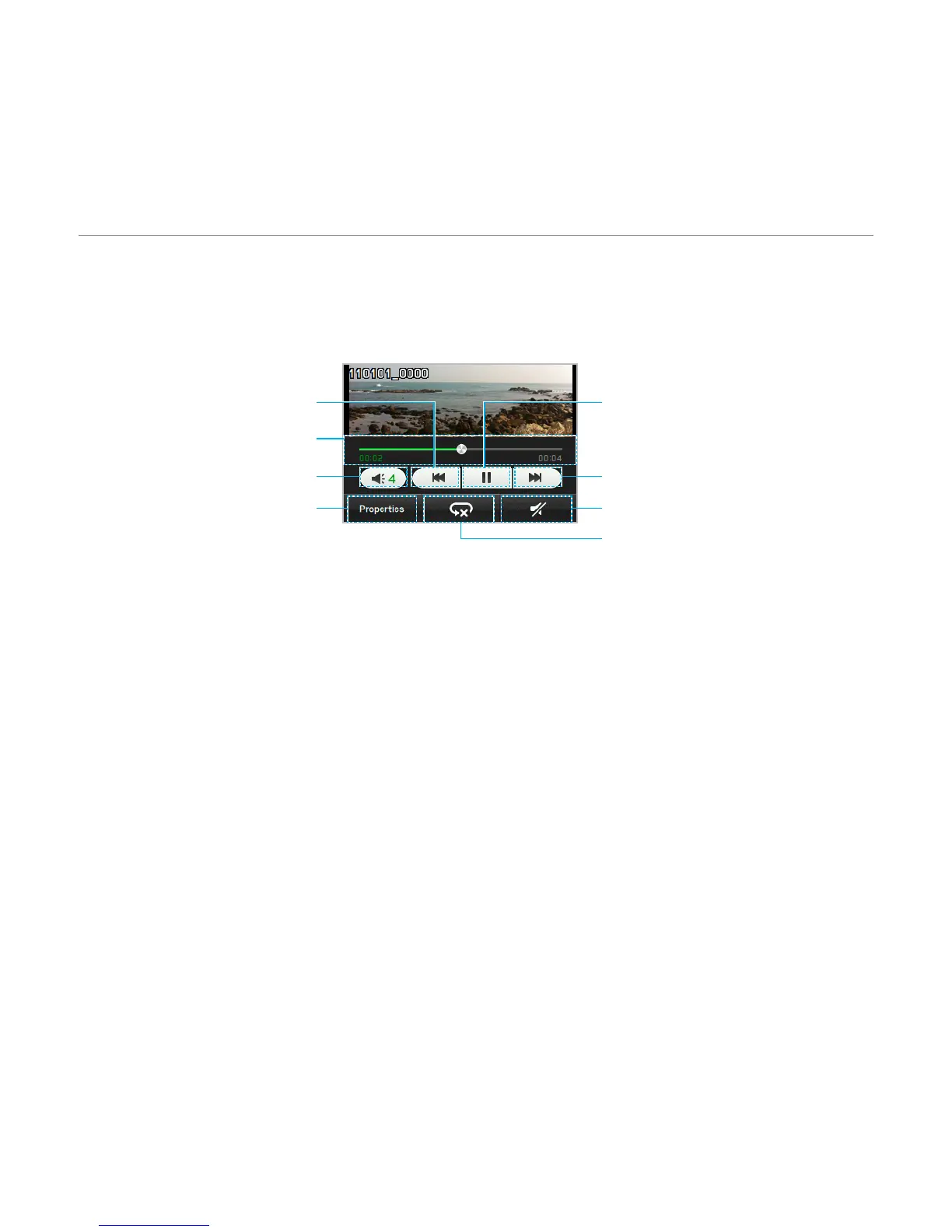
Playing a video clip
1. Tap Menu > Video Player.
2
. Scroll and tap to select a file.
Properties
Mute
Repeat
Volume
Play bar
Rewind
Fast Forward
Play/Pause
Audio album
You can play, send, delete, move or copy saved sounds to external memory or to the phone.
Supported formats are MP3, AAC, AAC+, eAAC+ and WMA.
Listening to a recorded sound
1. Tap Menu > My Stuff > Audio.
2
. Select a folder and tap to open.
3. Tap a file to play.



 To Next Page