51
Entering text
Using the QWERTY keypad
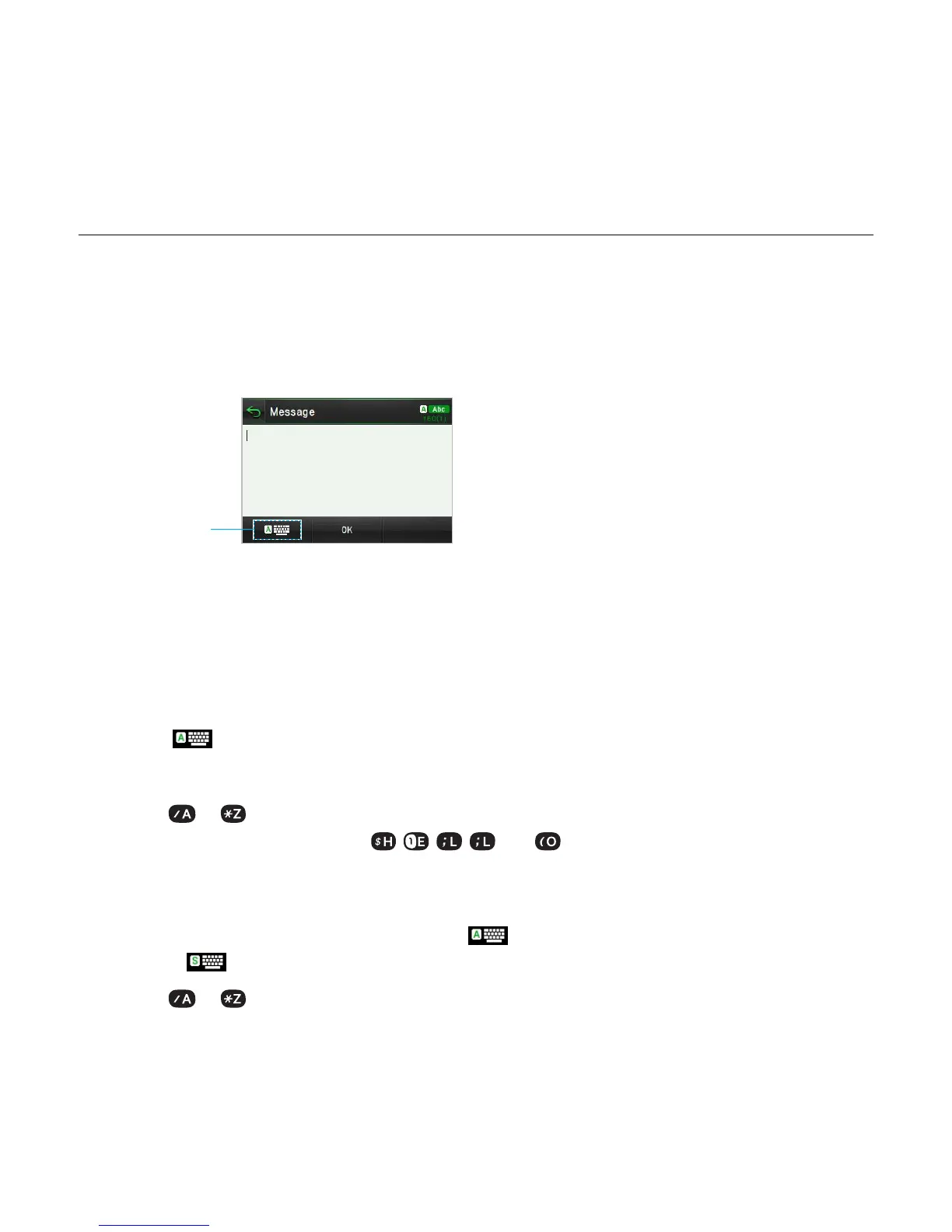
Open the phone and tap Messages > Create a New Message to use the QWERTY keypad.
Changes the text
input mode.
For details on
QWERTY keypad
,
see page 8
.
Automatic Correction mode
The Automatic Correction mode automatically compares your keystrokes with an internal
dictionary to determine the correct word. It will display the most commonly used word first.
The Automatic Correction mode is set as a default text input setting, so you can check the
mode with
.
1
. Tap Messages > Create a New Message > Tap to enter text > Enter the message.
2.
Select to to input text.
For example, to write “hello” press
, , , and .
Standard mode
1. Tap Messages > Create a New Message > > Select Standard Mode to change the
mode to
.
2.
Select to to input text repeatedly.
Messaging



 To Next Page