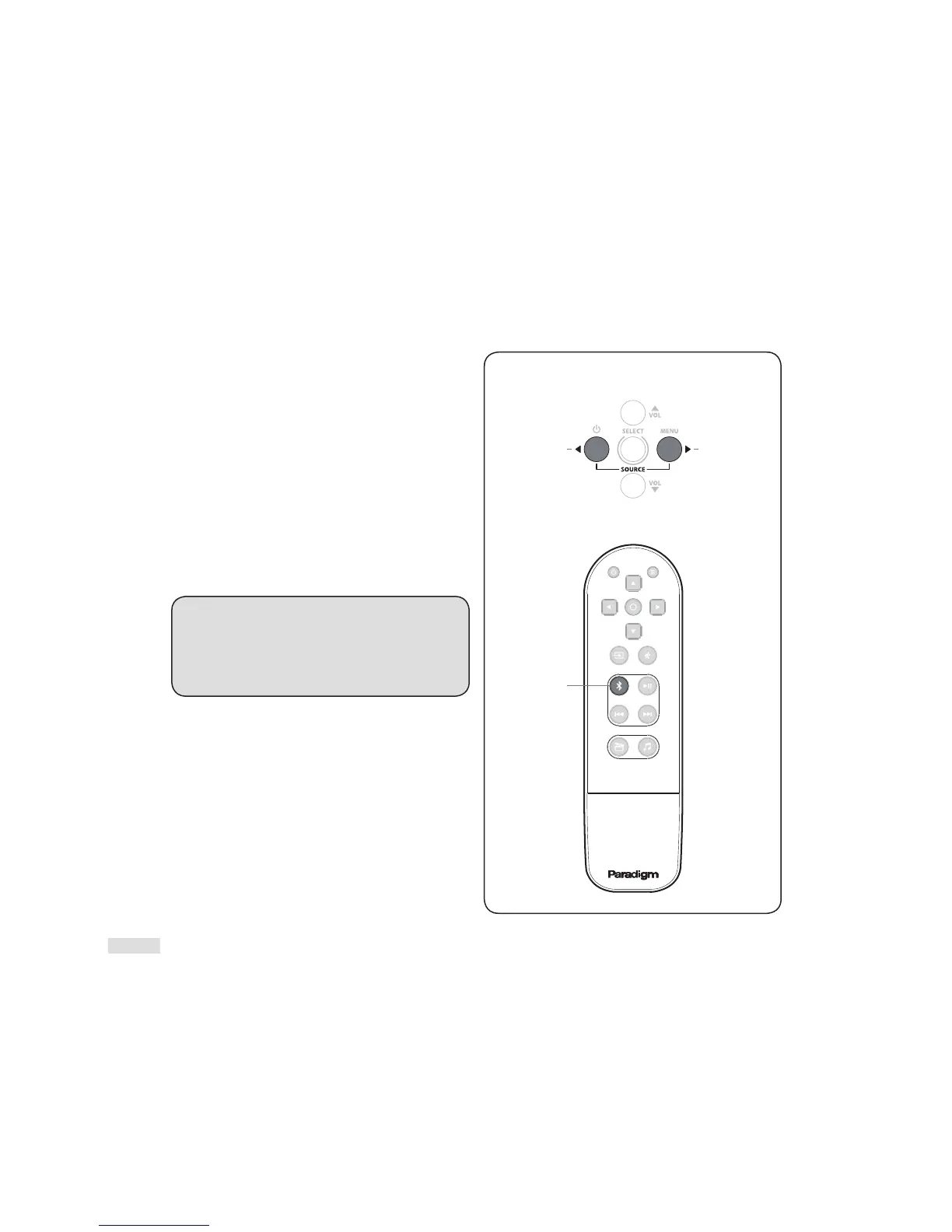
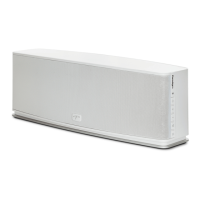
1 To connect a phone/tablet to the Soundscape, press
the ‘Enable Bluetooth’ button on your remote or
toggle through the source options using the ‘Previous
Input ’ and ‘Next Input’ on the top panel (Fig. 12).
Once the ‘BLUTTH’ [Bluetooth] source option appears
on
the LCD display a short audio notification will
be heard. NOTE: The connection process will take
approximately 1 minute. If your device has been
PREVIOUSLY CONNECTED to your Soundscape via
Bluetooth, re -enable Bluetooth and skip step 2.
2 Enab
le Bluetooth on your phone/tablet and search
for “Paradigm Soundscape” on your Bluetooth device
list. Select “Paradigm Soundscape” to establish a
connection. Depending on phone/ tablet you may
need to change the playback device to “Paradigm
Soundscape” or it may change
automatically.
WIRELESS RANGE: To ensure transmission between
your Bluetooth-enabled phone or device and the
Soundscape, there should be no more than 6 meters /
20 feet. Some situations may a llow for more range.
Experiment with your equipment to determine
maximum range for desired placement.
Fig. 12



 To Next Page