EN-14
No Subwoofer
If you are not using an external subw oofer, use the ‘UP’
arrow on the Soundscape ’s menu panel to scroll to reach ‘SUB’
then use the ‘RIGHT’
arrow to choose
‘INTERNL’ [INTERNAL].
Activate by pressing the ‘ Select’ butt on and the Soundscape
will respond with ‘SET’.
This sets the Soundscape to repr oduce
the entir e frequency range when playing music and movie content.
Adding an External Subwoofer
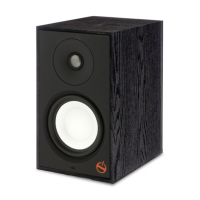
If desired, an external subwoofer in a wired or wireless capacity
can be used to reinforce low-frequency channel informa tion
in multichannel and stereo recordings. For seamless system
matching, we recommend a Paradigm subwoofer, however any
brand of subwoofer can be connected.
Wired Subwoofer Connection
Using a high-quality RCA style cable, connect the ‘ SUB Out’
on the the Soundscape’s back panel to the ‘LFE In/Sub In’ on
the subwoofer’s back panel.
Using the ‘UP’
arrow on the Soundscape’s menu panel,
scroll through the options to reach ‘SUB’, then using the
‘RIGHT’
arrow
scroll right, then ‘SCROLL UP’
to reach
‘WIRED’. Activate by pressing the ‘Select’ button and the
Soundscape will respond with ‘SET’.
TIP! Reference your subwoofer’s Owners Manual to learn
how to properly adjust the subwoofer’s level and phase
controls to achieve proper blending with the Soundscape.
Wireless Subwoofer Connection
Wireless Subwoofer Receiver
We have included
a wireless subwoofer receiver in the box
with your Soundscape. This receiver is compatible with any
external Paradigm or other brand of subwoofer.
Preparing the external subwoofer for wireless operation.
1 If your Soundscape is not turned on, turn it on at this point.
2 Plug the wireless receiver into the ‘LFE/SUB In’ on
subwoofer.
3 Plug in the external subwoofer.
Syncing an External Subwoofer with
your Soundcape
1 Plug the wireless subwoofer receiver into a wall outlet.
DO NOT PRESS THE SYNC BUTTON TO INITIATE
SYNCING AT THIS POINT.
2 Via the remote control or the top panel, access the
Soundscape’s menu by pressing the ‘MENU’ button.
3 Using the ‘UP’
arrow, scroll through the options to
reach ‘SUB’.
4 Press the ‘RIGHT’
arrow and THEN scroll ‘UP’ through
the options to reach ‘WIRELES’ [WIRELESS].
5 Using the ‘Select’ button, select ‘WIRELES’ [WIRELESS].
6 The Soundscape’s display will read ‘PAIRING STARTED’.
This means the Soundscape is transmitting a wireless
signal. WITHIN the next 30 seconds, you must …
7 Press and hold for 3 seconds ,
the ‘ Sync’ button on the rear
panel of the wireless receiver . Its blue light will blink rapidly
signalling it is r eady to receive the Soundscape’s signal.
8 The wireless receiver’s LED will glow solid blue once it
receives
the signal and the Soundscape’s display should
read ‘PAIRED’ (i.e. synced).
What to do if Pairing (syncing) Fails
If Pairing fails, it may be that too much time passed between
Steps 7 and 8 above. Repeat the pairing process by pressing
the ‘ LEFT’
arrow. Scr o ll back thr ough the menu to ‘WIRELES’
[WIRELESS] mode and repeat Steps 5 through 8 (above) until
PAIRING is achieved.
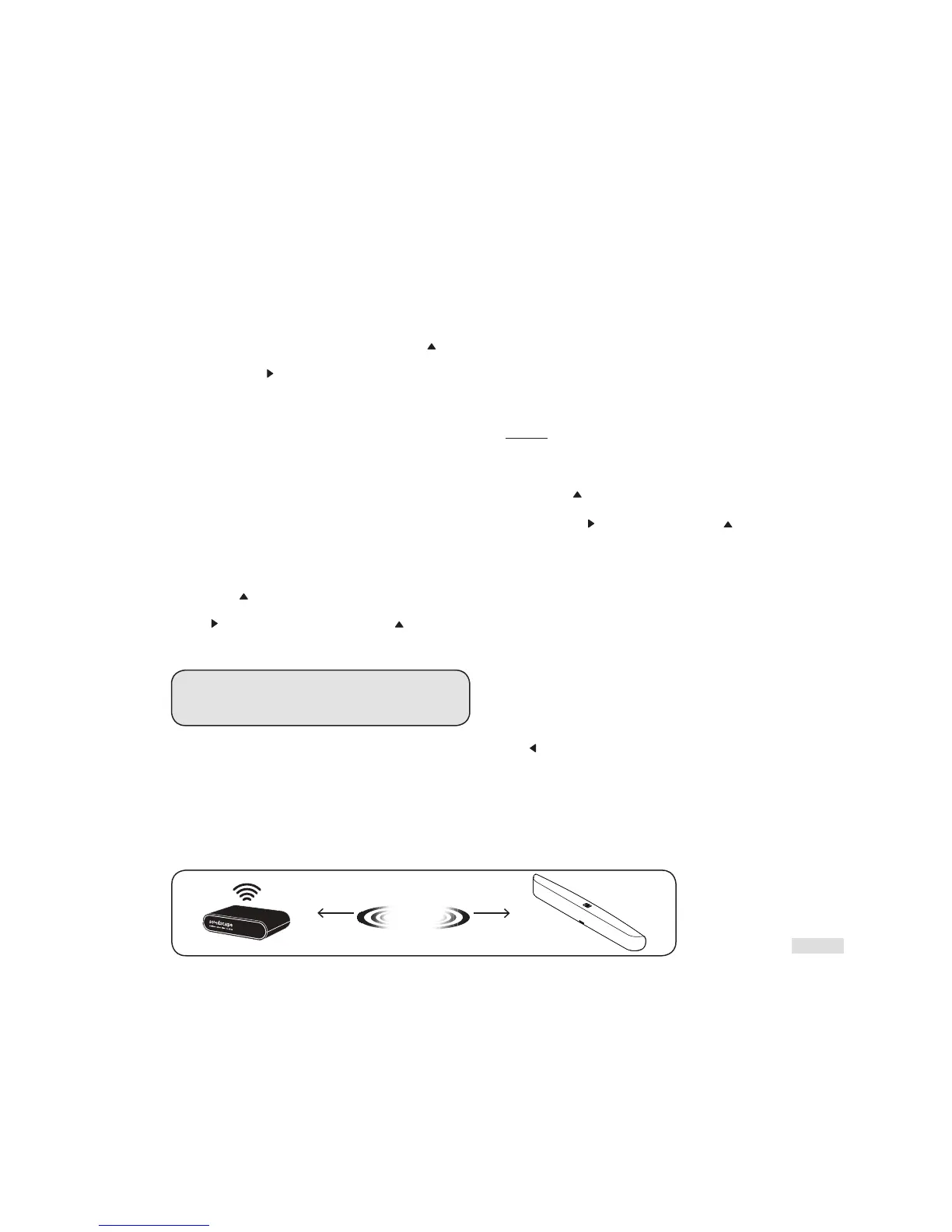
If pairing is not achieved on the next try, check to see that the
Soundscape and r eceiv er are within 50’ (15 m) of each other
and that
there are no obstructions in this path. Check that
all equipment is plugged in and wall outlets ar e functional. If
pairing cannot be achieved, c ontact your Paradigm Dealer.
50’50’
Wireless Range
or 15 Meters
USING A SUBWOOFER



 To Next Page