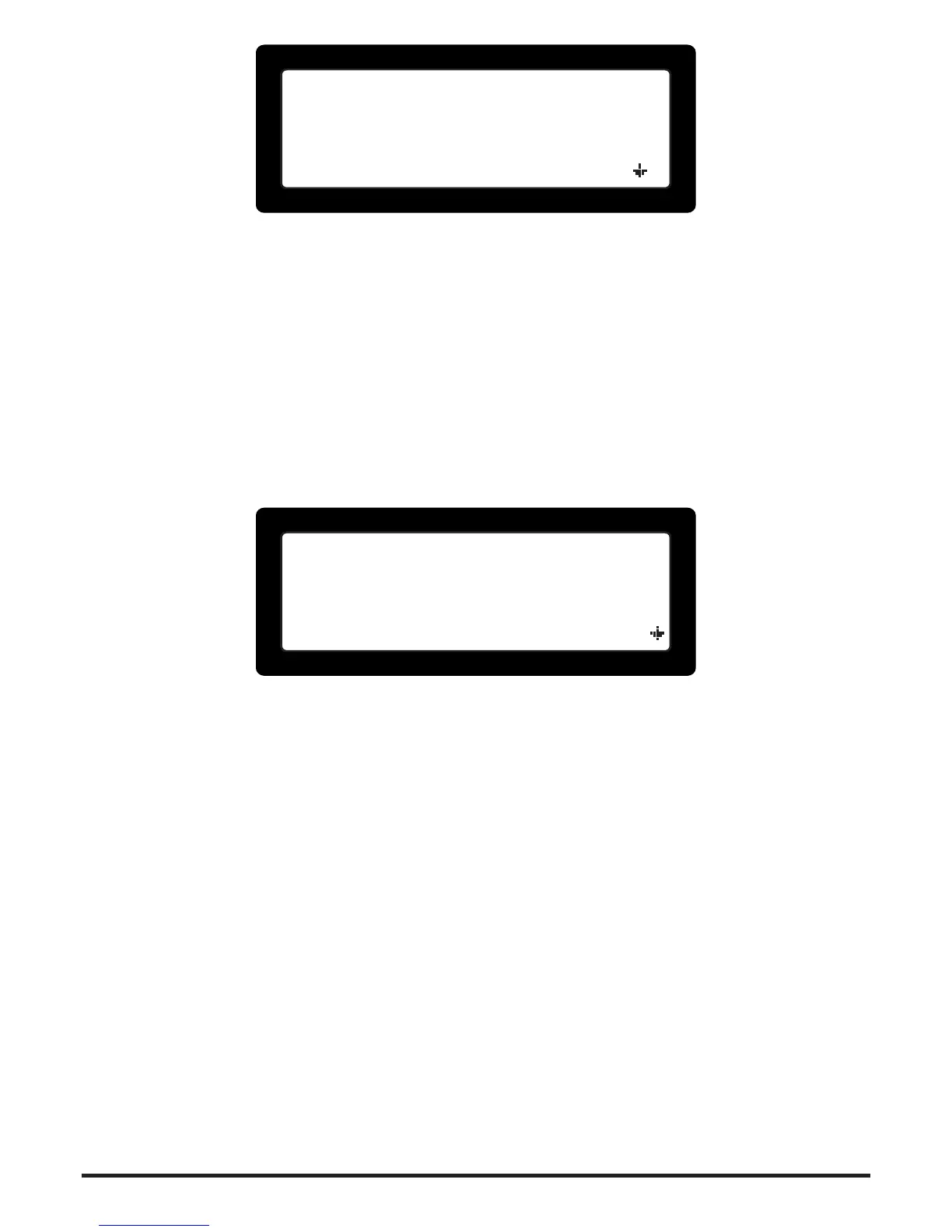
——= ZONES BYPASS =——
1:>B< ZONE 01
2:>.< ZONE 02
3:>.< ZONE 03
Figure 13. Bypassed zones activation screen
4.3 Relay Bypasses (ALM2.3)
To activate a bypass on a zone output:
Press • <2> to select menu item |2. Bypass Zones|: The list with all available zones
is displayed (see Figure 14).
Use • <Up> <Down> keys to place the ashing cursor on the required zone.
Use the • <Right Arrow> to activate a bypass and <Left Arrow> to cancel a by-
pass.
Once nished press • <CLR> to exit access level 2 menu.
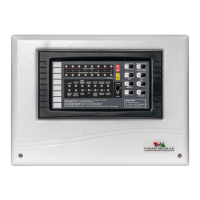
——= RELAYS BYPASS =——
10:>B< ZONE 10
11:>B< ZONE 11
12:>.< ZONE 12
Figure 14. Bypassed relays activation screen
4.4 Bypass Information Screens
A quick overview of all active bypasses may be shown in a list. Only zones with active
Zone or Relay bypasses will be included.
To get information about active bypasses:
Press • [BYP] button: A list with only bypassed zones is displayed. The list is scrol-
lable with the arrow keys. In the list view each zone bypass is shown with either (Z),
(R) or (Z+R) in front of the zones description (Z stands for Zone, R for Relay).


 To Next Page