2.2 Access Levels
The re panel during it's operation is said to be in a specic access level; from 1 to 3.
Each access level denes what operations are allowed and what are protected. Each
Access Level may be activated or "entered" by entering the requested code (or PIN) for
the corresponding access level. Factory default access codes are "2222" and "3333"
for access levels 2 and 3 respectively. There are operations and menus that require an
elevated access level (other than 1, see Table 2 for operations summary). If the user
initiates an operation that requires increased access level the system will prompt for the
PIN, and once successfully entered, it will execute the operation and return to access
level 1. Alternatively the user may request the menus of access level 2 or 3 (by pressing
[ACC] key). In this case he/she will be prompted for the PIN and once successful, the
access level menu will be displayed for further operations. While the access is granted,
any operation under the specic access level is possible and the user will not be asked
for the PIN every time. Elevated Access levels are canceled if the user willingly exits (by
pressing <CLR>) or the menu times out due to user inactivity.
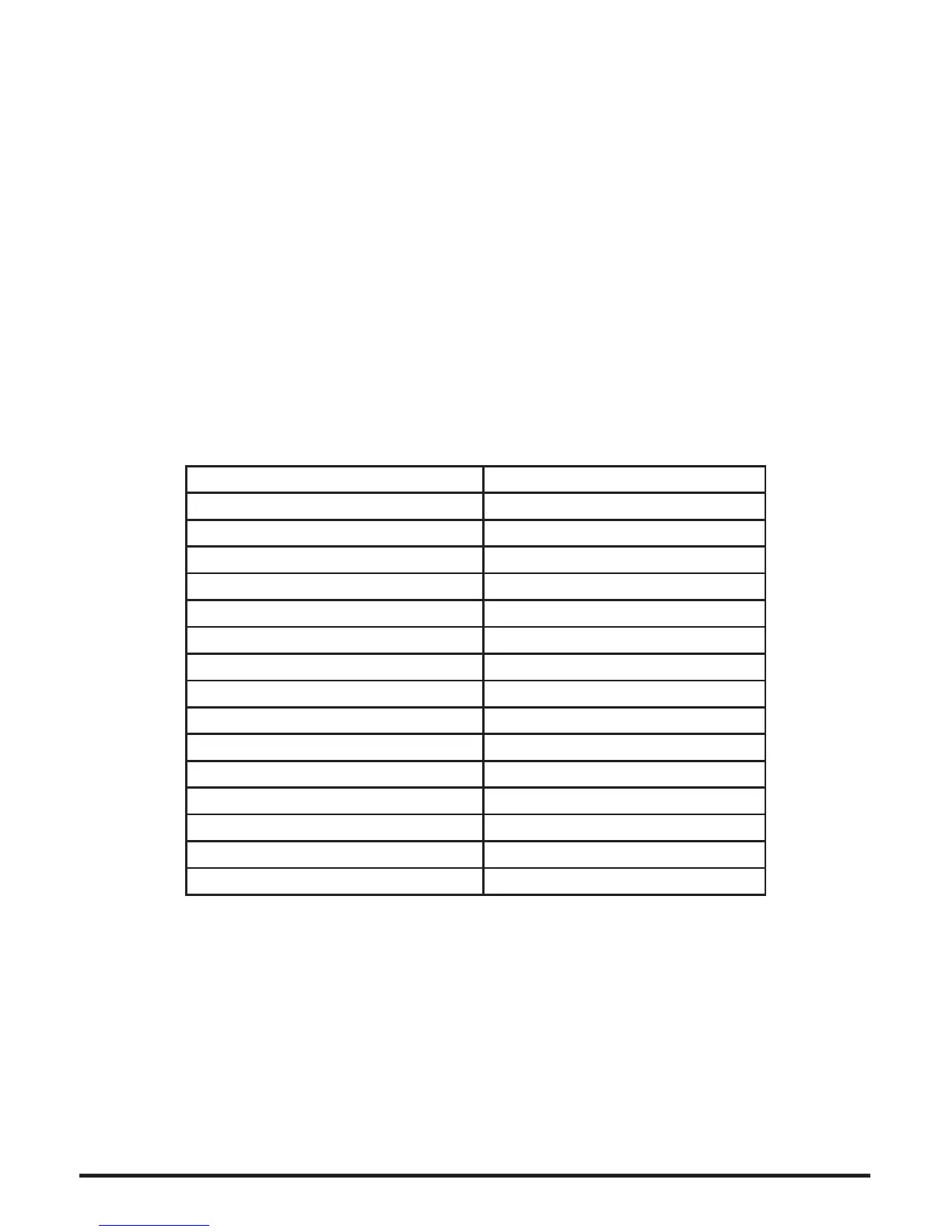
The Table 2 summarizes the basic functions and their required access level.
Basic Function Access Level Required
Access level 2 menu A.L.2 / A.L.3
Access level 3 menu A.L.3
Zones Reset A.L.2 / A.L.3
Silence A.L.2 / A.L.3
Bypass A.L.2 / A.L.3
Test A.L.1
Log A.L.1
Display alarms A.L.1
Display Faults A.L.1
Display bypasses A.L.1
Evacuation A.L.1 / A.L.2 / A.L.3
System Programming A.L.3
Date/Time set A.L.2 / A.L.3
Walk Test A.L.2 / A.L.3
Periodic Test Conrmation A.L.2 / A.L.3
Table 2. Basic functions required access levels
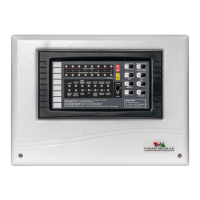
Since the system may have more than one installed key display units, an interlocking
system ensures that only one is active at access levels 2 or 3. In this case the [ACC]
key is constantly lit on the active key display. On the rest of the key display units the
[ACC] key is producing three short ashes every 5 seconds. The user may press [ACC]
on a locked key display to nd out which unit is currently in elevated access mode.
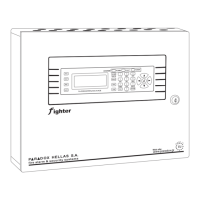
Figure 3 shows the information screen. To ensure that the system will never be locked
untenanted in elevated access level, it detects user inactivity and drops to access level
1 automatically after a period of 30 seconds.


 To Next Page