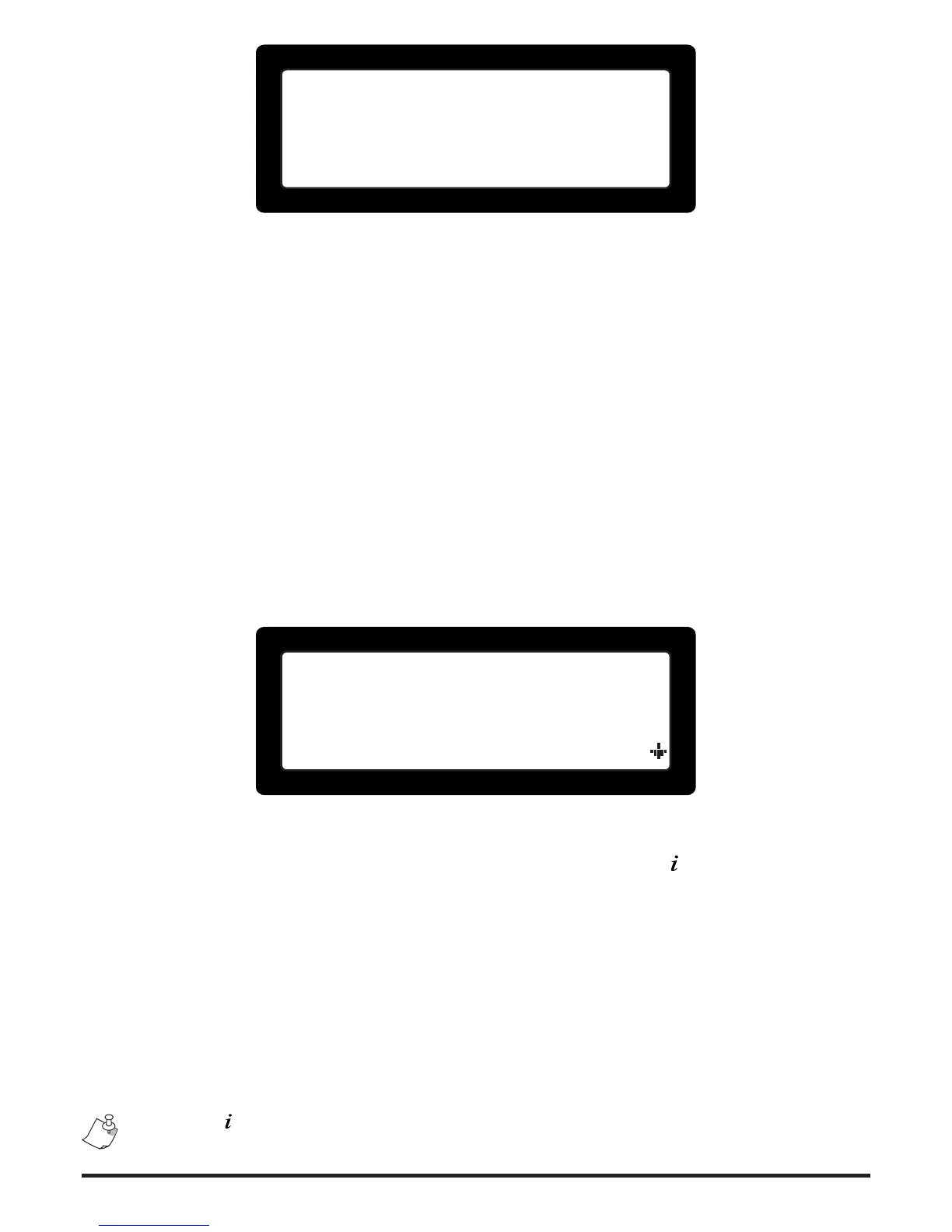
Display 4 logged
at access level 2.
Figure 3. Access denied information screen
2.3 Users (master / normal, installer)
The re panel apart from having two elevated access levels, also provides 9 users for
access level 2; one Master and 8 Normal users. All users are limited to access level 2
operations (including the Master user). The Master user though may change the PIN
codes for himself as well as all 8 Normal Users. Each Normal user can change only
him/her own PIN. This system ensures that the Master user can have control over who
is authorized to operate the system without disclosing his/her own PIN. This ensures
future user control in the case of access revocation for a specic user.
The Access level 3 (A.L.3) user has full control over the entire system, including the
Master and Normal user codes, programming and operation of the system. In other
words Access level 3 (A.L.3) may perform operations that belong to the Access level 2
(A.L.2) group.
3 System Information and status
1.Zone descriptions
2.Zone overview
3.Zone configuration
4.Installed modules
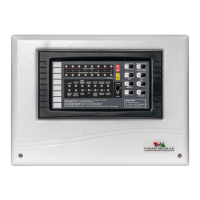
Figure 4. Access Level 1 menu screen
In Access level 1 (A.L.1) the user may request through the level's menu a number of
information screens. The A.L.1 menu is shown by pressing the < > button while on the
main screen (Figure 4). The items of the A.L.1 menu is as follows:
Zone descriptions1.
Zone overview2.
Zone conguration3.
Installed modules4.
Power levels5.
System info6.
Contact info7.
Pressing < > on some screens will display a help screen with useful related informa-
tion.


 To Next Page