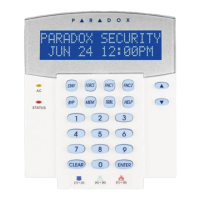
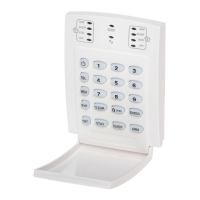
Esprit Keypads 11
3.12 STAY ARMING SYSTEM A
Please refer to section3.3 on page7 for an
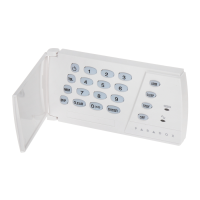
explanation of stay arming. Press the [STAY/11] key
steadily for 2 seconds. With your system partitioned,
only System A will be Stay armed when the [STAY/11]
key is pressed.
3.13 “NO MOVEMENT” SUPERVISION FEATURE
Your panel can be programmed to send a report and/
or arm the system if it is not armed and there is no
zone activity for a preprogrammed amount of time.
3.14 AUTOMATICALLY ARM ON TIME
Your installer can program your system to arm at a
specific time each day. In this mode, all protected
zones and detection devices must be in the “normal”
state before arming can occur.
How do I Disarm System B?
1) Press the [AWAY] key.
2) Enter your Access Code.
The [AWAY] key will flash. The “ready” light will also
begin to flash and the exit timer will begin to count-
down.


 To Next Page