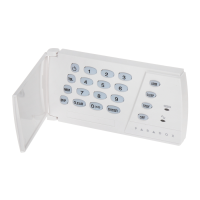
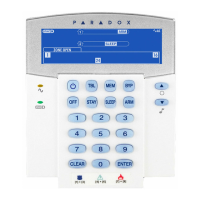
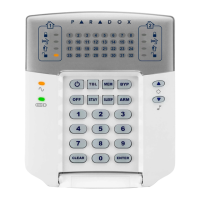
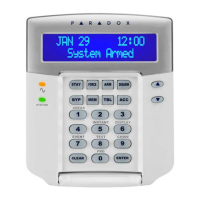
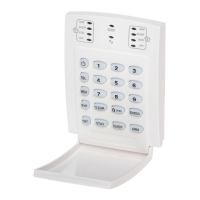
Esprit Keypads 7
3.2 REGULAR SYSTEM ARMING
3.3 STAY ARMING
Stay arming allows you to remain in the protected
area while “partially” arming the system (perimeter
zones only, such as doors and windows).
3.4 ONE TOUCH ARMING
One touch system arming - no code required. Check
with your installer if these features are enabled.
3.4.1 Key [10] - Regular Arming:
When the “ready” light is on, pressing key [10]
steadily for 2 seconds automatically arms the system.
How do I Regular Arm the system?
1) The green “READY’ light must be ON in order to arm
the system.
2) Enter your User Code.
After the Confirmation beep, the “ready” light and the
[STAY] and [AWAY] buttons will begin to flash. The exit
delay timer will begin the countdown to arming.
How do I Stay Arm the system?
1) Press the [STAY] button.
2) Enter your User Code.
After the Confirmation beep, the “ready” light and the
[STAY] and [AWAY] buttons will begin to flash. The exit
delay timer will begin the countdown to arming.


 To Next Page