V8.0.066
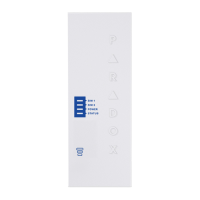
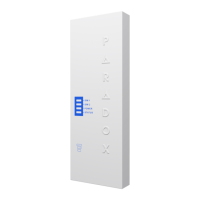
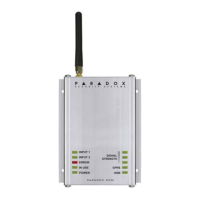
Thank you for choosing Paradox Security Systems products. The following manual describes the connections and programming for the
PCS265V8 Communicator Module. For any comments or suggestions, send an email to manualsfeedback@paradox.com.
Important Sim Card Charges
You must use a SIM card with a data charge limit. Paradox will not be responsible in any way
for any usage charges of data or voice whatsoever.
Introduction
The PCS265V8 Communicator Module provides access to Paradox systems using the MQTT protocol. The PCS265V8 reports to the central
station via Paradox IPC10 receivers only. Connecting to the system with BlueEye application (Insite Gold is NOT supported), or PC software.
THINGS YOU SHOULD KNOW, PLEASE READ:
While the PCS265V8 programming is similar to the PCS265V7, there are some differences you should know:
• The PCS265V8 uses MQTT protocol and can not be combined with legacy IP devices, only IP180/IP150+ MQTT, and the latest BlueEye and
PC versions support MQTT.
• The PCS265V8 reports in Contact ID format to the IPC10 (make sure the panel is set to Contact ID reporting) ONLY, and from IPC10
to CMS using MLR2-DG, Ademco 685 or Ademco CID-TCP.
• PCS265V8 supports and supervises up to three IPC10 reporting receivers.
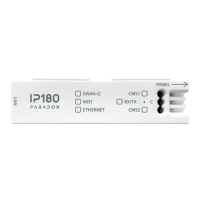
• On panel ending with +, when only the PCS265V8 is used, connect to Serial-1. In the case of the IP module and PCS265V8
connected, connect the IP180/IP150+ MQTT to Serial-1 (main channel) and PCS265 V8 to Serial-2. It is not possible to mix MQTT
reporting devices and previous reporting devices on the same panel.
• PCS265V8 is not compatible with EBUS for GSM, and SMS reporting.
• Combo mode (PCS connected to IP150) with PCS265V8 is not supported.
NOTES:
- The IPC10 can only receive CONTACT ID format. Please make sure the reporting format is set to CID.
- PCS265V8 can be downgraded to V7.x firmware (TURN) If needed.

 Need help?
 General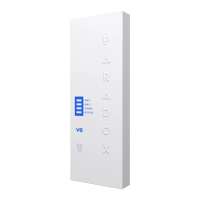

 To Next Page