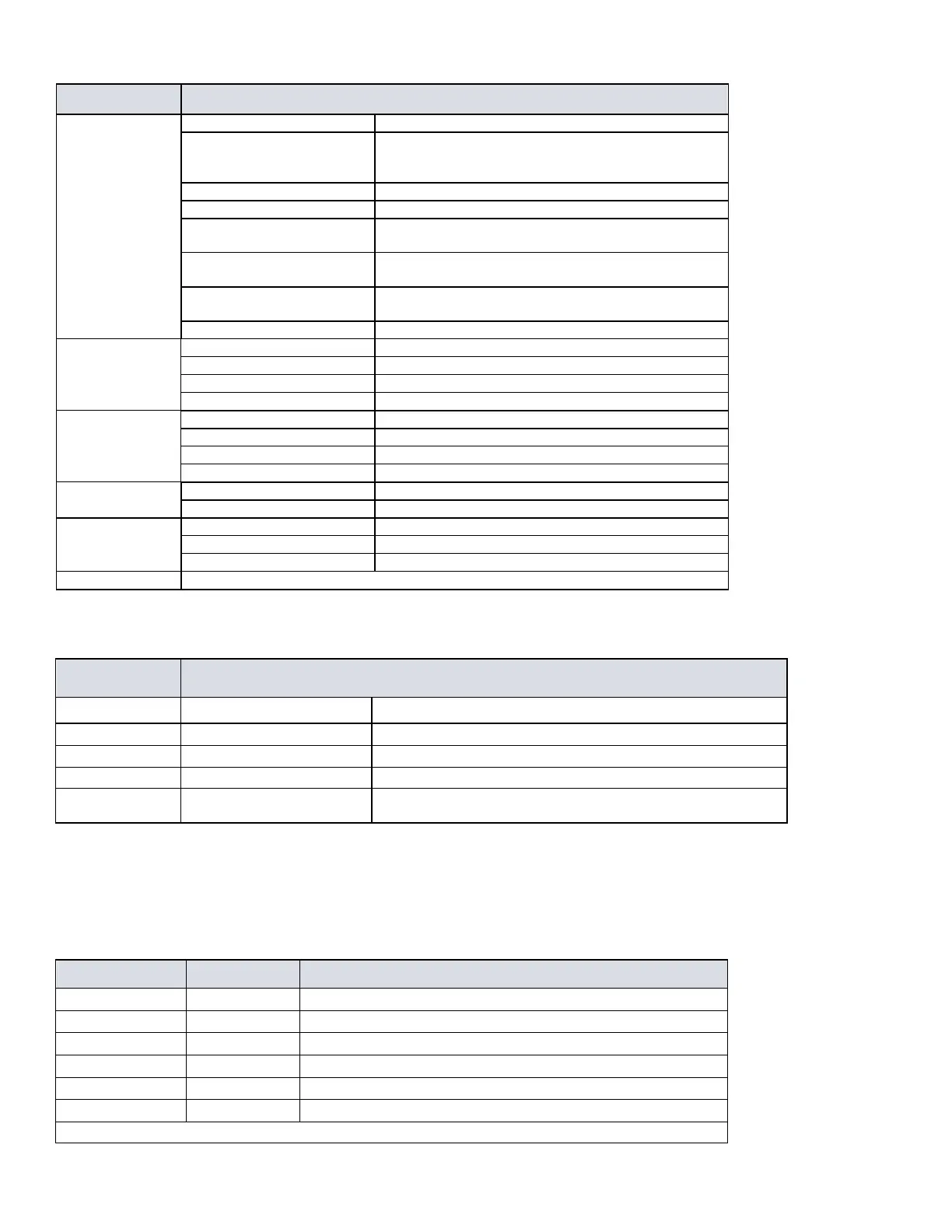
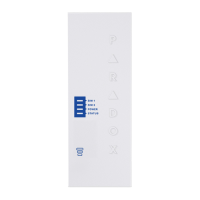
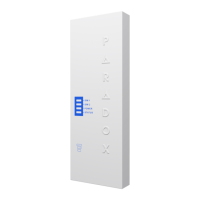
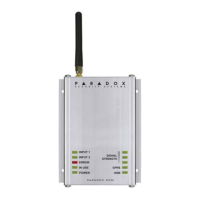
LTE
Internet present, polling to SWAN and received a
connection identifier
Flashing every 0.2 seconds
Internet present, polling to SWAN but did not receive a
connection identifier
Flashing every 0.5 seconds
Internet present, received a connection identifier but it is not
polling to SWAN
Flashing every one second
Internet present, not polling to SWAN and did not receive a
connection identifier
Registered to IP Receiver #1 only
Registered to IP Receivers #1 and 2
Registered to IP Receivers #1,2, and 3
Registered to IP Receivers #1 and 3
Registered to IP Receiver #1 only
Registered to IP Receivers #1 and 3
Registered to IP Receivers #1,2, and 3
Registered to IP Receivers #1 and 2
Battery is charged at 80% or higher
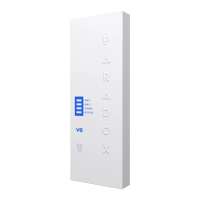
Three LEDs indicate network signal strength
Note: When upgrading the firmware remotely SIM1, SIM2, and Status LEDs will all flash green throughout the upgrade process.
Panel Communication Loss LED Functionality
On for three seconds then flashes green three times in a loop
Flashes three times every three seconds
Flashes three times every three seconds
All LEDs are on for three seconds then off for 1.5 seconds in a loop
Programming
In order to configure the PCS265V8 for reporting, you will need to first configure your SIM cards. Please note that SIM Card 1 can be configured
via panel programming or SMS and SIM Card 2 via SMS only.
IP Reporting over LTE and SMS Personal Reporting
Network Provider Information
APN part 1 (characters 1-16)
APN part 2 (characters 17-32)
APN user name part 1 (1-16)
APN user name part 2 (17-32)
APN password part 1 (1-16)
APN password part 2 (17-32)
Important: This information can be obtained from your mobile network provider.
Refer to the List of SMS Commands Table.


 To Next Page