22
Music
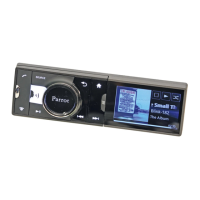
2. Press the SRC button until the Line in source is selected.
3. Start playing a track on the audio player.
Note : To hide the Line in source from the audio sources list, select Settings > Audio and
uncheck the Activate Line-in option.
Car stereo
To get back to your car radio audio output, press the SRC button on the remote
control and select Car radio.


 To Next Page