13Flying
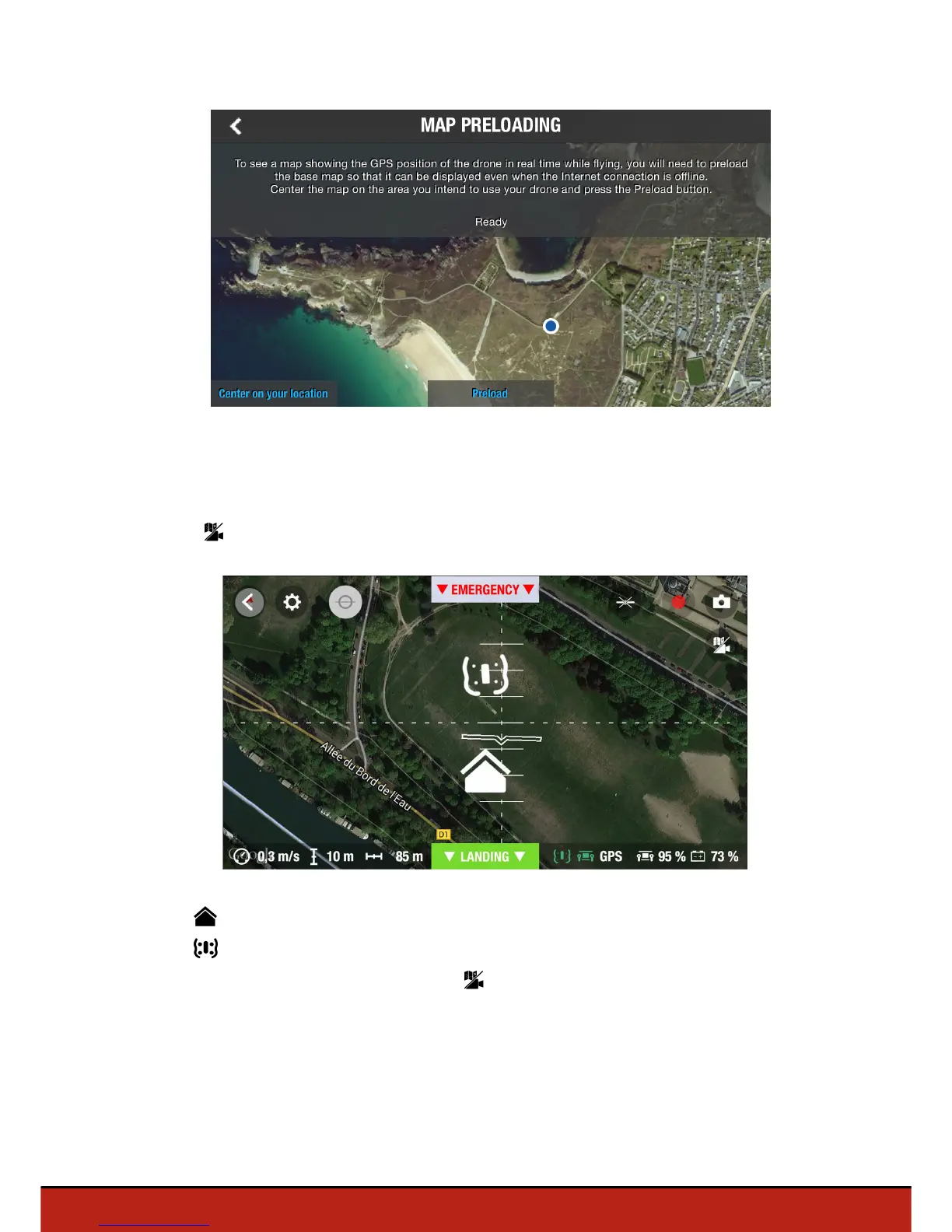
5. Press Preload.
6. Wait until the preloading is completed.
Activating map mode
Press .
The icon indicates your smartphone's position.
The icon indicates the Parrot Bebop Drone position.
To switch back to the video mode, press again.
Flat trim
Use the flat trim feature after you change the battery or if the Parrot Bebop Drone does
not stay on course correctly.














 To Next Page