26 Settings
Red curves represent congested channels. Green curves represent less congested
channels. The channel without curves are free.
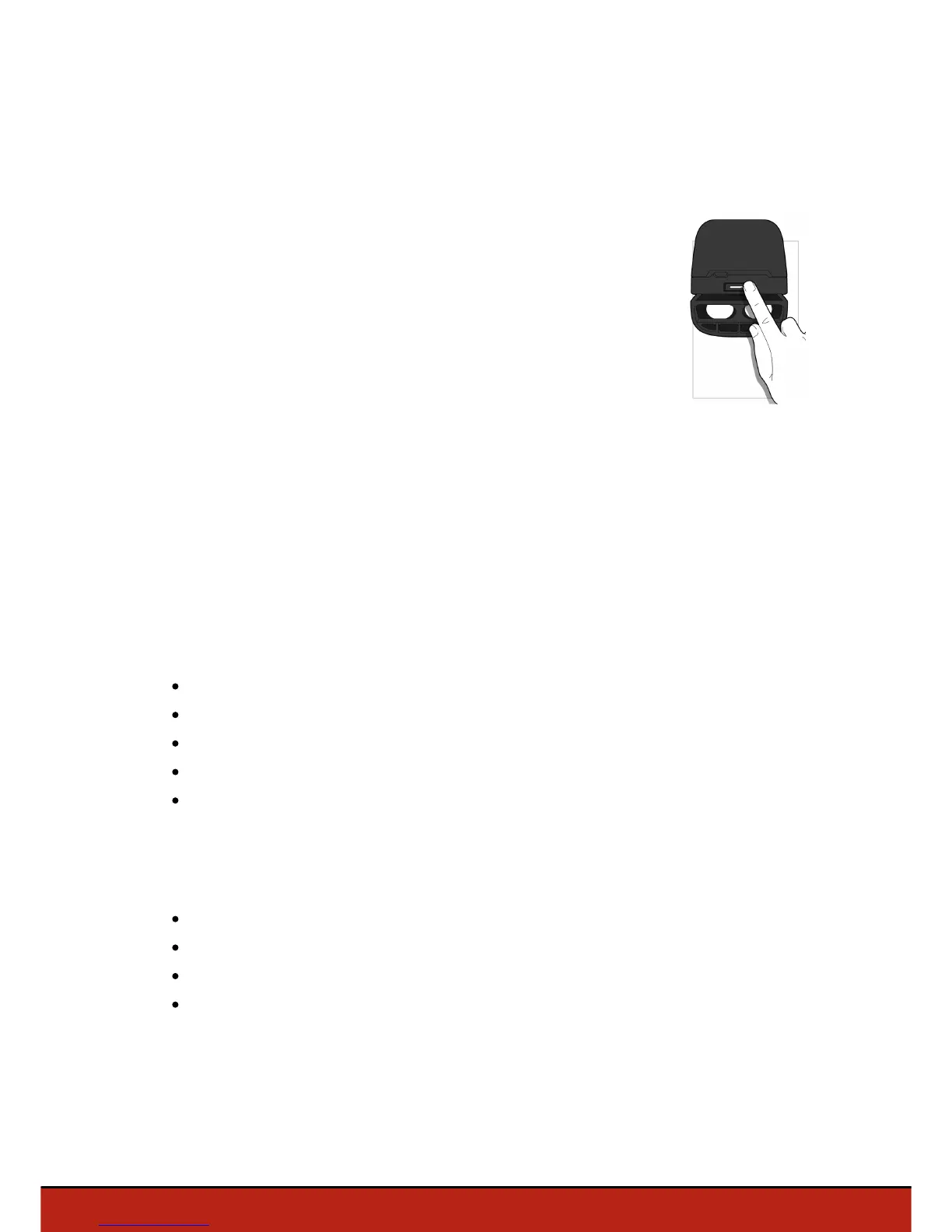
To switch the Wi-Fi band (2.4 GHz or 5 Ghz) manually without
using the application, hold down the on/off button for 5 seconds .
> The led turns orange, then green. The Parrot Bebop Drone has
switched its Wi-Fi band.
In automatic mode, FreeFlight 3 automatically selects a channel
according to the country, the mode (outdoor or indoor), the Wi-Fi band selected and
the congestion of the channels. If you encounter a problem with the quality level of the
Wi-Fi connection:
1. Select Manual mode.
2. Select a non-overloaded channel using the information displayed on the diagram.
Give preference to channel without curves or with green curves.
Motor information
Select the Motor information screen to display:
the motor state;
the software version;
the last flight date;
the total flight time;
the last error date.
Version
Select the Informations screen to display:
the FreeFlight 3 version;
the Parrot Bebop Drone firmware version;
the Parrot Bebop Drone hardware version;
the GPS hardware version.














 To Next Page