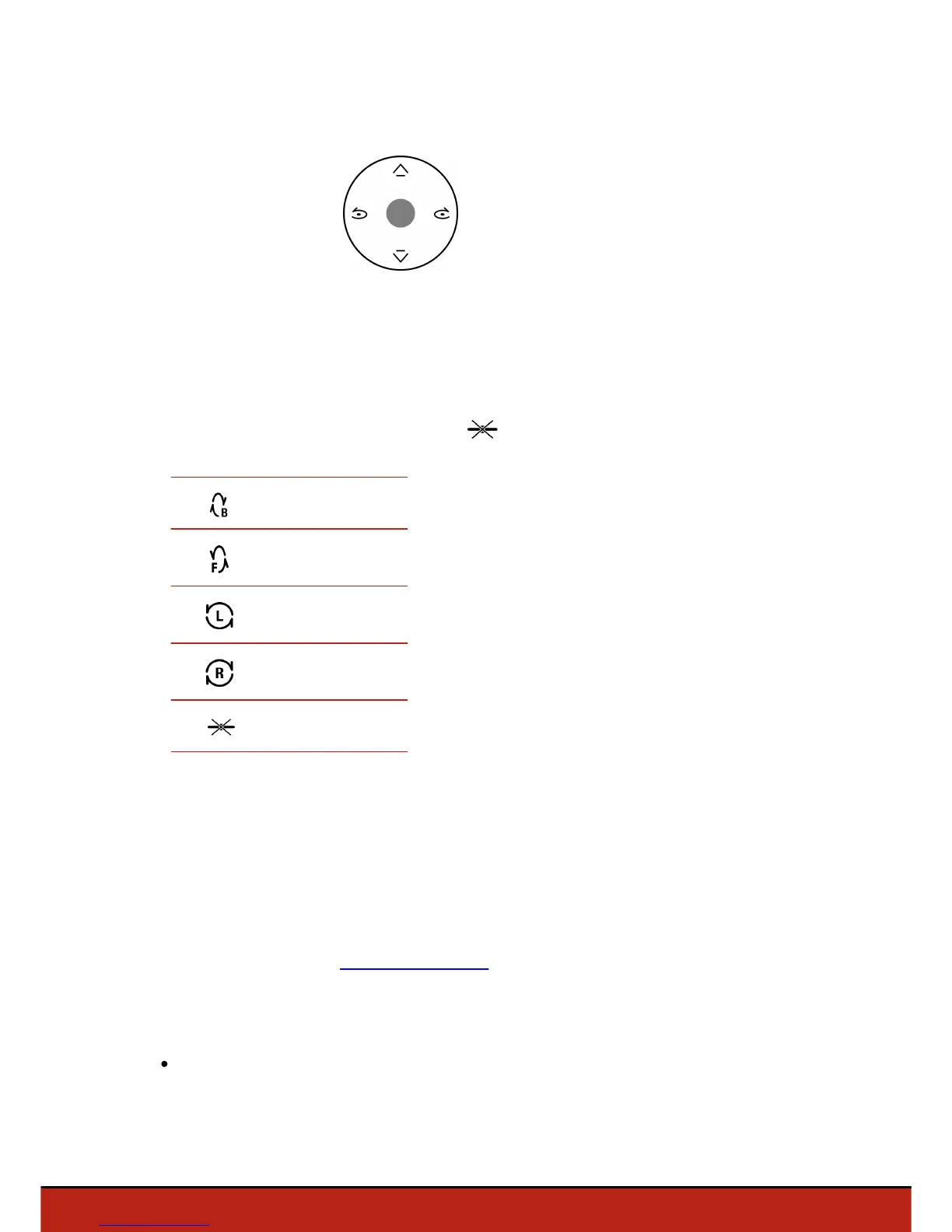
Pre-programmed acrobatics
The Parrot Bebop Drone can perform acrobatics while flying, whether it is stationary or
moving.
1. Press the flip icon to change the flip. is selected by default.
2. Tap on your smartphone screen twice to perform a flip.
Photos and videos
Note: The camera is located at the front on the Parrot Bebop Drone. The camera
located under the Parrot Bebop Drone is for stabilization only. You can set the Parrot
Bebop Drone in video or photo mode. The video mode is activated by default. For
further information, see Settings>Recording.
Orienting the camera
Control the angle of the camera regardless of the Parrot Bebop Drone position.
in Normal and Joypad modes : slide two fingers on the screen.
Note : The vertical orientation commands are reversed. If you slide your finger upwards,
the camera angle will move downwards. If you slide your finger downwards, the camera














 To Next Page