PS-3225 Record and Display Data in PASCO Capstone
23
013-16123A
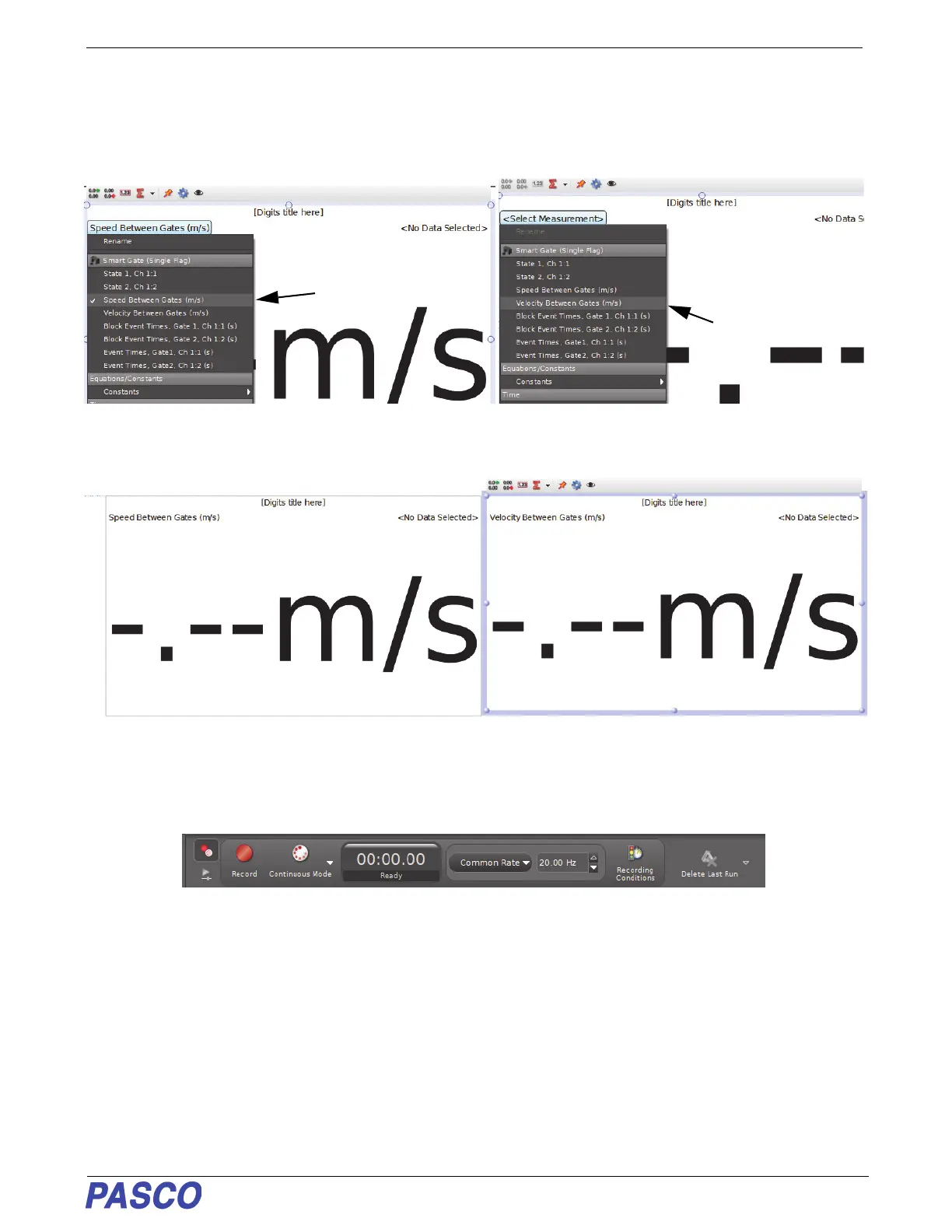
1. For the example of “Smart Gate (Single Flag)”, click the “Two Digits Display” template to select it.
2. In the displays, click the “Select Measurement” menu to see the available choices. In one display select “Speed
Between Gates”. In the other display, select “Velocity Between Gates”.
• On the workbook page, the displays can be moved and re-sized as needed.
Next, Record Data
• Just below the workbook page is the “Controls” palette.The “Record” button is near the left end of the palette.
1. Click the “Record” button to begin data recording.
• The experiment clock will show the elapsed time. The “Record” button changes to a “Stop” button.
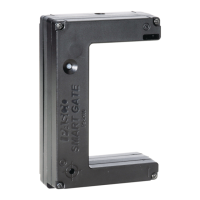
2. Watch the digits displays as you pass a finger back and forth through the Wireless Smart Gate.
• The “Speed Between Gates” will show a positive value. The “Velocity Between Gates” will show a positive
value or a negative value depending on which direction your finger is moving when it goes through the sensor.
3. Click the “Stop” button to end data recording.


 To Next Page