11
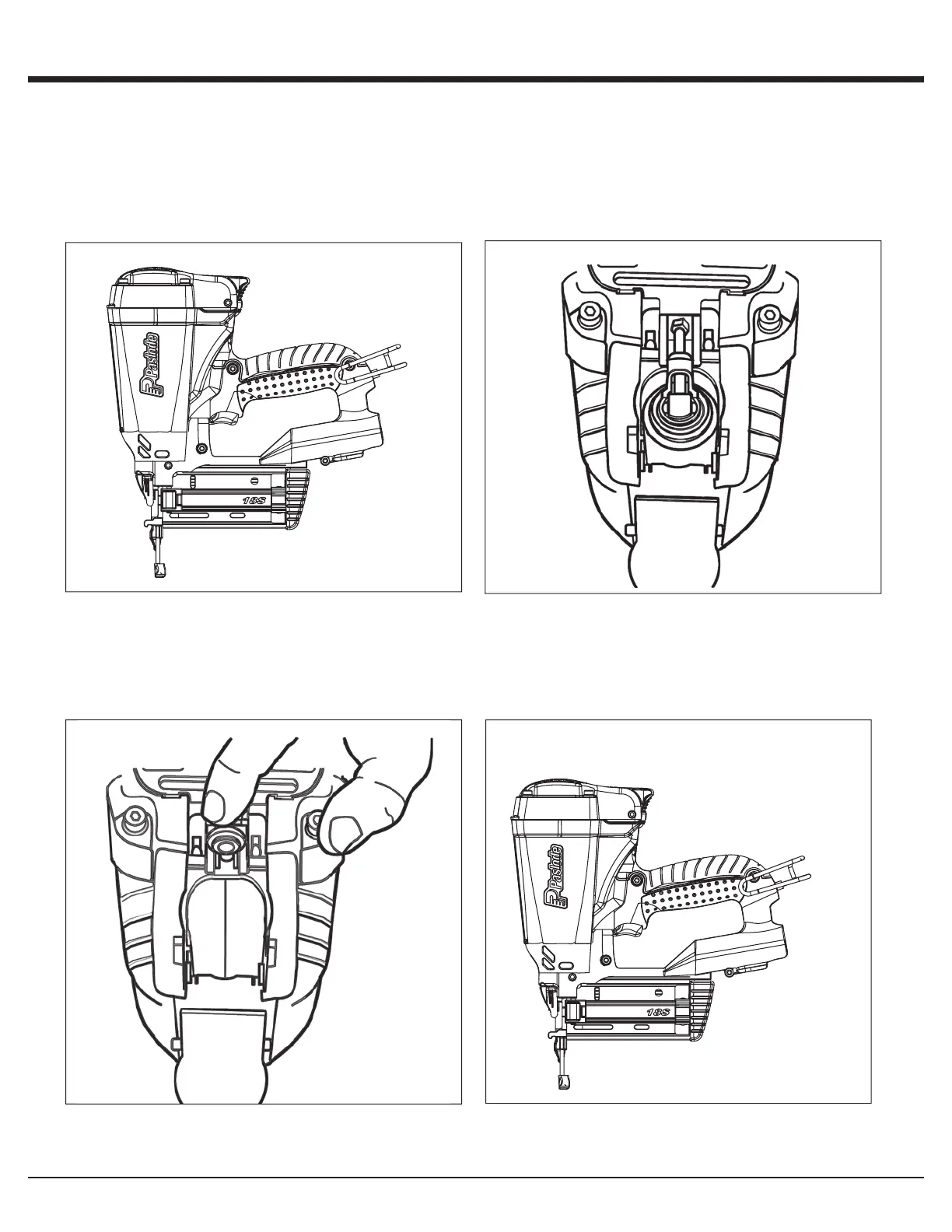
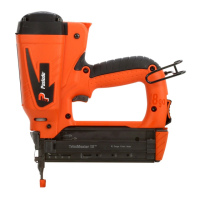
Inserting Fuel Cartridge
Fuel Ca rtridge
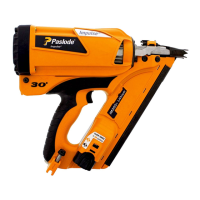
B. Lift the fuel cartridge adaptor and insert the fuel
cartridge into the tool.
C. Release the adaptor so it is centered on the fuel
cartridge.
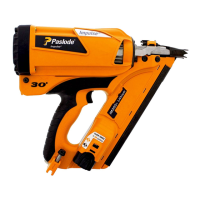
A. When loading a fuel cartridge, lift the tool off of the work
surface so the work contact element (WCE) is not depres-
sed. Press forward at the back of the actuator cover and
pivot outward to open. The cover will swing out of the way.
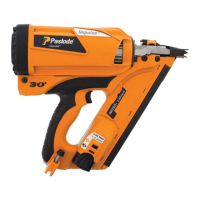
D. Close the actuator cover over the fuel valve/cylinder
assembly and push forward and down until the actuator
cover snaps into position to complete the loading of fuel
in the Cordless Finish Nailer.
£
1 PRESS UP
2
.
PULL OUT
£
£
1. CLOSE OVER
2. PUSH DOWN
£


 To Next Page