Page 16
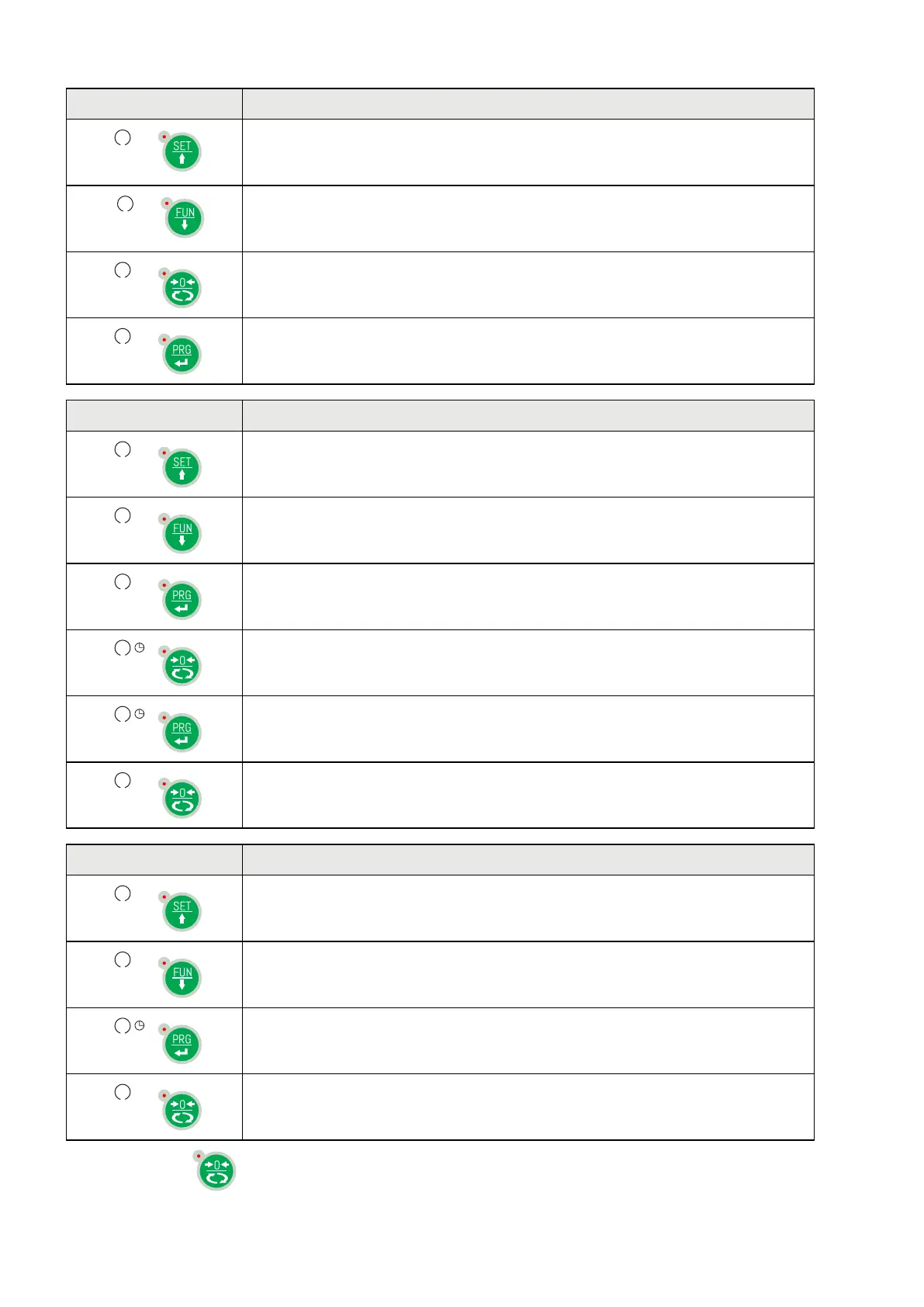
KEY FUNCTION DURING THE PROGRAMMING MENU NAVIGATION
It selects the next menu.
It selects the previous menu.
It exits the programming menu or returns to the upper level.
It accesses the relative sub-menu or programming or confirms the selected
parameter.
KEY FUNCTION DURING SETTING OF THE NUMERICAL VALUES
It increases the value of the selected digit.
It decreases the value of the selected digit.
It selects the most-right digit.
It resets all the digits.
It ends composition and saves the value.
It exits without saving the changes.
KEY FUNCTION WHILE SETTING SUGGESTED VALUES
It selects the next value.
It selects the previous value.
It confirms and stores the displayed value.
It exits without saving the changes.
Pressing the key
always results in a return to the previous menu.


 To Next Page