Page 17
KEYBOARD LOCKING/UNLOCKING FUNCTIONS
OPERATION DESCRIPTION
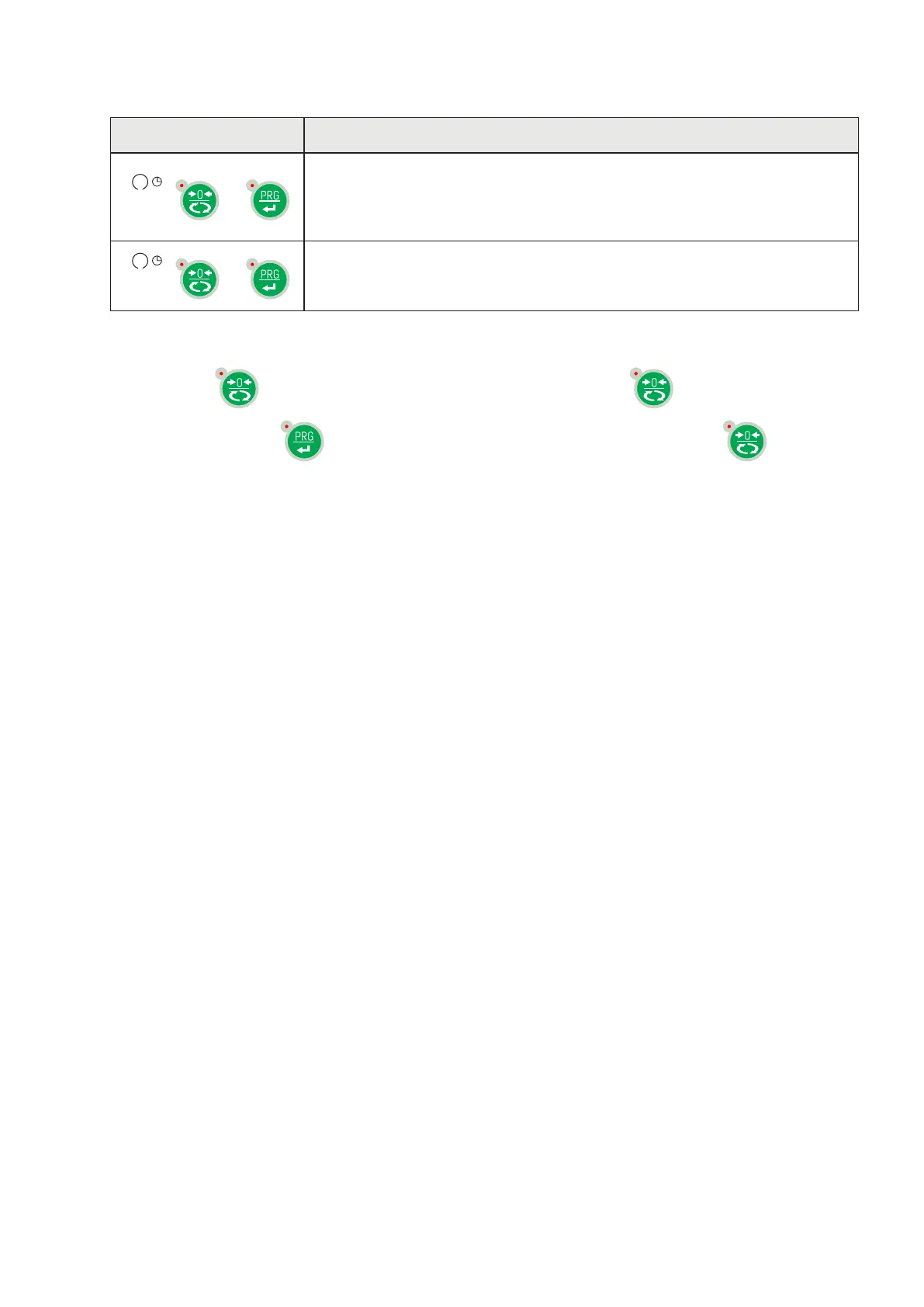
+
Keyboard Lock - The keys are disabled until released. The display
goes into low power mode. The instrument is locked by simultaneously
pressing the ZERO + PRG keys for 5 seconds. By switching the instrument
on and off the instrument automatically unlocks.
+
Keyboard Unlock - By simultaneously pressing the ZERO + PRG keys for
5 seconds, the keys are reactivated and the brightness of the display
returns to standard.
EXITING THE CONFIGURATION MENU
Press the key
to return to the main menu. Press the key again . “StorE?”is displayed.
Keep the key pressed
until the message “sEtUP” appears. Press the key. to return to
the weight display.


 To Next Page