Page 72
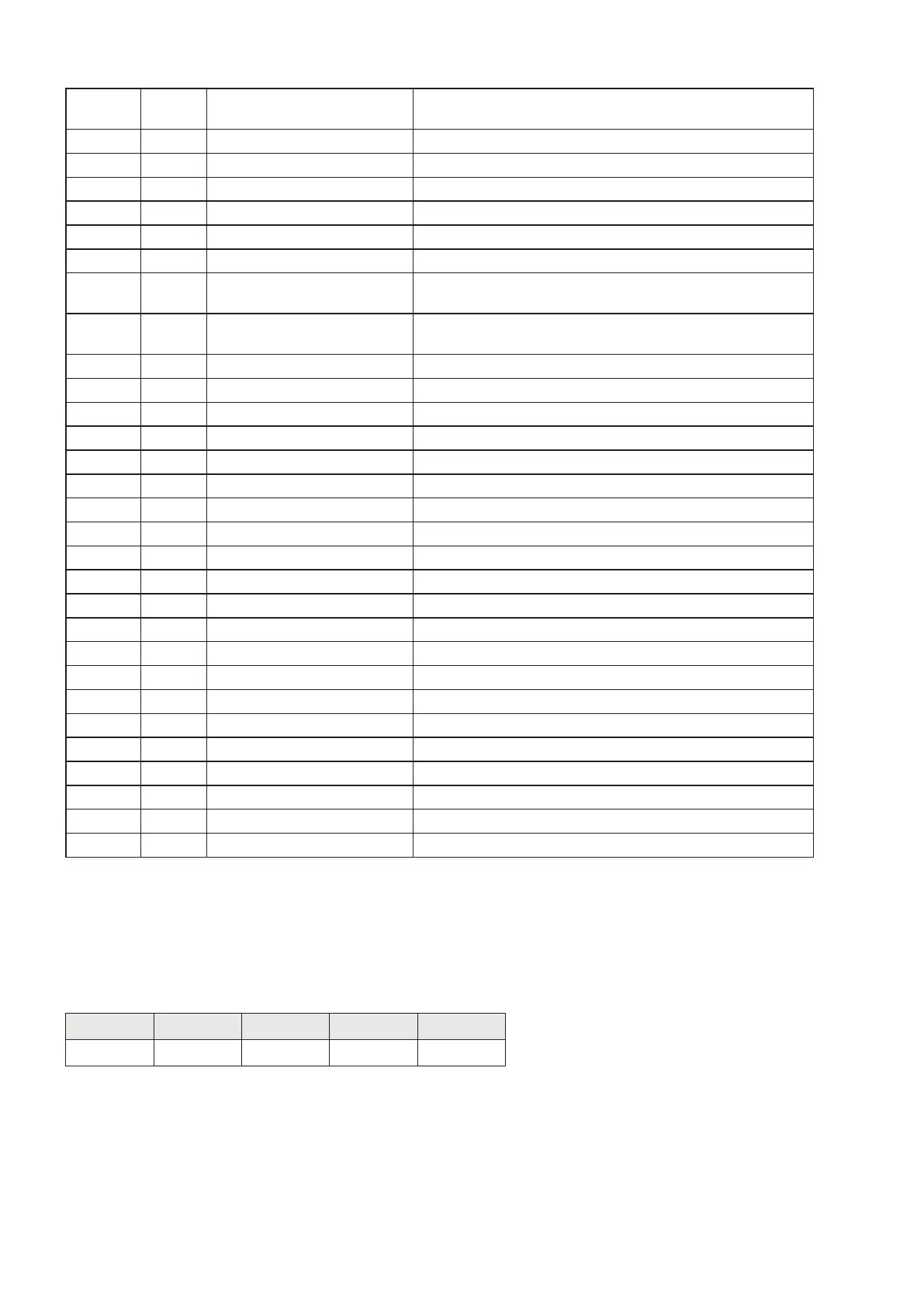
69-70 34
Number of readings on
average
INT. value
71-72 35 Monotony Time INT. value
73-74 36 Oscillations Time INT. value
75-76 37 Oscillations Range INT. value
77-78 38 Full Scale (MSB) INT. value - Most significant word
79-80 39 Full Scale (LSB) INT. value - Less significant word
81-82 40 Weight stability See correspondence on page 46
83-84 41
Auto zero when switching on
(MSB)
INT. value - Most significant word
85-86 42
Auto zero when switching on
(LSB)
INT. value - Less significant word
87-88 43 Zero tracking See correspondence on page 47
89-90 44 Input 1 function See correspondence on page 43
91-92 45 Input 2 function See correspondence on page 43
93-94 46 Input 1 mode —Function See correspondence on page 43
95-96 47 Input 1 mode —Logic See correspondence on page 43
97-98 48 Input 1 mode —Polarity See correspondence on page 44
99-100 49 Input 1 mode —Stability See correspondence on page 44
101-102 50 Hysteresis input 1 INT. value
103-104 51 Timing input 1 INT. value
105-106 52 Delay input 1 INT. value
107-108 53 Input 2 mode —Function See correspondence on page 44
109-110 54 Input 2 mode —Logic See correspondence on page 45
111-112 55 Input 2 mode —Polarity See correspondence on page 45
113-114 56 Input 2 mode —Stability See correspondence on page 45
115-116 57 Hysteresis input 2 INT. value
117-118 58 Timing input 2 INT. value
119-120 59 Delay input 2 INT. value
121-122 60 Analogue Fixed Tare (MSB) INT. value - Most significant word
123-124 61 Analogue Fixed Tare (LSB) INT. value - Less significant word
125-126 62 Analogue Full Scale (MSB) INT. value - Most significant word
127-128 63 Analogue Full Scale (LSB) INT. value - Less significant word
READING EXAMPLE
To read the gross weight on the DAT 1400 it is needed to read the addresses from 3 to 6 of the Input
Area.
To read the net weight is needed to read the addresses from 7 to 10 of the Input Area.
When the display shows the gross weight value of 12351 in the corresponding bytes there will be:
Byte 3 Byte 4 Byte 5 Byte 6
Hex 00 00 30 3F


 To Next Page