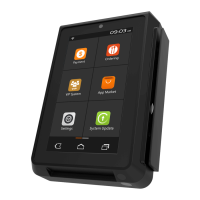
PAX A80 Quick Setup Guide
9
To see the available Wi-Fi networks, turn on the Local Wi-Fi option. Only local Wi-Fi
networks that have the SSID enabled will be visible. To view or edit the network
settings select the desired Wi-Fi network.
After selecting the desired Wi-Fi network, input the Wi-Fi case sensitive password
and select “Connect”.
When the terminal has successfully connected to the Wi-Fi access point, the Status
displays “Connected”. Select the Back icon to return to the Settings menu or to exit.



 To Next Page