39
Chapter 5: Setting Up NVIDIA RAID Configuration
5
Enter the RAID BIOS Setup by pressing F10 when prompted, and proceed to set
up the NVIDIA RAID BIOS as described in the next section.
The PC reboots.
Press F10 to save the configuration and exit.
Configuring the NVIDIA RAID BIOS
The NVIDIA RAID BIOS set up lets you choose the RAID type and which hard drives you
want to make part of the array.
Entering the RAID BIOS Setup:
1
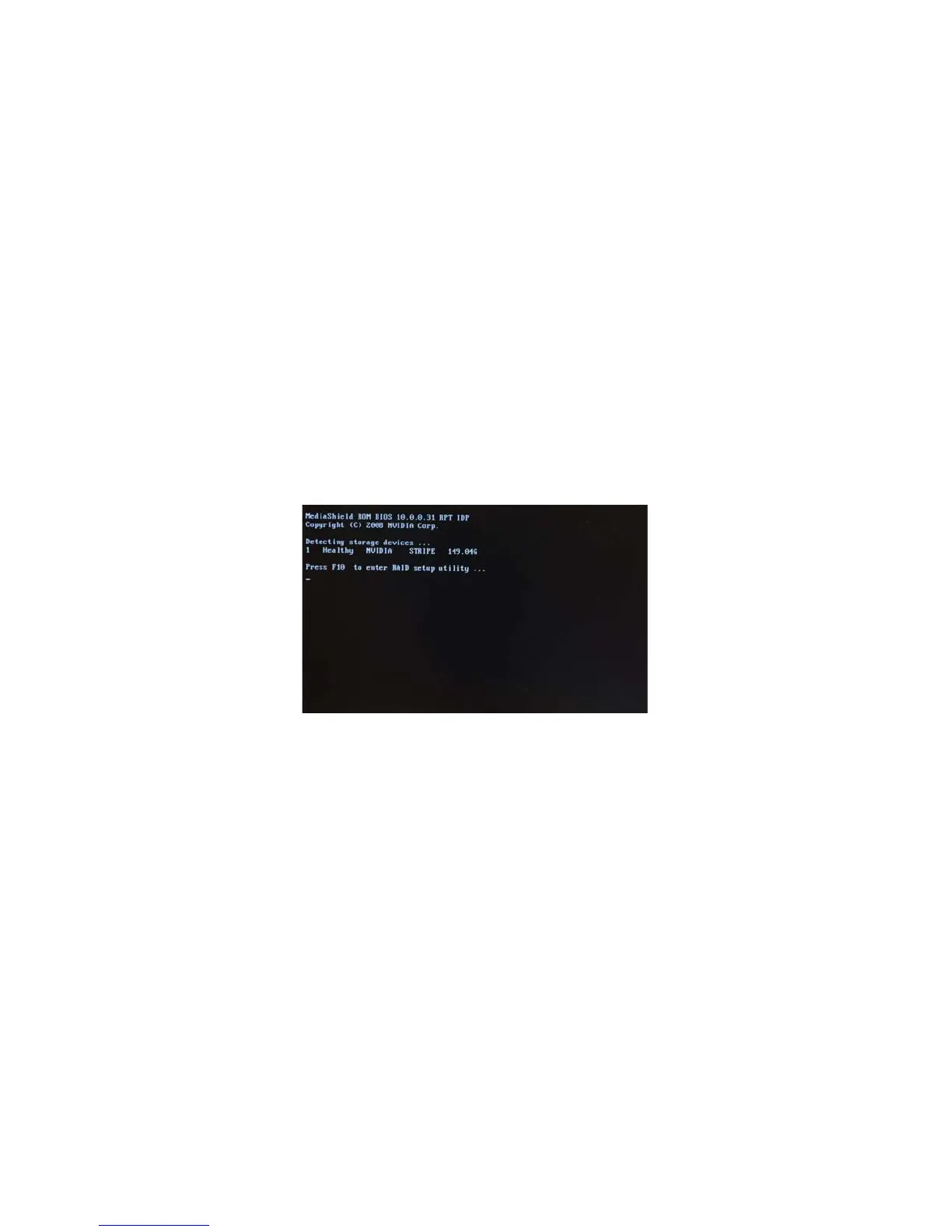
Wait until you see the RAID software prompting you to press F10.
The RAID prompt appears as part of the system POST and boot process prior to
loading of the OS. You have a few seconds to press F10 before the screen disap-
pears (see Figure 1.6).
4
Figure 1.6
Press F10 to enter Define a New Array page.
2


 To Next Page