
 To Next Page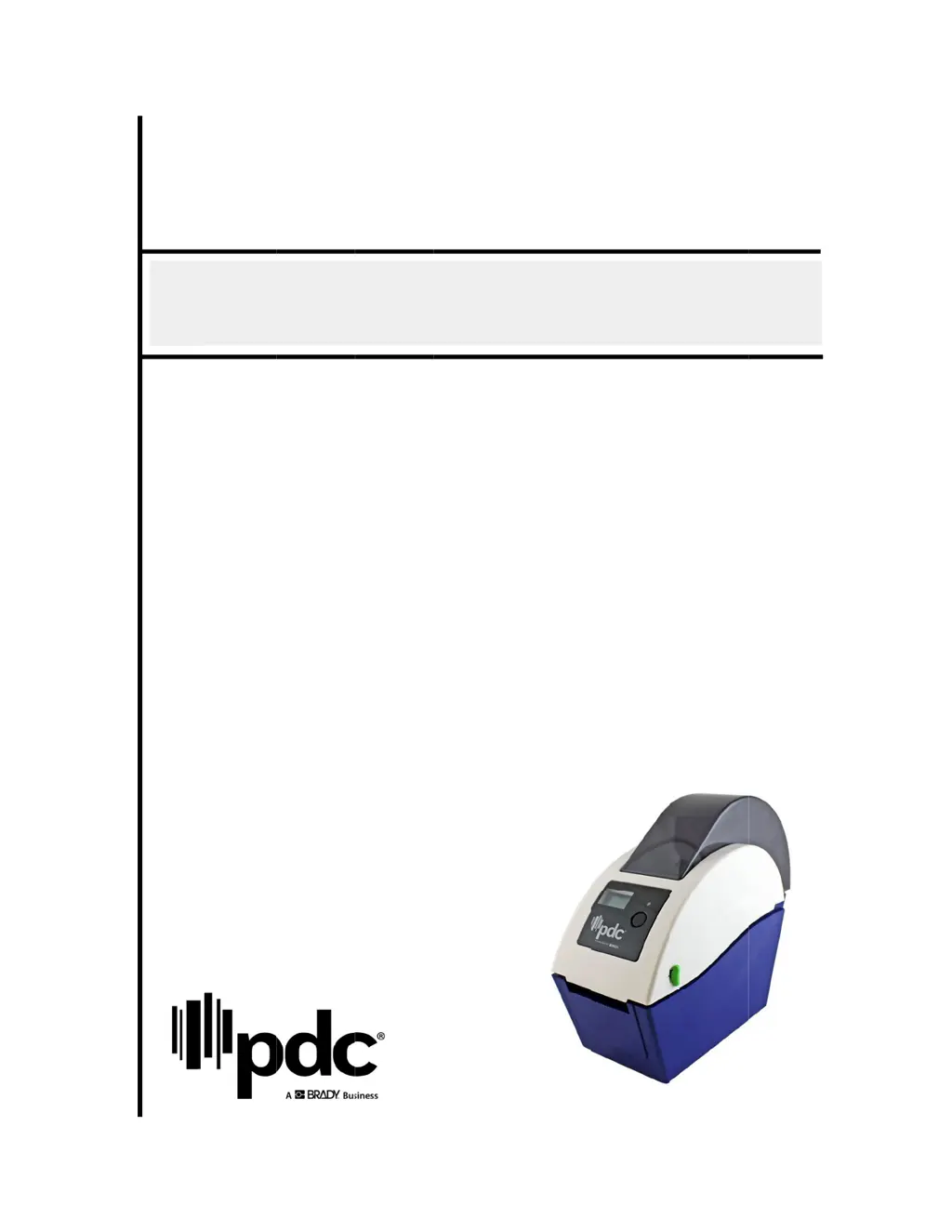
S
Sharon CummingsSep 12, 2025
Why is my PDC Printer not printing on the wristband?
- DDavid MoranSep 12, 2025
If your PDC Printer is not printing on the wristband, it might be loaded incorrectly. Follow the instructions for loading the media.

Why is my PDC Printer not printing on the wristband?
If your PDC Printer is not printing on the wristband, it might be loaded incorrectly. Follow the instructions for loading the media.
What to do if my PDC CERTIS B2 Printer is paused?
If your PDC Printer is paused, press the FEED button to resume printing.
Overview of the PDC bar code printer, highlighting its features like direct thermal printing, selectable speed, and print direction capabilities.
Details the various safety and electromagnetic compliance standards met by the printer, including CE, FCC, UL, CUL, and C-Tick certifications.
Instructions for carefully inspecting the printer and its included accessories after unpacking to ensure all parts are present and undamaged.
Provides a visual guide to the printer's external components, labeling key parts like the top cover lever, card socket, media window, LED indicator, and feed button.
Step-by-step guide for initial printer setup, including placement, power connection, and connection to a computer via USB cable.
Detailed instructions on how to properly load wristband rolls into the printer, including adjusting media holders and closing the cover.
Introduction to the Diagnostic Utility software for printer configuration, settings adjustment, firmware updates, and troubleshooting.
Guides on configuring the printer's Ethernet interface using the Diagnostic Utility, via both USB and Ethernet connections.
Instructions for inserting a MicroSD card into the printer's designated socket for storage or firmware updates.
Information and diagram for securely mounting the printer onto a wall using specific screw sizes.
Explains the meaning of different LED colors and patterns (solid/flashing) indicating the printer's status, such as ready, paused, or error.
Describes the basic functions of the printer's button, including feeding wristbands and pausing/resuming print jobs.
Details how to access and use various power-on utilities for tasks like sensor calibration, initialization, and self-tests.
Lists common printer issues based on LED status and provides corresponding recovery procedures for each problem.
Covers common printing issues such as 'Not Printing', 'No print on the wristband', 'Paper Jam', and 'Poor Print Quality' with solutions.
Provides a guide to interpreting LCD messages like 'Head Open', 'No Paper', 'Paper Jam', 'Out of Mem', and 'Cutter Error' with recovery steps.
 General
| Resolution | 203 dpi |
|---|---|
| Ribbon Length | 300 m |
| Print Technology | Thermal Transfer |
| Memory | 8MB Flash |
| Interface | USB2.0, Serial |
| Media Type | fan-fold |
| Media Width | 25.4 mm |
| Media Thickness | 0.06 mm |
| Media Roll Diameter | 127 mm (5") OD |
| Ribbon Width | 110 mm |
| Power | 100-240 VAC, 50/60 Hz |
| Operating Temperature | 5°C |
| Storage Temperature | 60°C |
| Humidity | 85% (non-condensing) |