25
Ebook
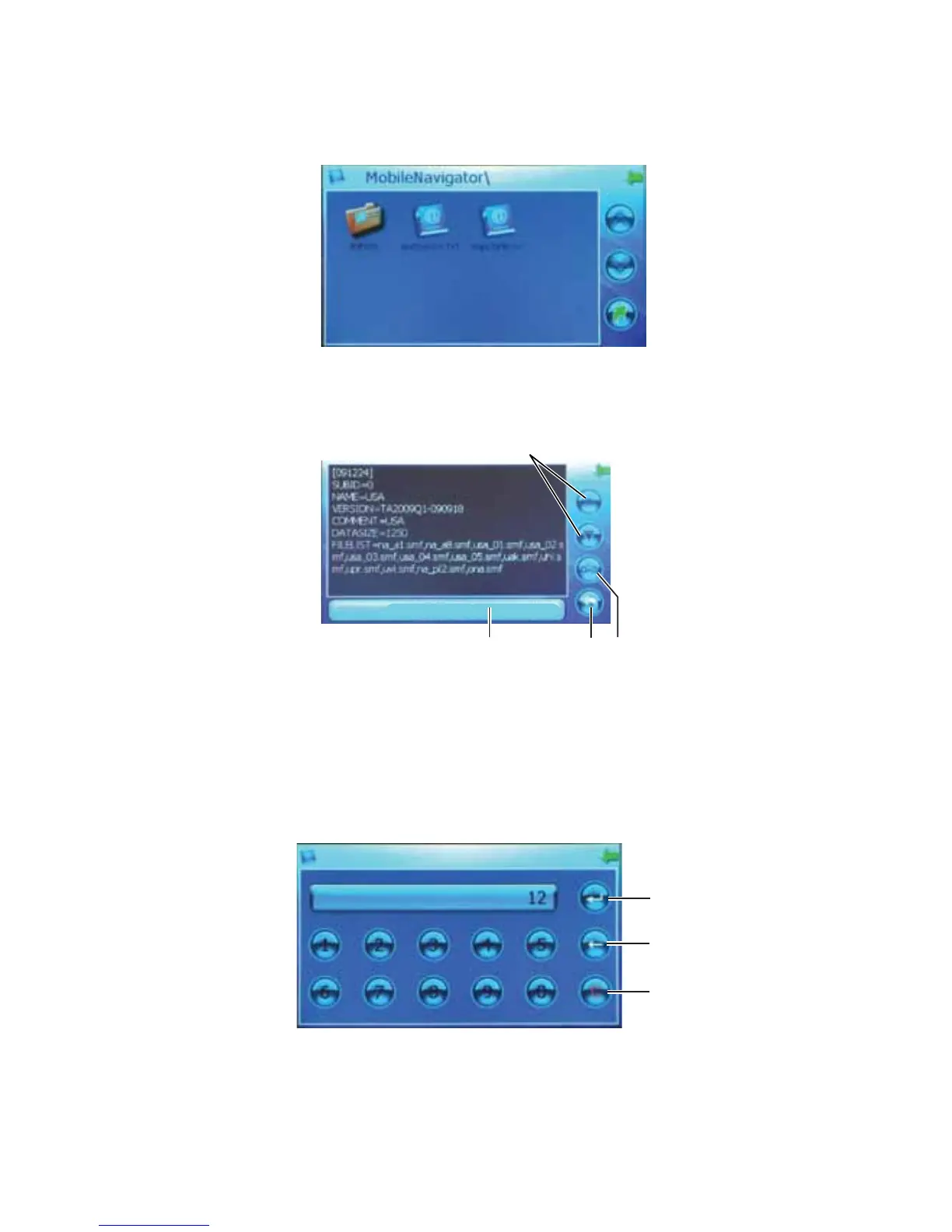
From the “Main Menu”, the “Ebook” function allows you to view and read text files (TXT format) from
an SD card.
1. Insert your memory card into the SD card slot.
2. From the “Main Menu”, press the “Ebook” button.
3. The available documents or folders will appear as buttons.
4. Double-tap the button you want to open.
• Press the up and down arrows to advance or go back one page, or tap the screen to advance
one page at a time.
MapCfgFile.txt 1/2
1
2
3
4
Legend
1. Up and Down Arrows
2. File Selection Button
3. Go To Page Button
4. Text File Name
• Press the “File Selection” button to choose a different document.
• Press the “Go To Page” button to choose a specific page in the document to skip to, and
press the “Skip” button to go to the page.
1
2
3
Legend
1. Skip Button
2. Backspace Button
3. Clear Button



 To Next Page