29
Calibration
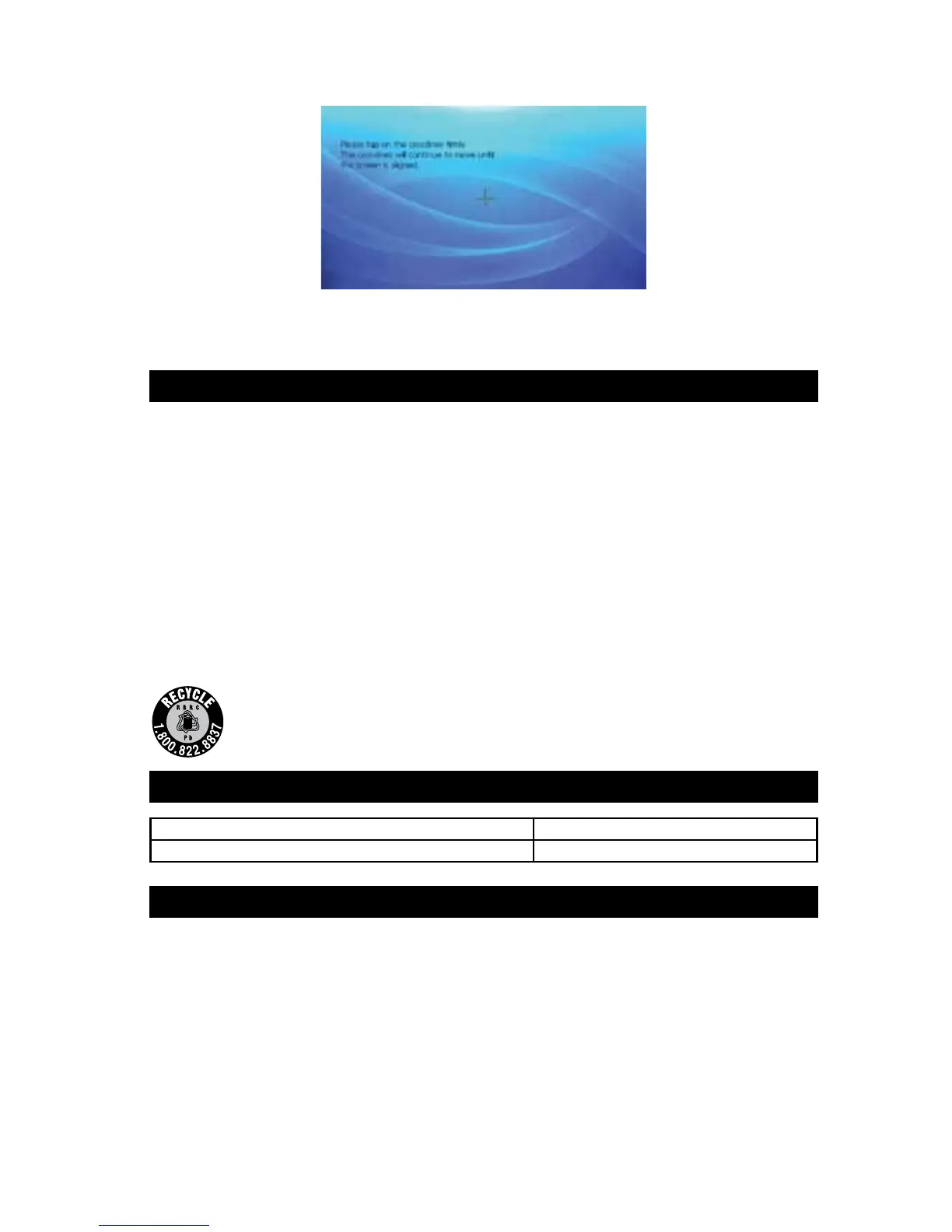
This screen allows you to recalibrate the touch screen.
With the stylus, firmly tap the center of the crosslines. The crosslines will move around the screen;
continue pressing the center of the crosslines. The screen will close automatically when the touch
screen is calibrated.
CARE AND MAINTENANCE
Storage
Store this GPS in a cool, dry area and keep it away from direct sunlight, heat, excessive humidity and
dampness.
Cleaning
Do not clean or wipe the GPS with solvents or chemical materials. If necessary, remove dirt or stains
using a soft cloth dampened with a mild detergent solution.
Fuse Replacement
1. Turn the cap on the tip of the power plug counterclockwise (no tools needed).
2. Remove the cap, center pin and fuse.
3. Replace the fuse with a new 3-amp fuse.
4. Replace the center pin and cap. Turn the cap clockwise.
Disposal
The GPS is designed to provide years of service. The GPS should be recycled or safely
disposed of at a local recycling center. Examples of places that will accept items like this
are: county or municipal recycling drop-o centers or scrap metal dealers.
SPECIFICATIONS
LCD Display Screen Size 5.0 in. (127 mm)
Power Cord Fuse 3A
NOTICE TO DRIVERS IN CALIFORNIA AND MINNESOTA
State law prohibits drivers in California and Minnesota from using suction mounts on their windshields
while operating motor vehicles. Other dashboard or friction mounting options should be used. Peak®
does not take any responsibility for any nes, penalties, or damages that may be incurred as a result
of disregarding this notice. (See California Vehicle Code Section 26708(a); Minnesota Statutes 2005,
Section 169.71)



 To Next Page