11
EXPLORING THE SCREENS
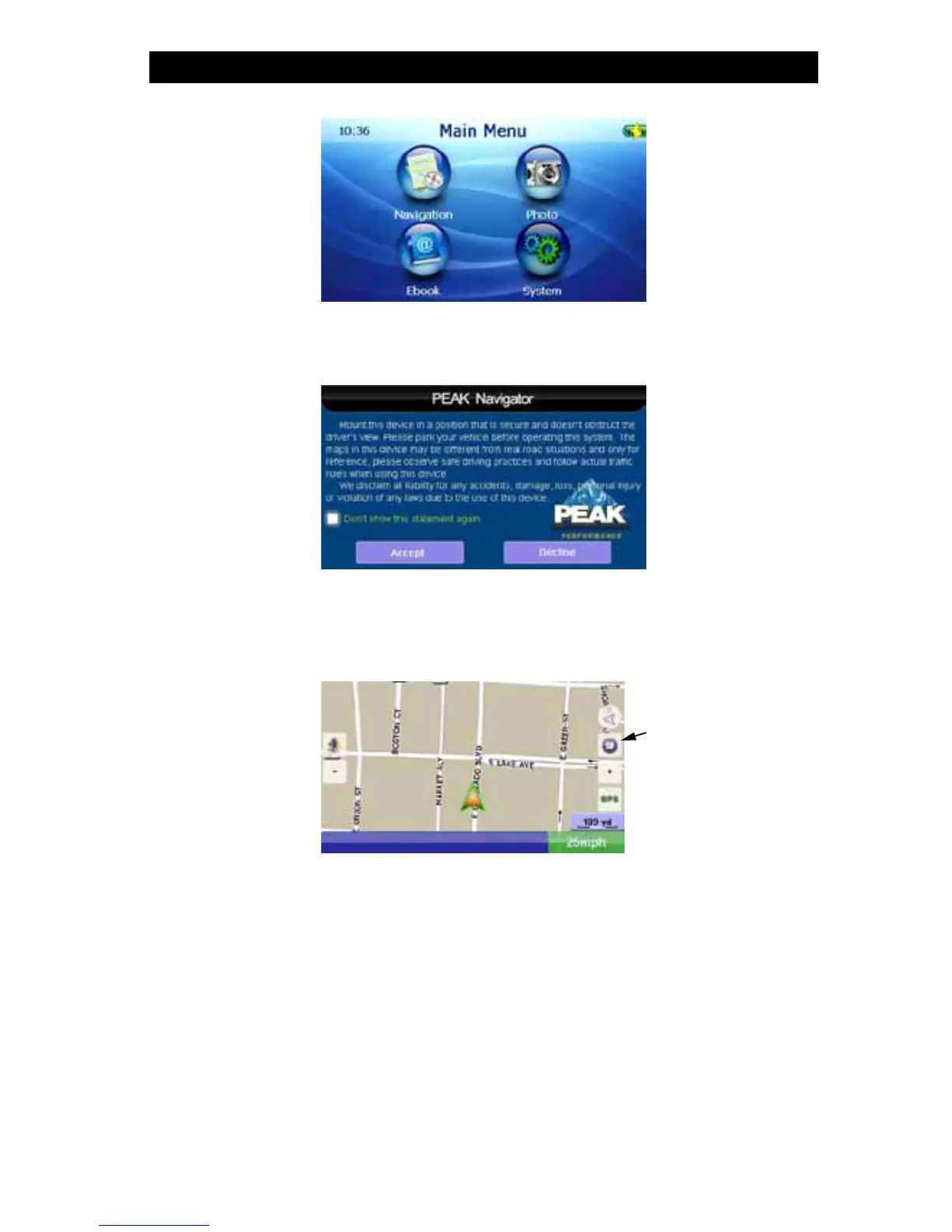
At power up, the Peak screen will appear while loading, followed by the “Main Menu”.
Navigation
When entering the “Navigation” system for the first time, the “System Attention” screen will appear.
Read the statement and press the “Accept” button to enter the “Navigation” system or the “Decline”
button to exit the system. Checking the box and then pressing “Accept” will skip this screen upon
subsequent entrances into the Navigation system.
The welcome screen will appear, and will automatically take you to the “Navi Map” screen.
This screen will automatically show your path as you drive.
To access more options, press the “Menu” button. This will take you to the “Navi Menu”.



 To Next Page