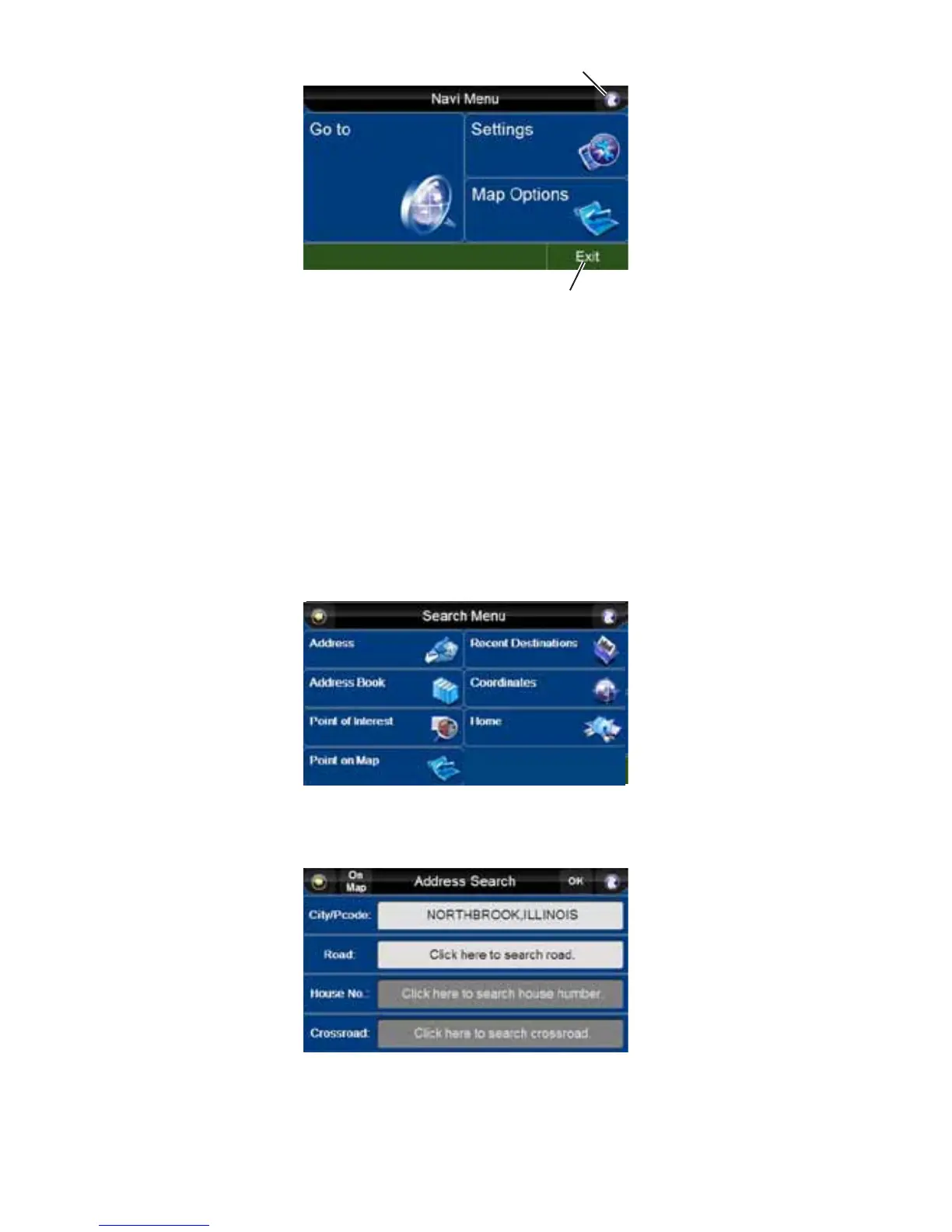
Legend
1. Map Button
2. Exit Button
Besides the three main buttons on this screen (“Go to”, “Map Options” and “Settings”), you can also
press:
• The “Map” button to go to the “Navi Map” screen.
• The “Exit” button to exit “Navigation” and go back to the “Main Menu”.
NOTE: Before using the navigation system for the first time, you may want to adjust the settings for
your personal preferences. See “Settings” on page 21.
Go to
Pressing the “Go to” button from the “Navi Menu” takes you to the “Search Menu”, where you can
specify start point or end destination.
Address
Press the “City/Pcode” bar.
City, State, USA



 To Next Page