26
System
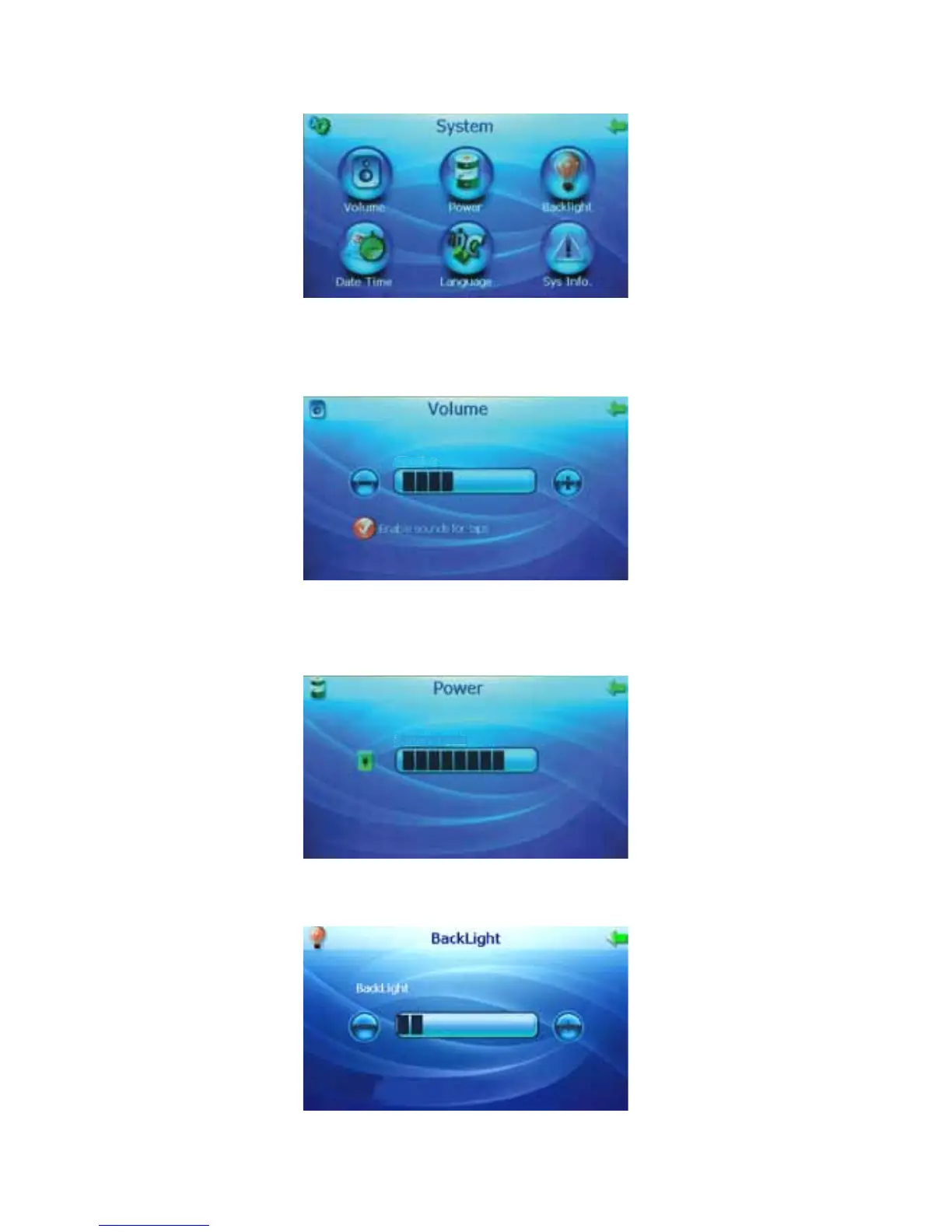
The “System” function allows you to adjust system information.
Volume
Press the Plus (+) and Minus (-) buttons to adjust the speaker volume. Check the “Enable sounds for
taps” button for sound when pressing the screen or leave it unchecked for silence.
Speaker
Power
The “Power” screen shows you the current battery level and indicates when the unit is charging
(scrolling power bar and plug next to the battery).
Battery
Level
Backlight
Press the Plus (+) and Minus (-) buttons to adjust the brightness of the backlight.



 To Next Page