27
Date and Time
Date
Time
Time Zone
Date
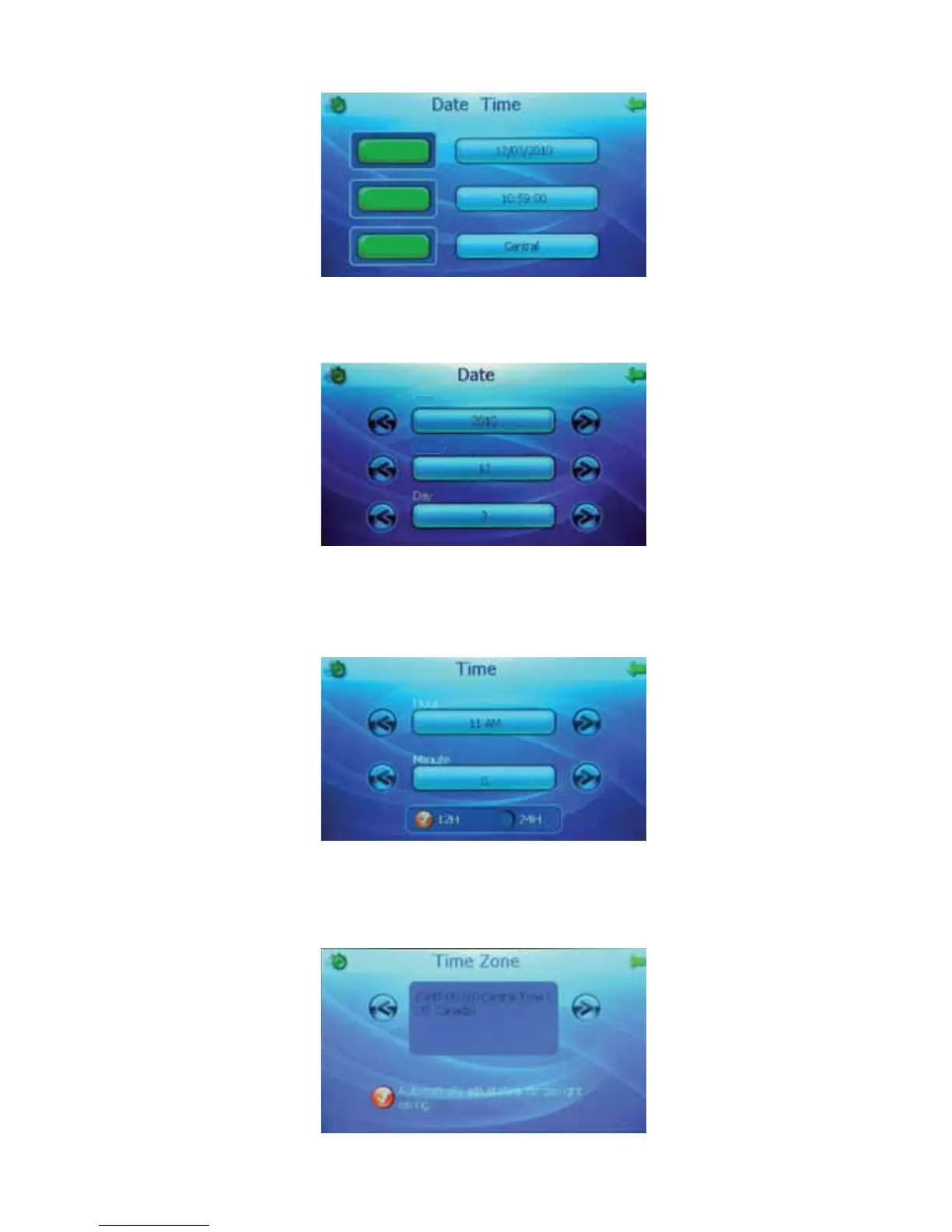
Press the “Date” button or the bar containing the date to access the “Date” screen. From the “Date”
screen, use the left and right arrows to adjust the year, month and day.
Year
Month
Day
Time
Press the “Time” button or the bar containing the time to access the “Time” screen. From the “Time”
screen, use the left and right arrows to adjust the hour and the minute. You can also choose between
12H and 24H format.
H
M
i
n
o
ur
Time Zone
Press the “Time Zone” button or the bar containing the time zone to access the “Time Zone” screen.
From the “Time Zone” screen, use the left and right arrows to adjust the time zone. You can also turn
on or off automatic time adjustment for daylight savings.



 To Next Page