28
Language
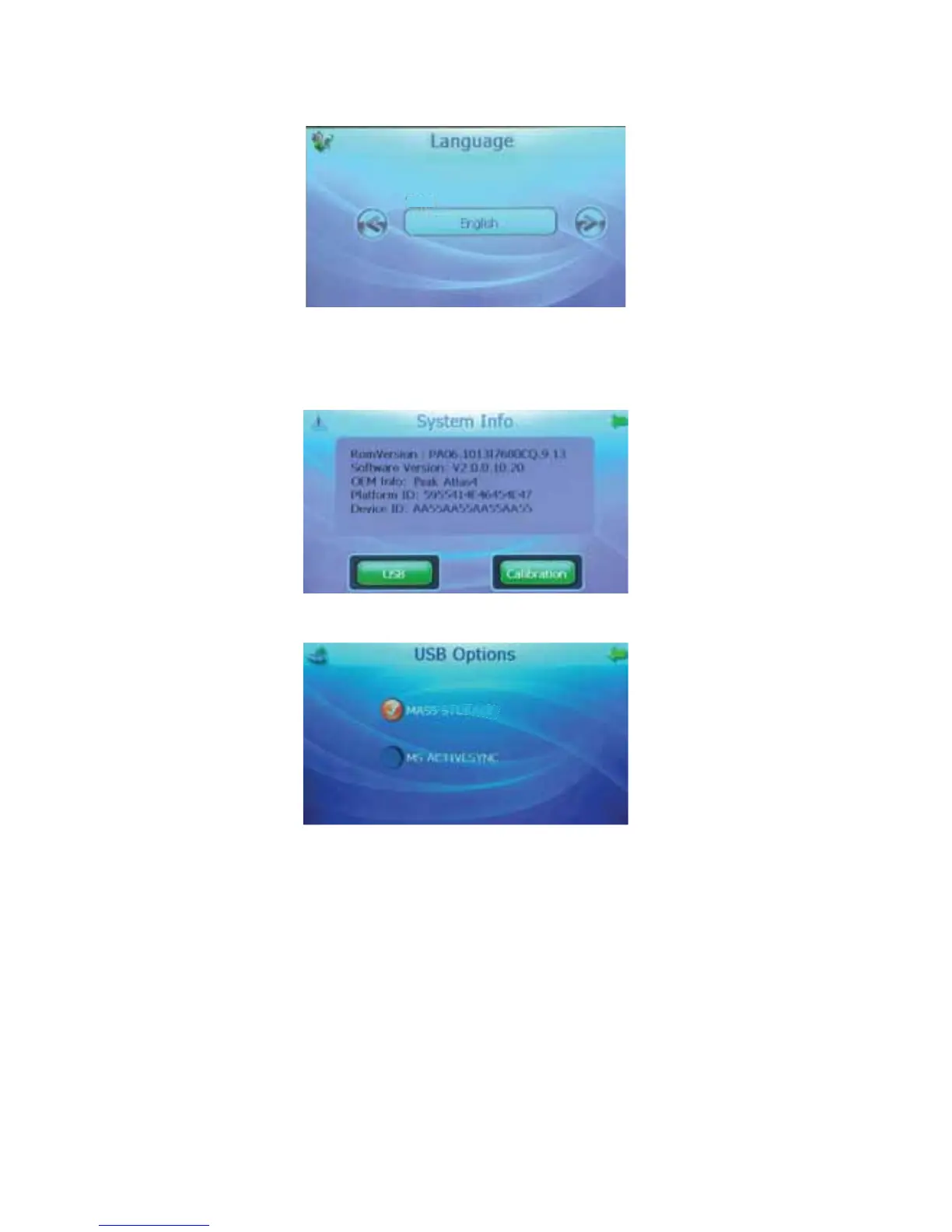
Press the left and right arrow buttons to select the language of the text that will display in the “Ebook”,
“Photo” and “System” screens. The “Navigation” text and language is controlled separately.
Text
Sys Info.
The “System Info” screen shows software and other information about the unit. From this screen,
press the “USB” or “Calibration” button.
USB
STORAGE
MASS
MS
ACTI
VESYNC
This screen allows you to select how the unit connects to the PC, using MS Activesync or acting as
Mass Storage. It is not recommended to alter the data stored in the internal memory. It may damage
the map data and render the unit non-functional.
To add or upgrade the map, go to www.peakauto.com/gps:
1. Select and download the maps to a PC.
2. Copy the map to an SD card (2GB or larger depending on the map).
3. Insert the SD card with the new map in the card slot.
4. You will receive an Activation Code by email; enter this Activation Code when you use this new
map for the first time to activate it.



 To Next Page