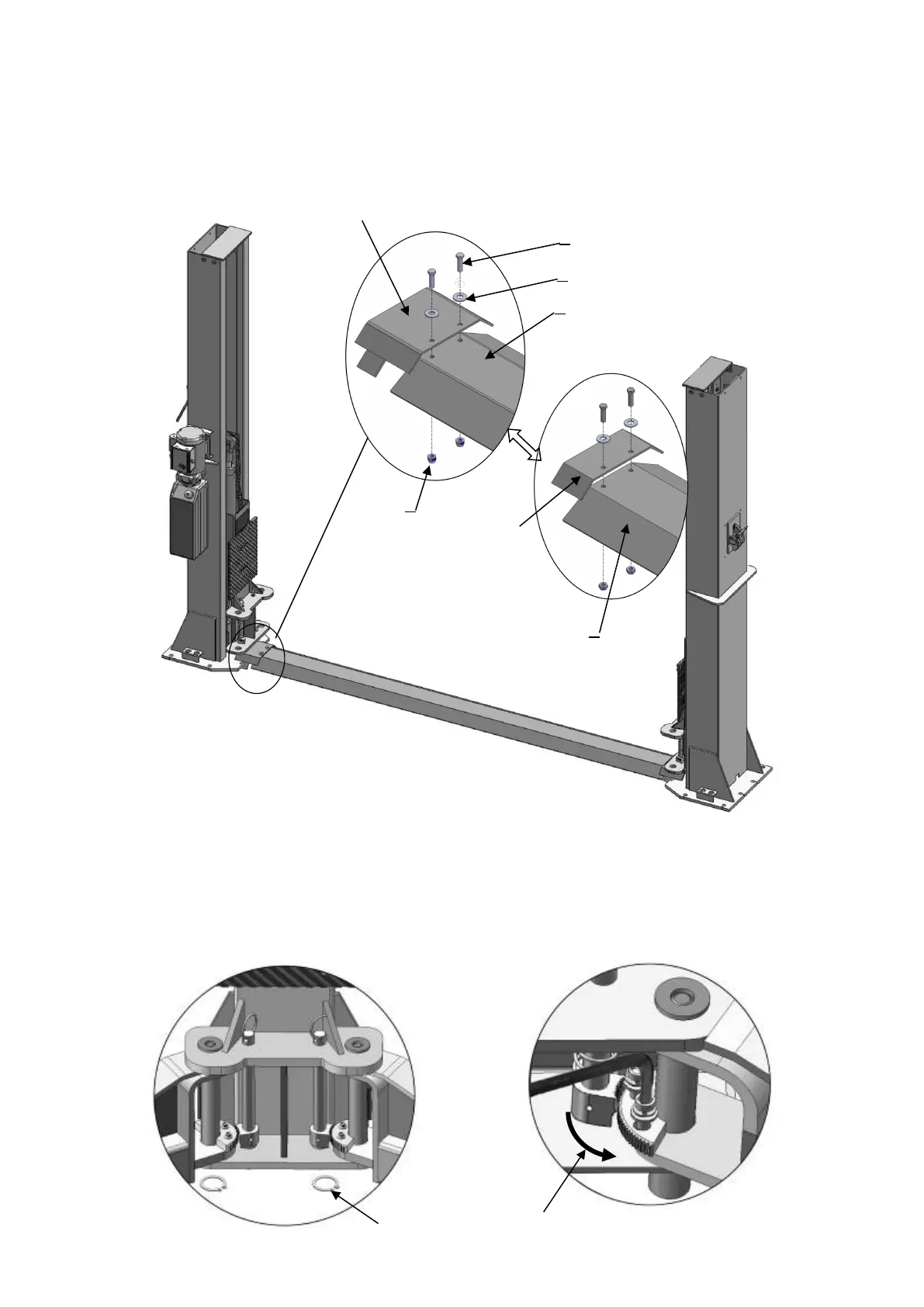
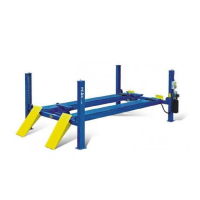
L. Install floor cover (See Fig. 25).
NOTE: Choose different extension cover according to the columns distance.
M. Install lifting arms and adjust the arm locks
1. Install the lifting arms (See Fig. 26). Lowing the carriages down to the lowest position,
then use the 8# ratchet spanner to loose the nut of arm lock (See Fig. 27). Adjust the
arm lock as arrow direction (See Fig. 28). Adjust the moon gear and arm lock to
make it to be meshed, then tighten bolts of arm lock (See Fig. 29).
Use the ratchet
spanner to loose
the nut
Installation for 3000mm
columns distance:
Use short extension cover
to connect the floor cover.
Installation for 3137mm columns
distance: Use long extension cover to
connect the floor cover.


 To Next Page