PCAN-USB Hub – User Manual
17
4 Operation
4.1 Status LEDs
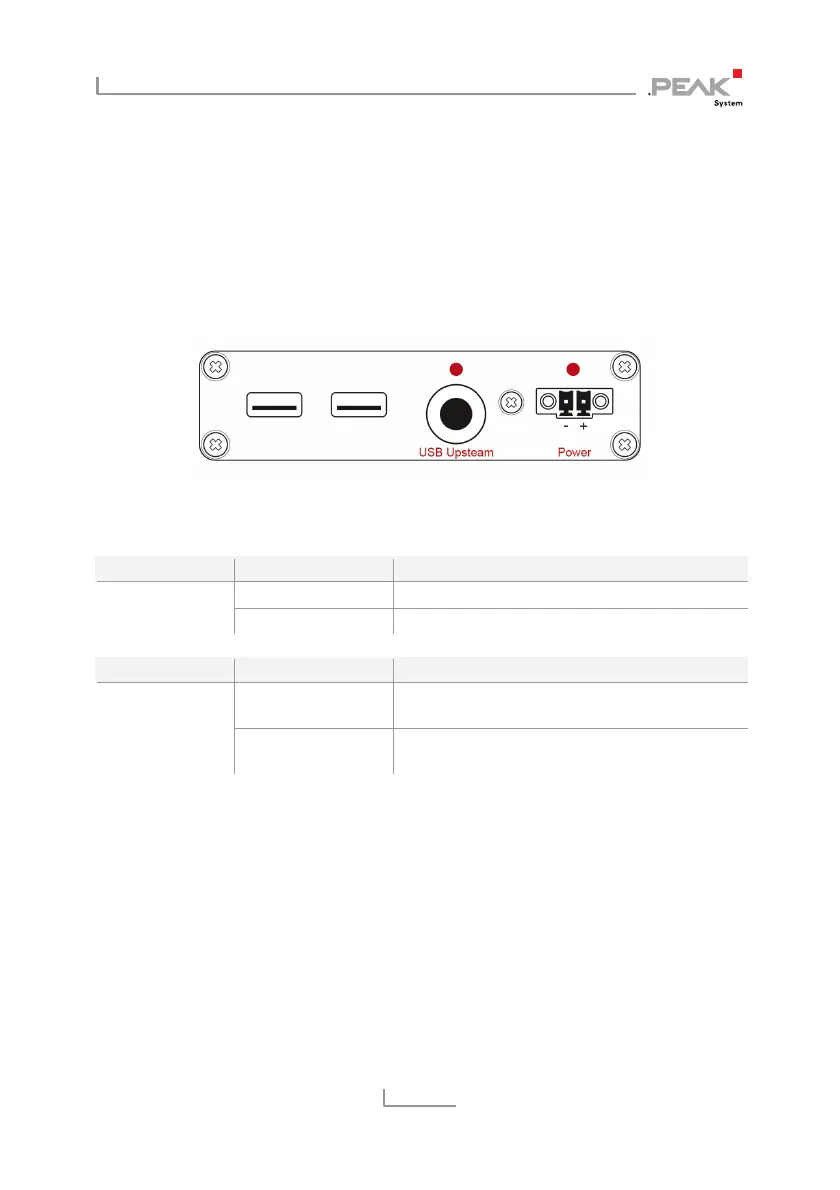
The PCAN-USB Hub has several status LEDs.
Figure 7: Arrangement of the LEDs on the back side,
USB upstream / power socket
LED Status Meaning
Green on Supply via upstream port Power
Red on external voltage supply
LED Status Meaning
Red on High-speed USB connection (USB 2.0) with a
computer
USB upstream
OFF Full-speed USB connection (USB 1.1) with a
computer



 To Next Page