PCAN-USB Hub – User Manual
24
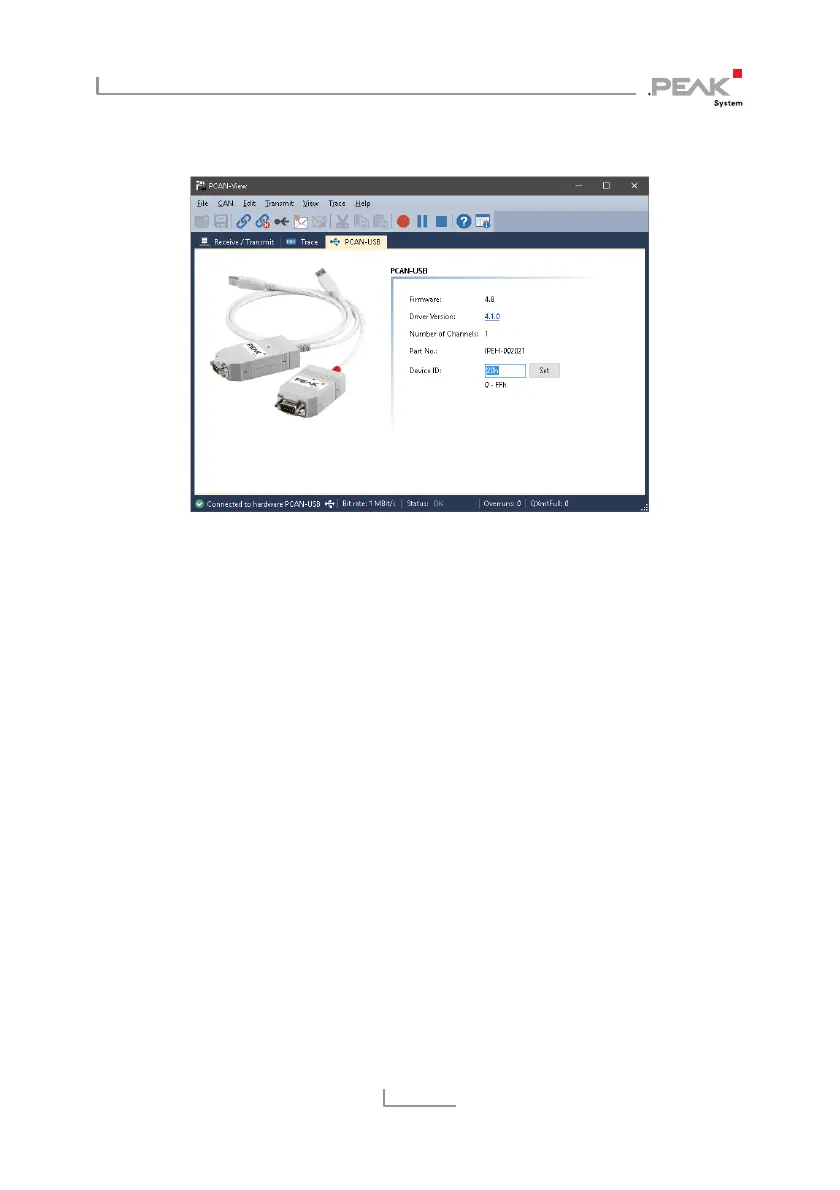
5.1.3 PCAN-USB Tab
Figure 14: PCAN-USB tab
The PCAN-USB tab contains some detailed information about the
hardware and driver. In addition, you can assign a Device ID to the
adapter. Thus, it can be uniquely identified while operating several
PCAN-USB Hub adapters on a computer at the same time.
To identify a PCAN-USB Hub adapter, you first go to the dialog box
for selecting the hardware of PCAN-View (Figure 10 on page 20). In
the
list Available PCAN hardware and PCAN-nets, you can perform
a right-click on every USB adapter and execute the command
Identify. Thereby the LED of the corresponding adapter flashes
shortly.



 To Next Page